
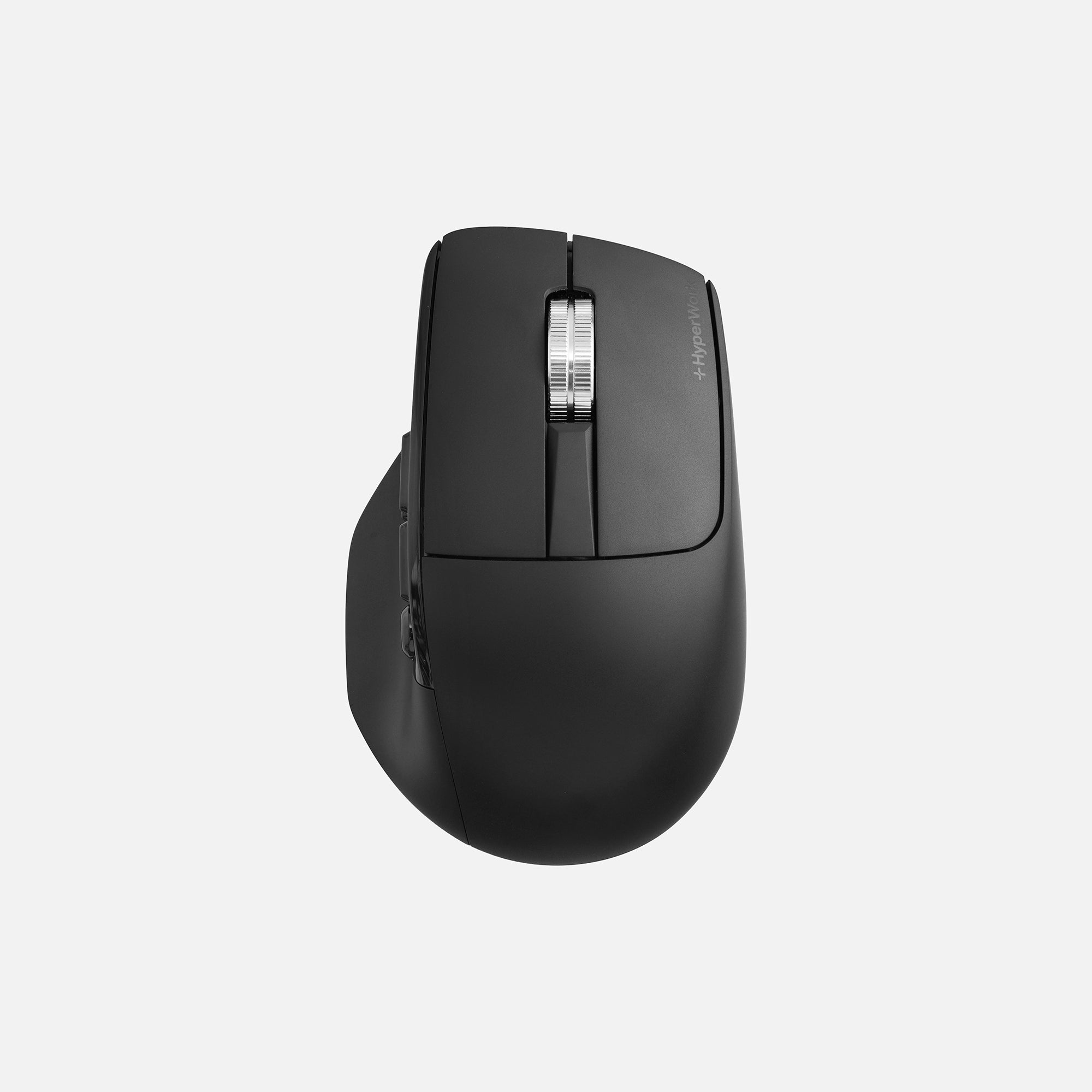
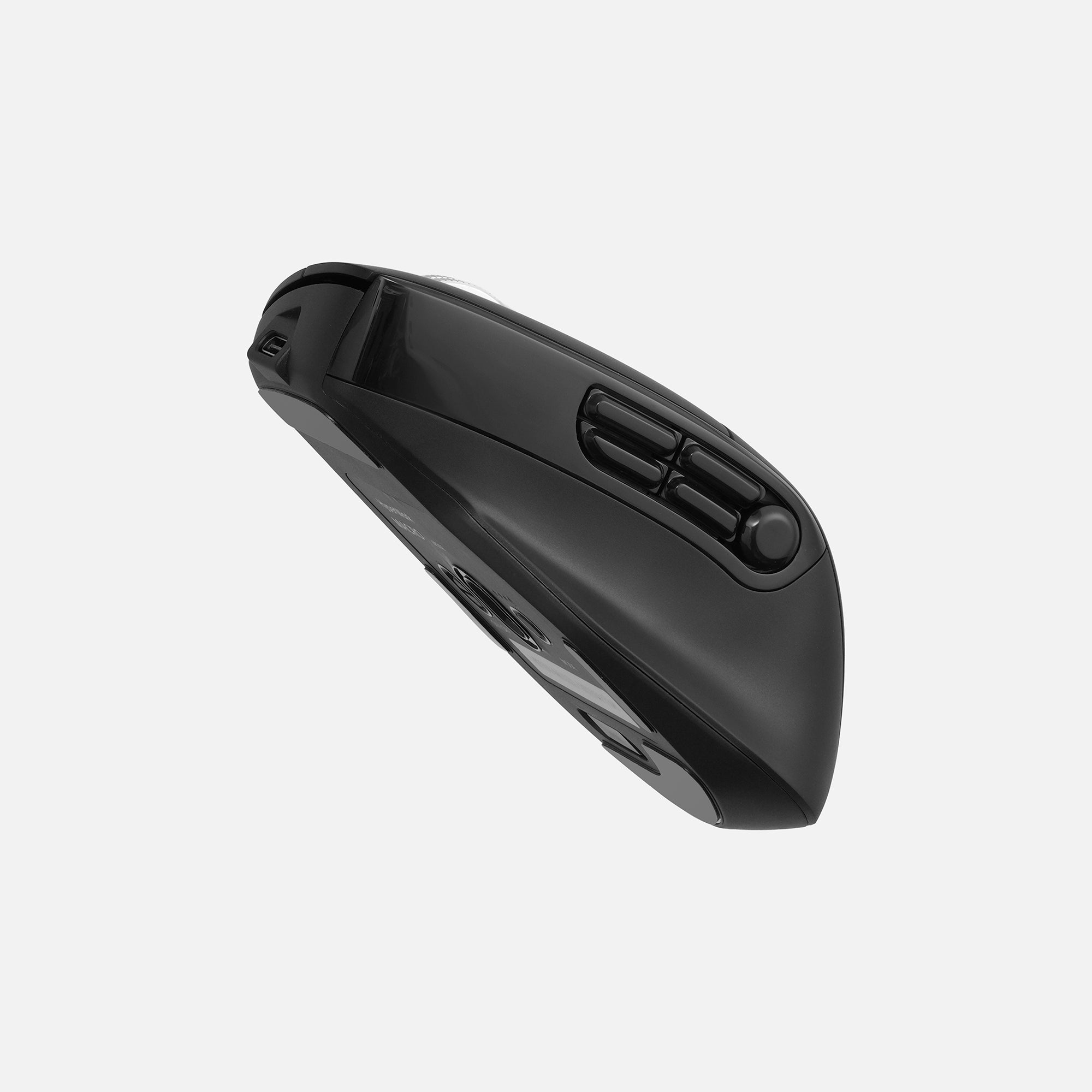
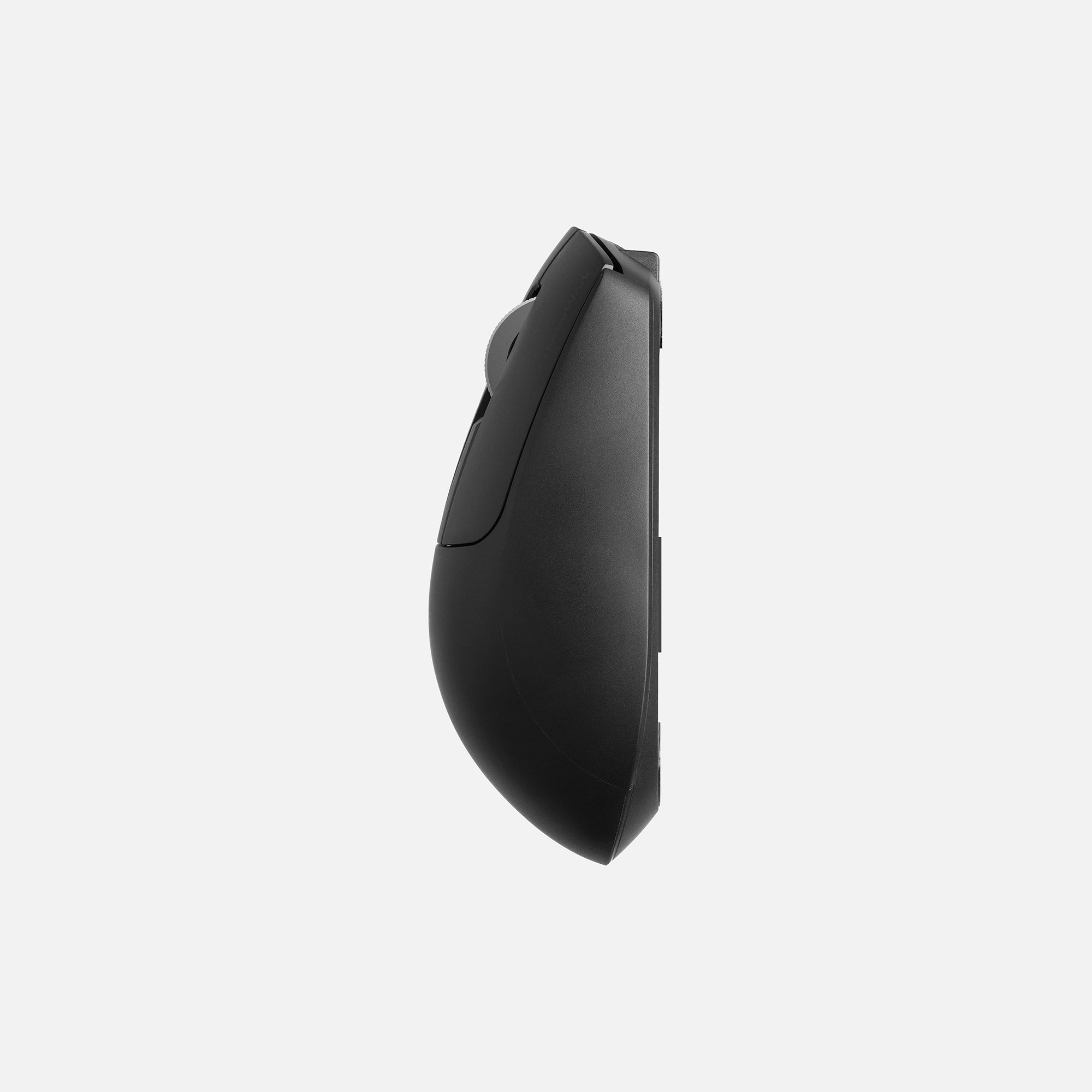
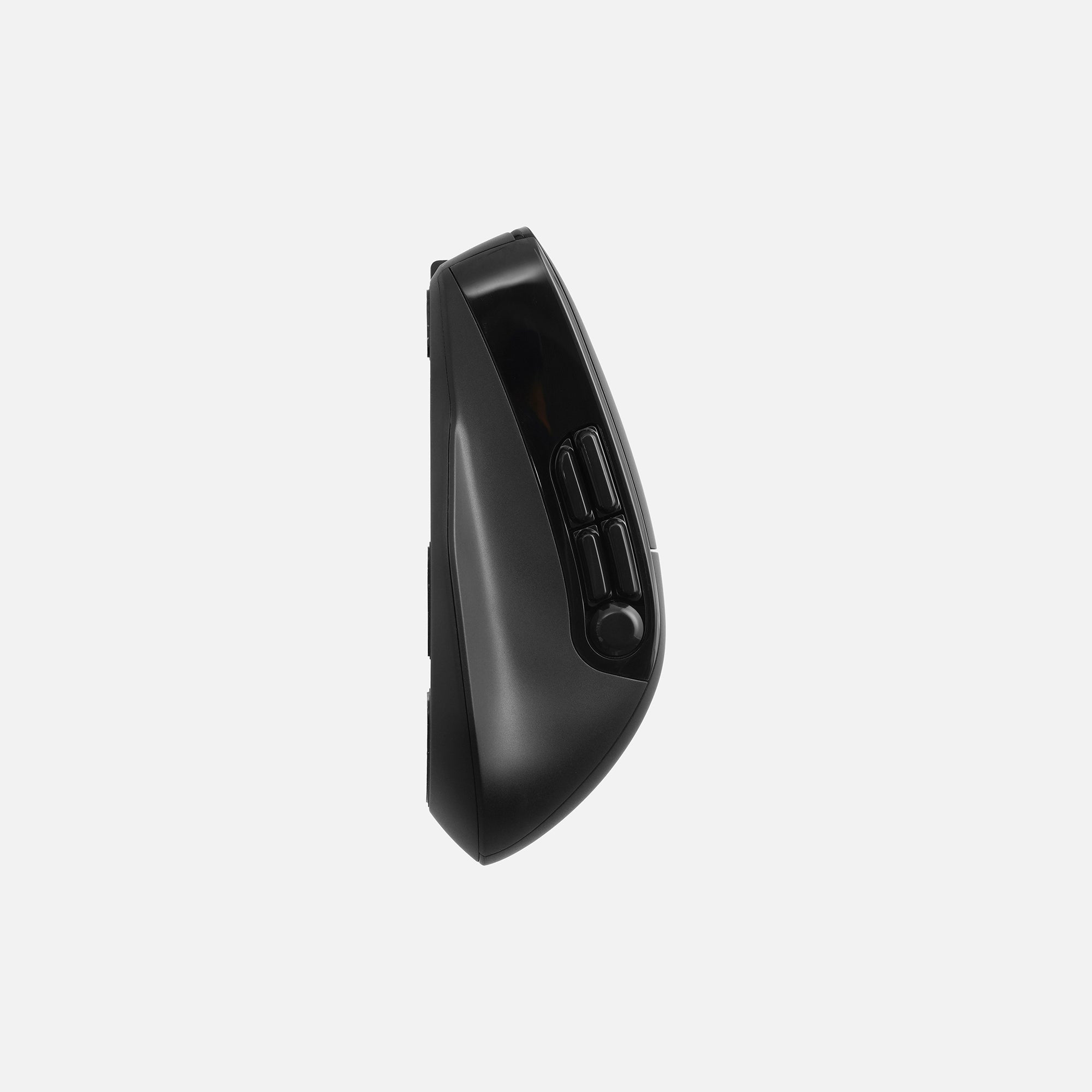
Wireless mouse | SKU: PK.HPW.MS02.BLK
Macro
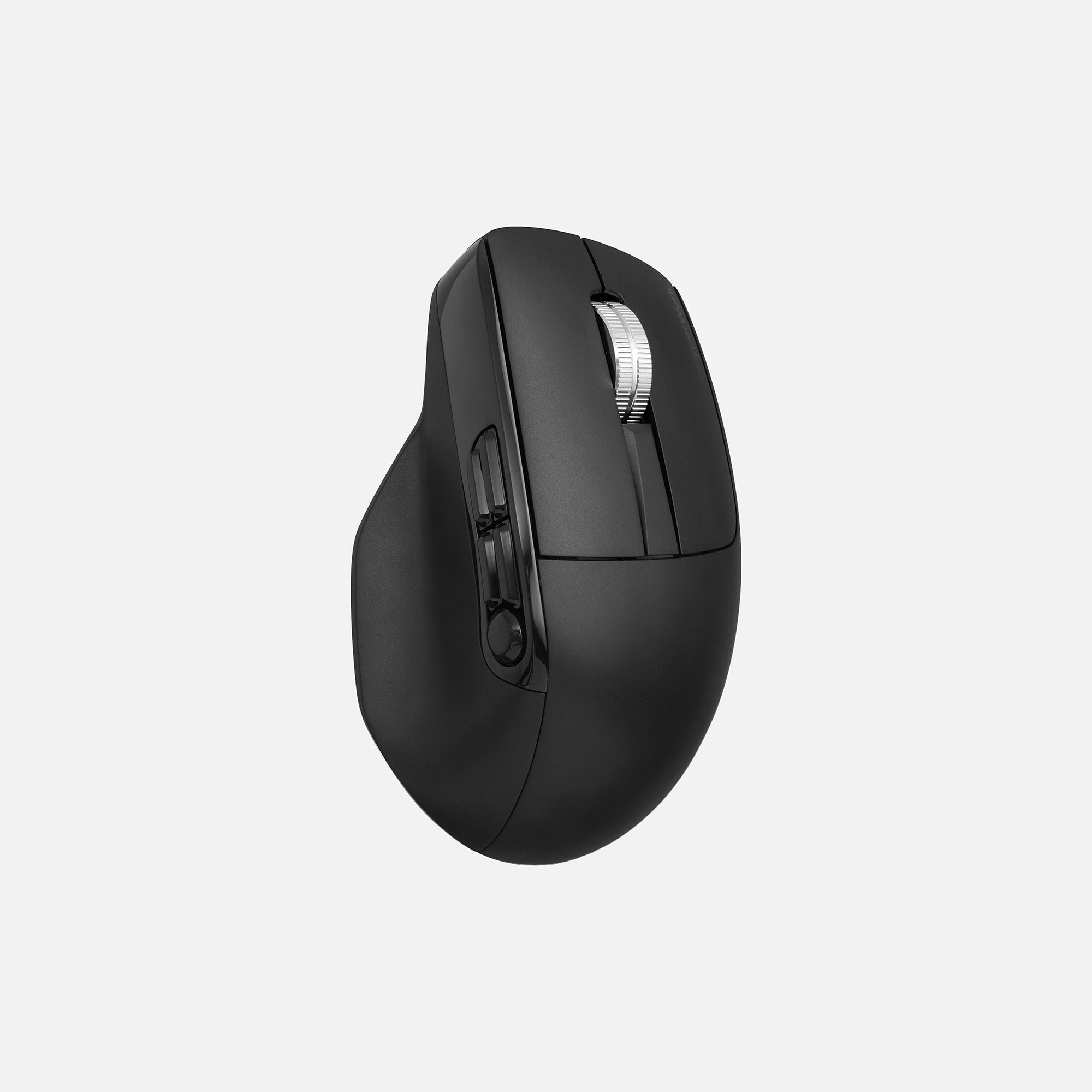
- Assign custom functions to buttons
- Download the customization software for Win & macOS from the App Store HERE.
- Battery capacity up to 750 mAh, lasting up to 2 months on a single charge
- Silent switches with a durability of up to 5 million clicks
- New sensor technology, smooth operation even on glass surfaces
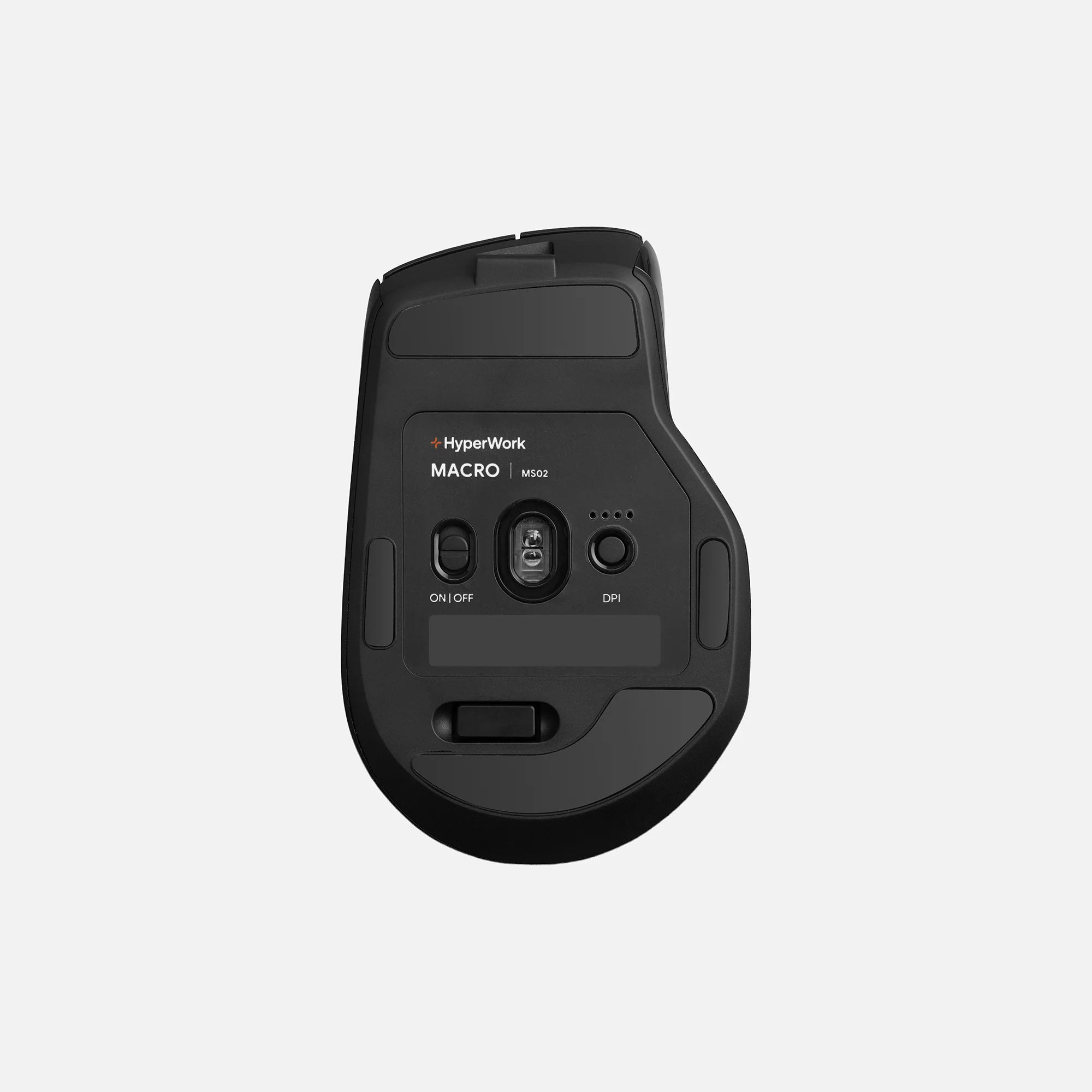
- Default DPI of 1600, adjustable sensitivity up to 6000 for specialized tasks
- Supports polling rate up to 1000 Hz when using the receiver, adjustable directly in the app
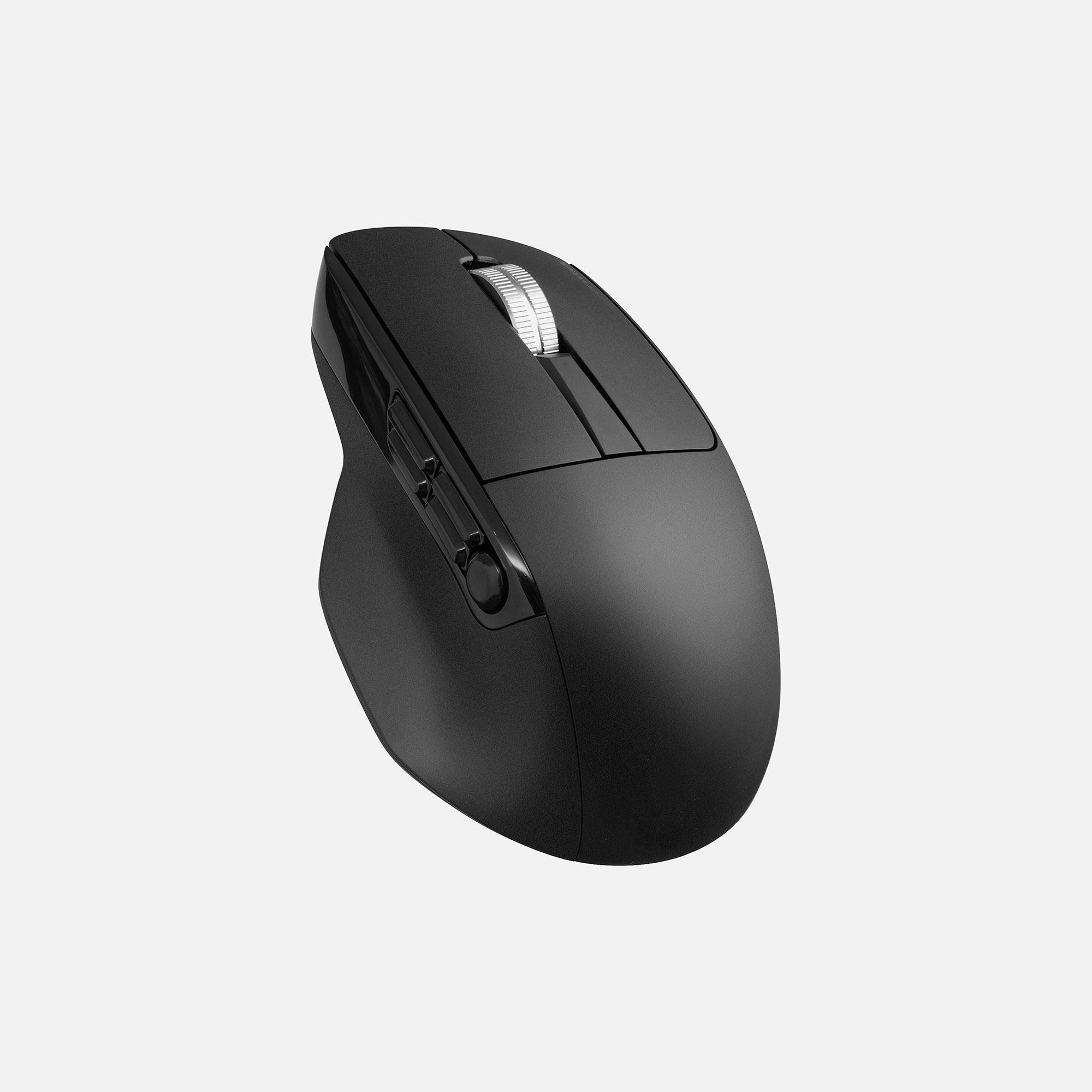
- Ergonomic design with a palm rest, reducing fatigue during long-term use
- Integrated screen on the body, displaying battery percentage, DPI, and connected device
- Versatile mouse, personalized for multitasking users
- 12-month warranty
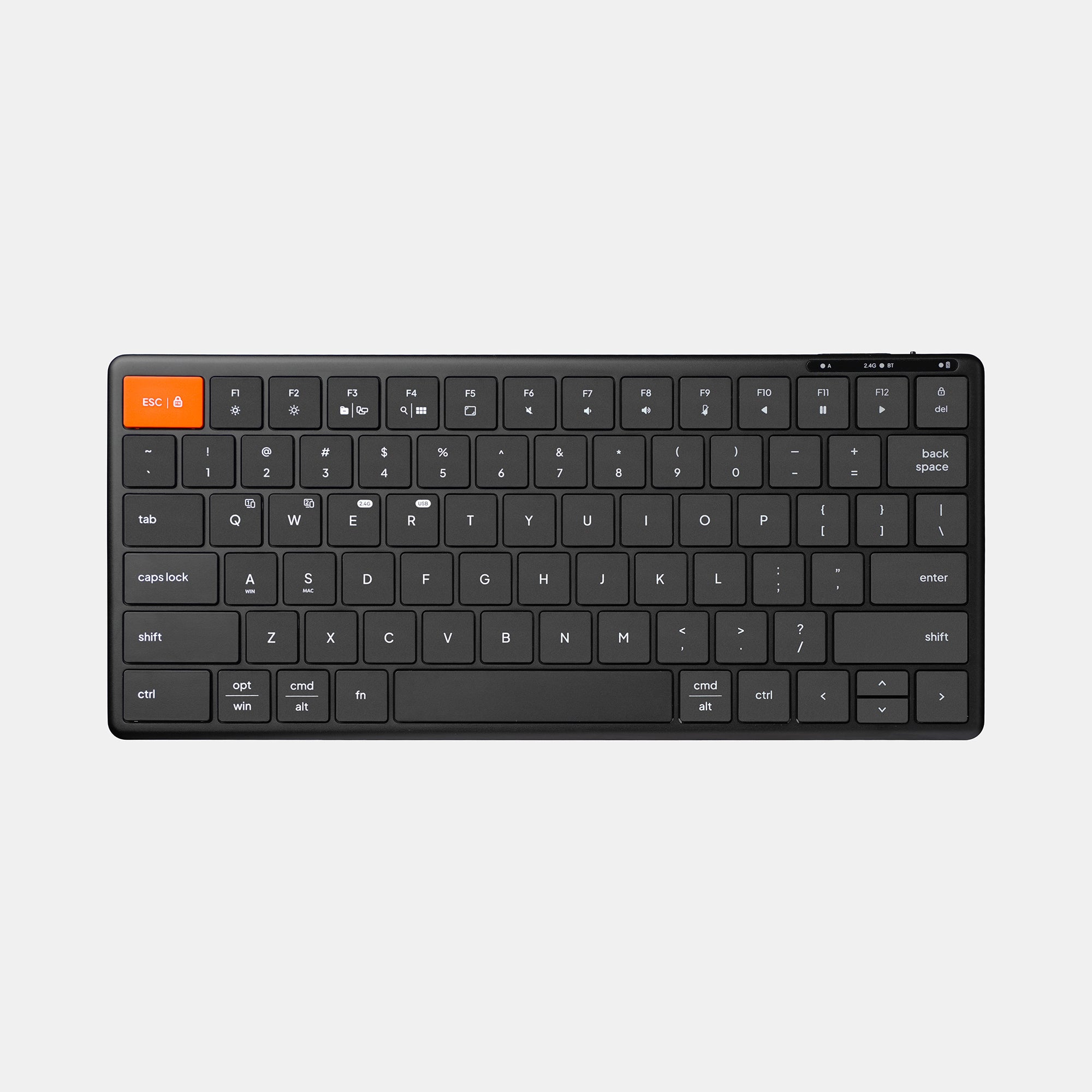

HyperWork Wireless Keyboard
HyperOne Gen 3
Sale price849.000
Original price899.000
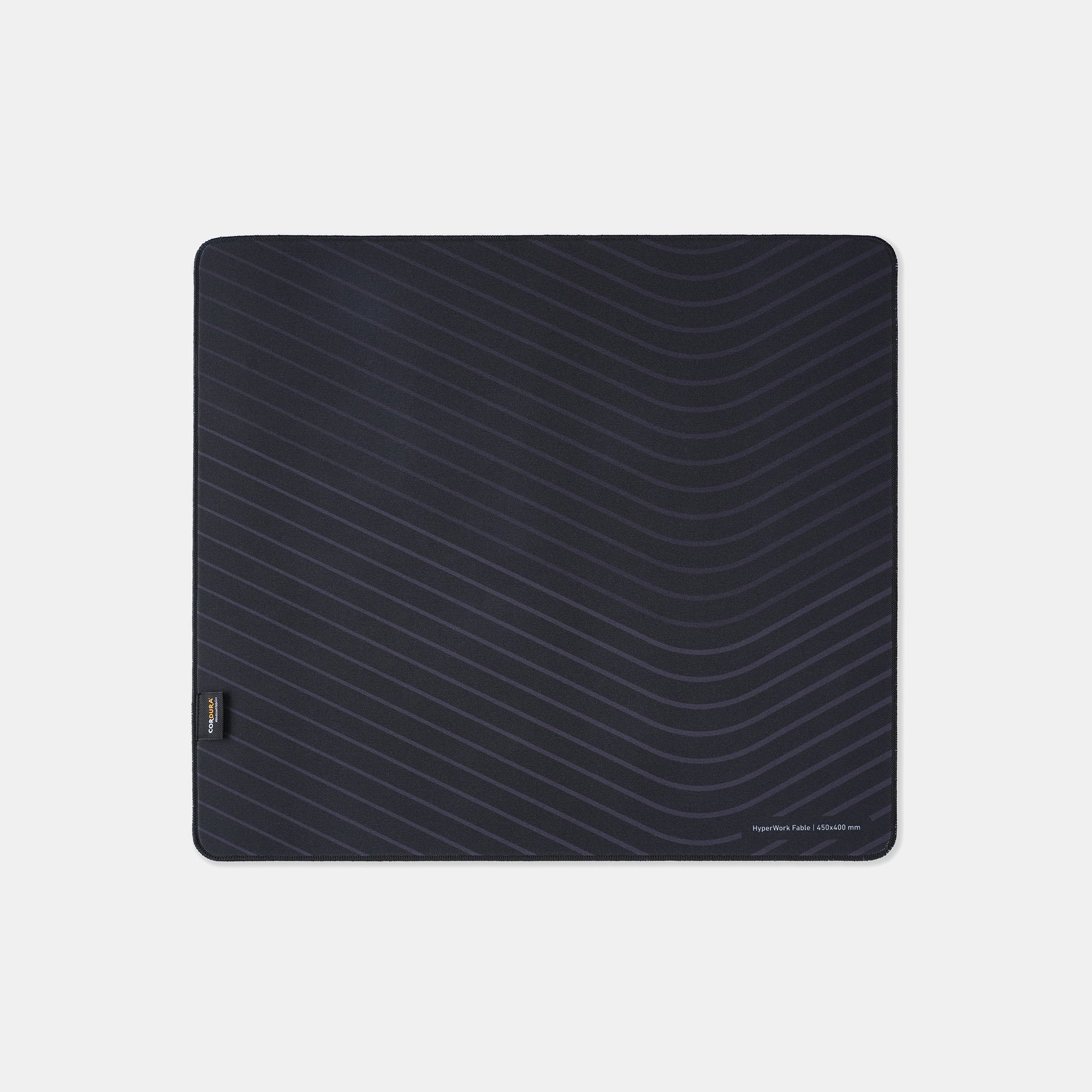
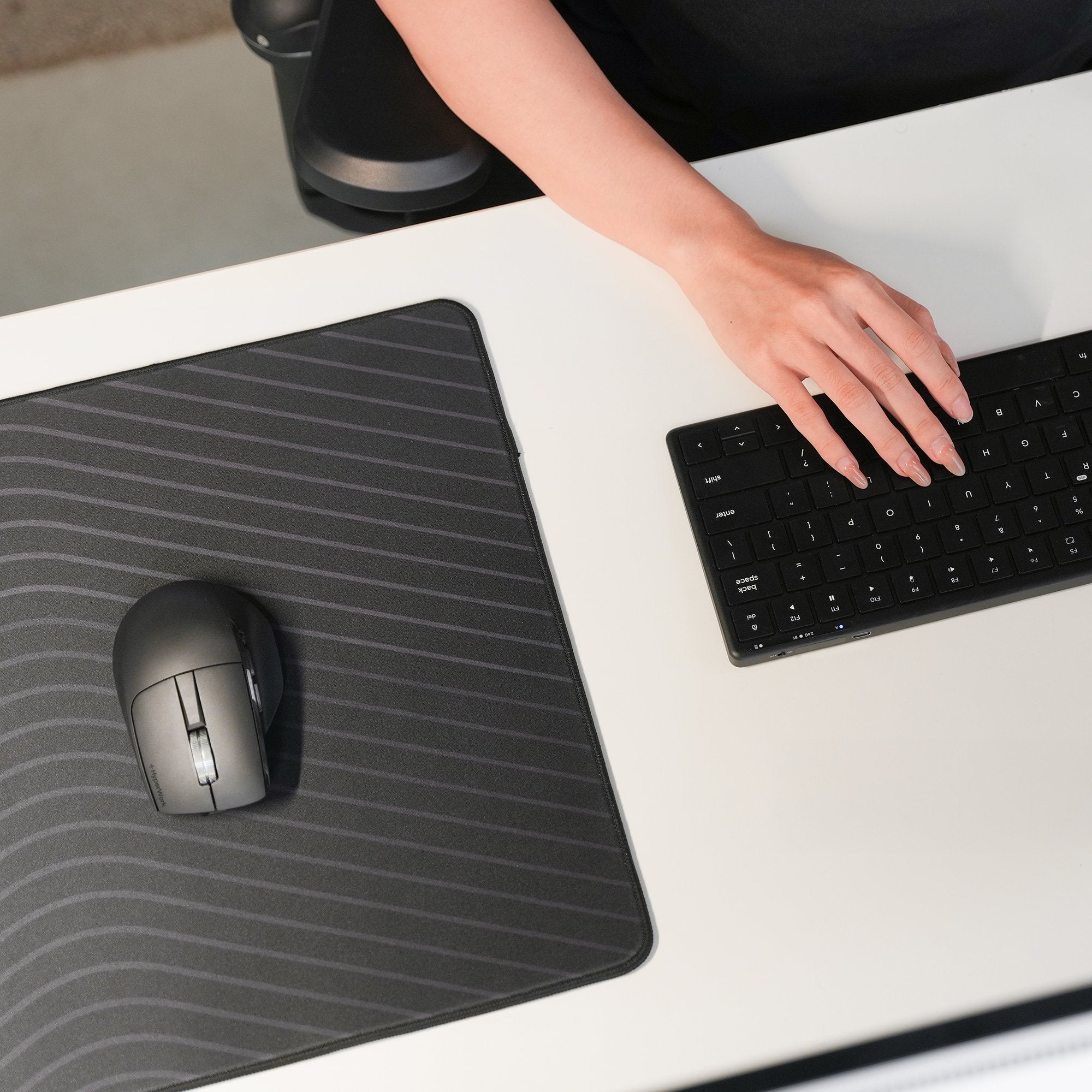
HyperWork Cordura Mousepad
Fable
Sale priceFrom 319.000
Original price389.000
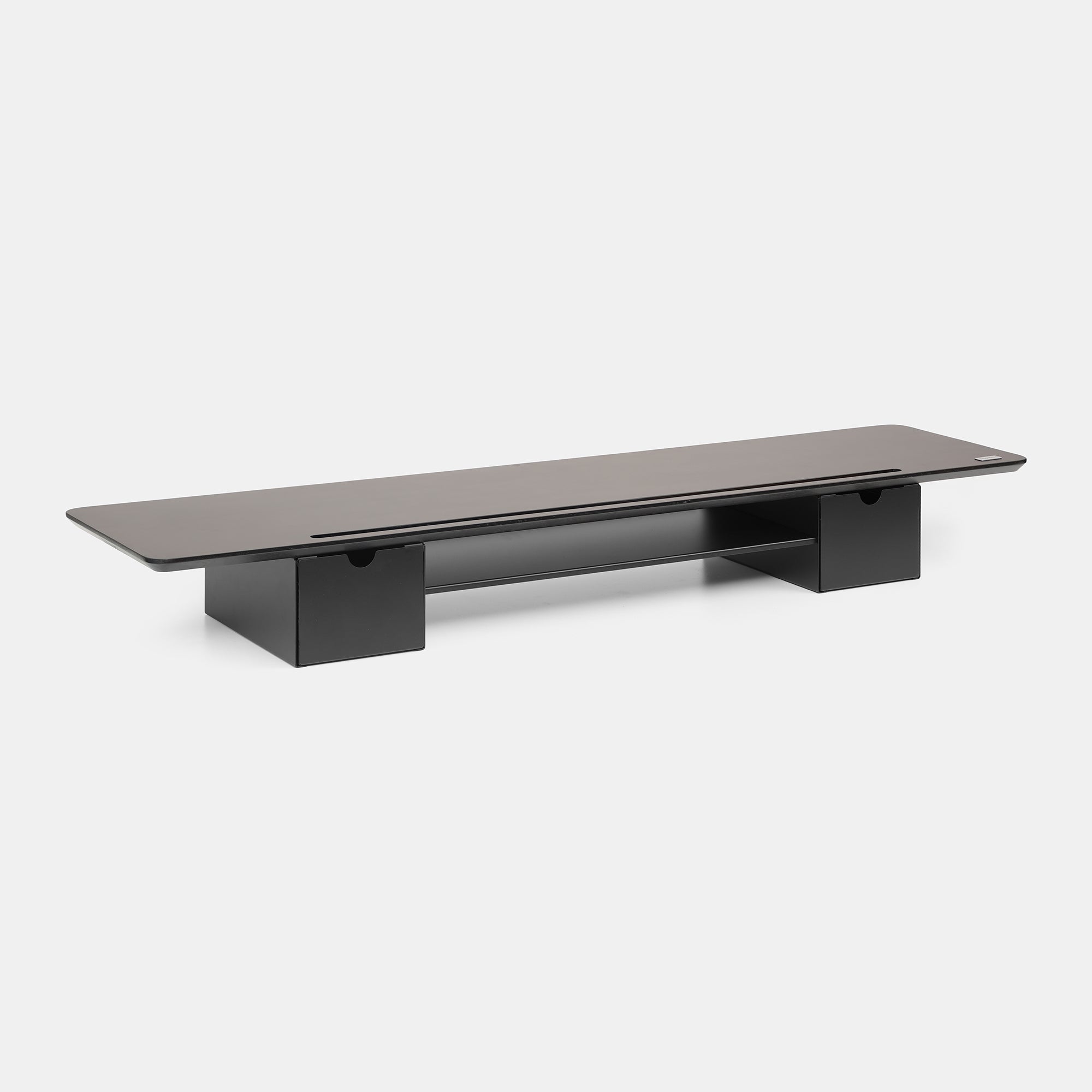
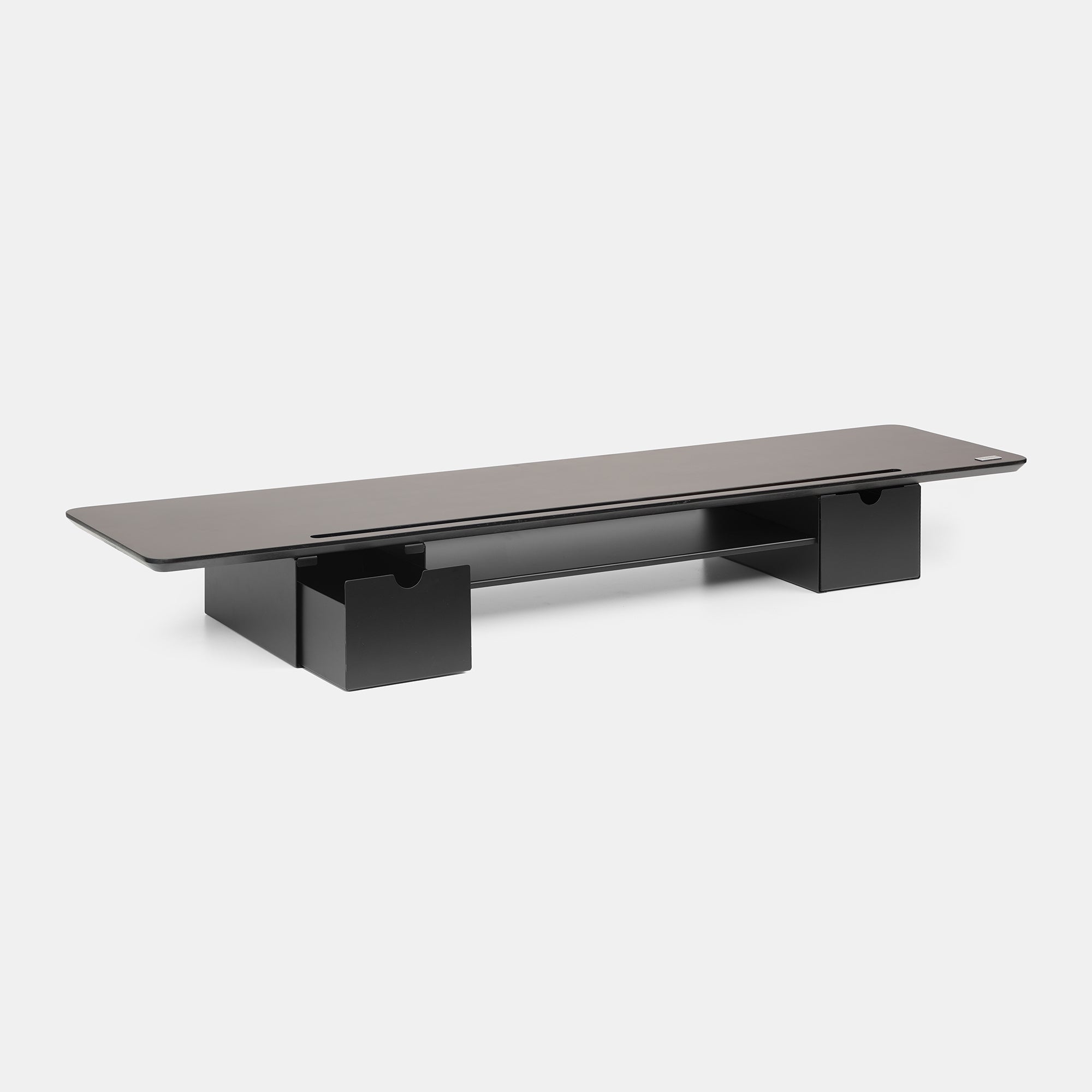
Monitor stand
DS02
Sale price1.050.000
Original price1.090.000
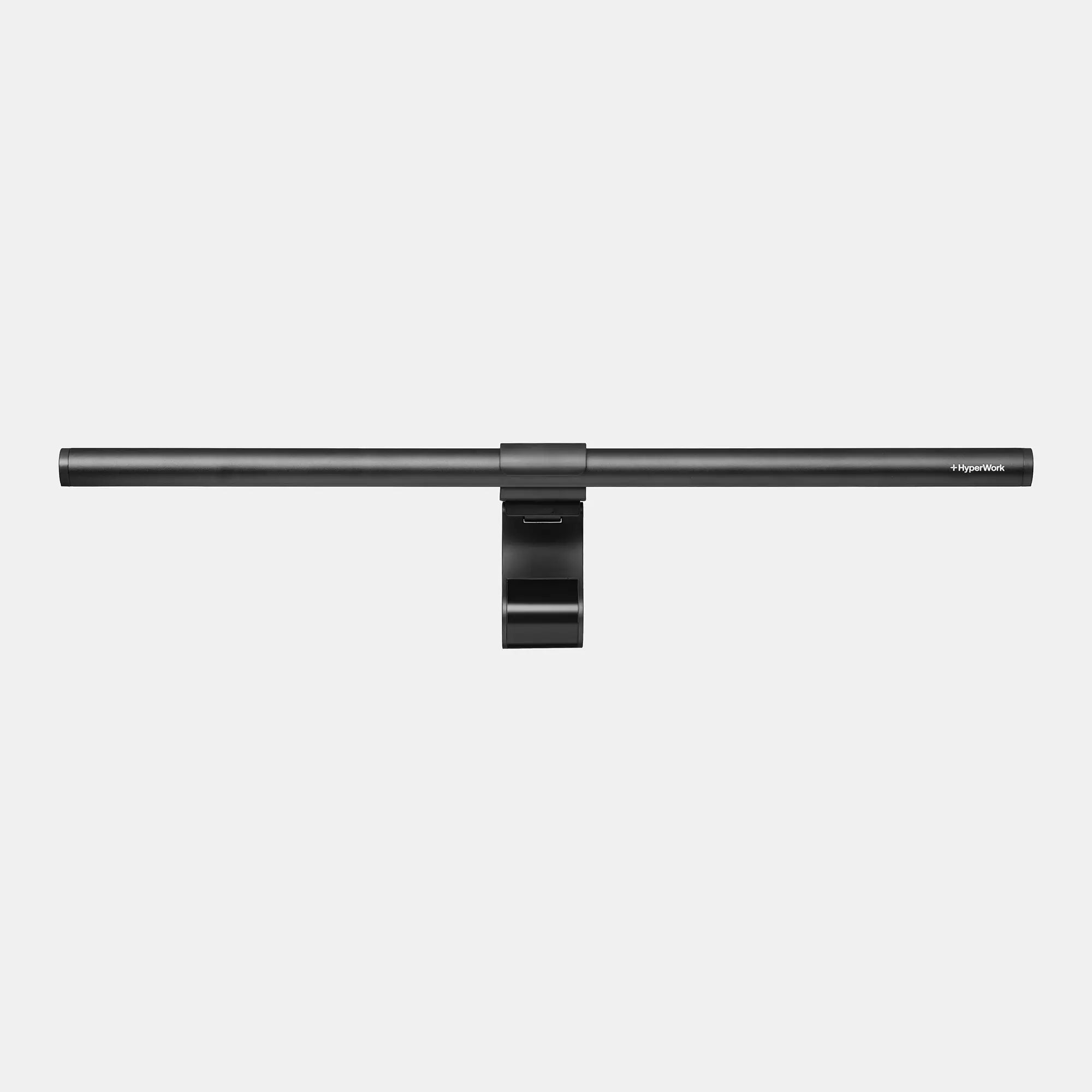
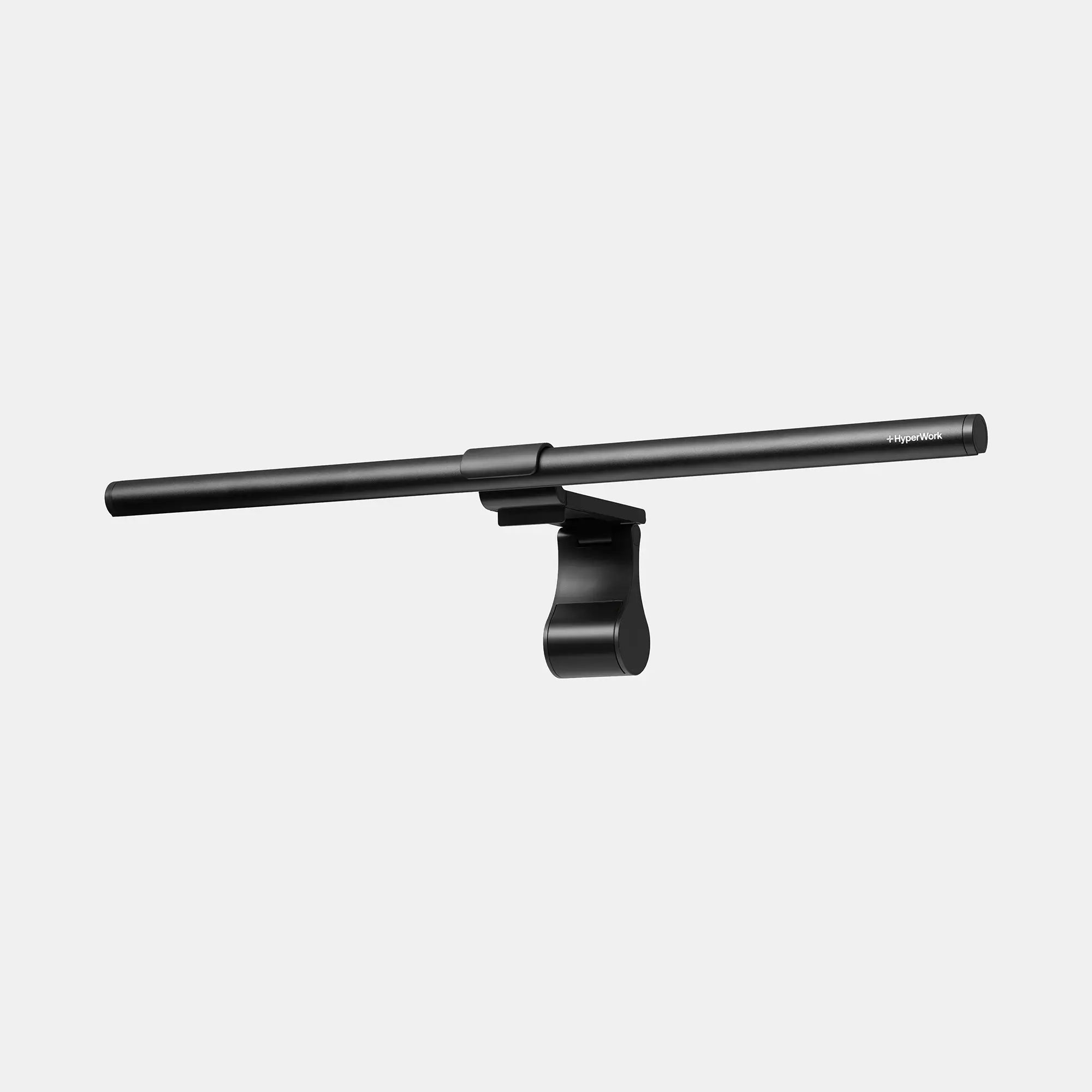
HyperWork Office Desk Lamp
Monitor Lightbar LB01
Sale price1.090.000
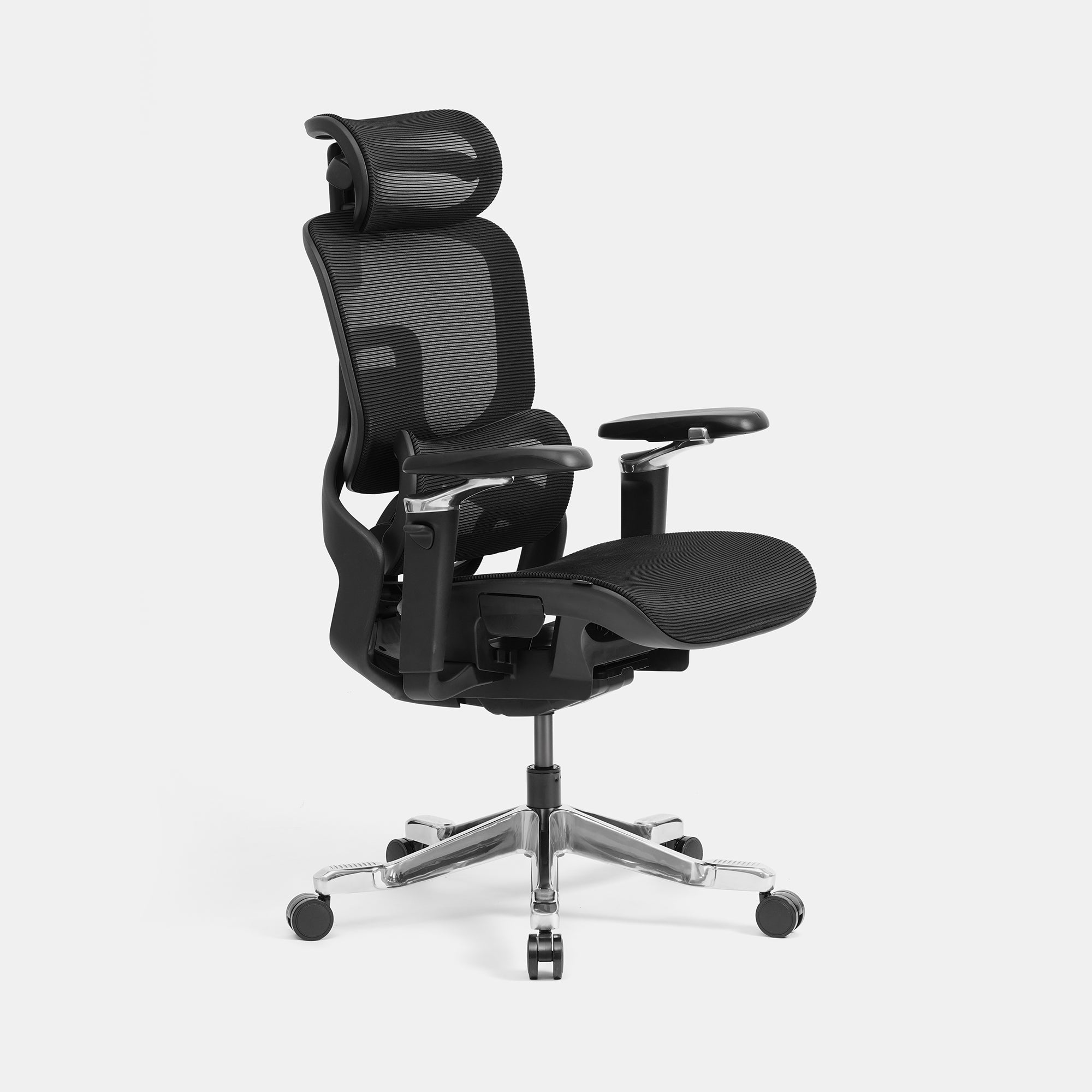
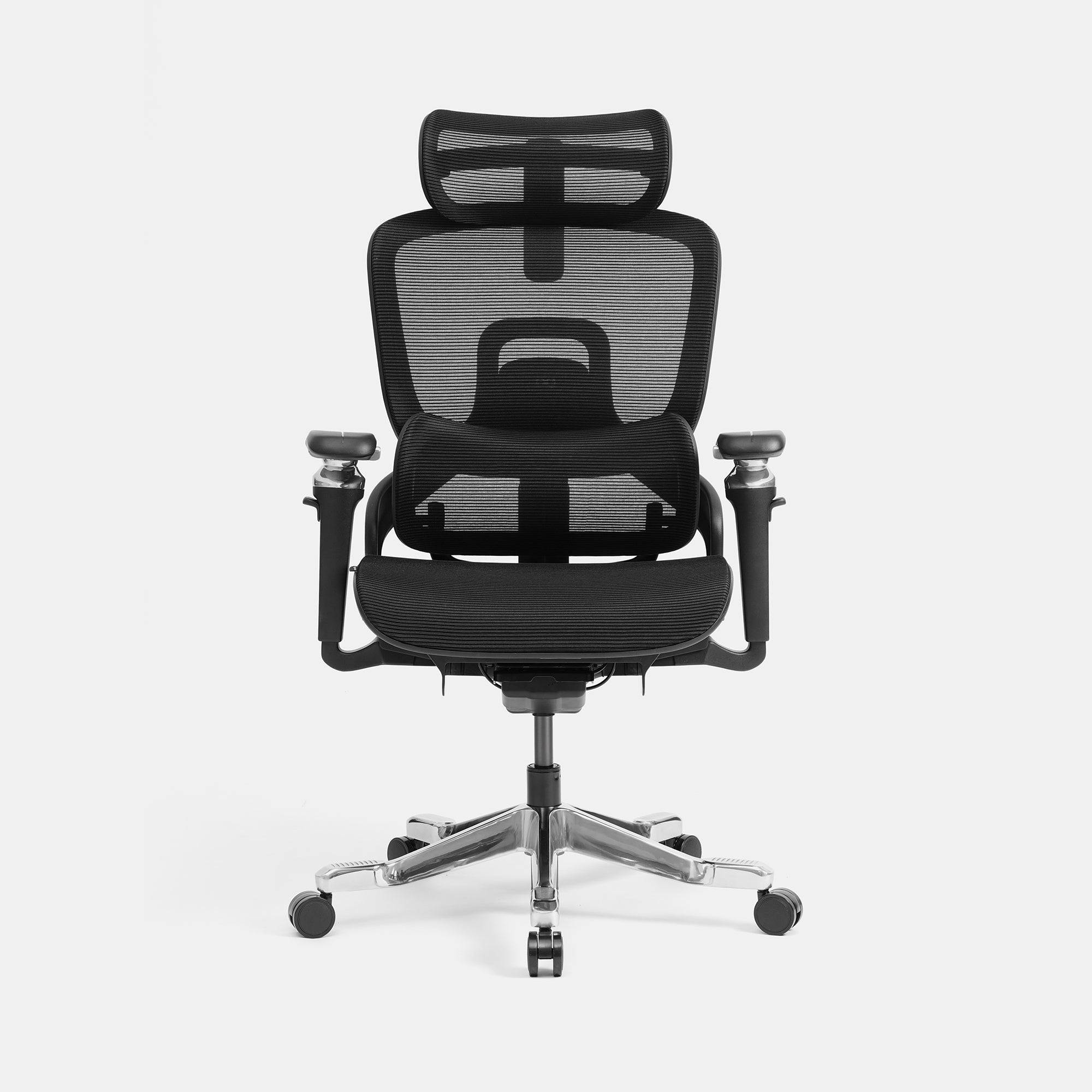
Ergonomic chair
Flow
Sale price6.990.000
Original price7.290.000
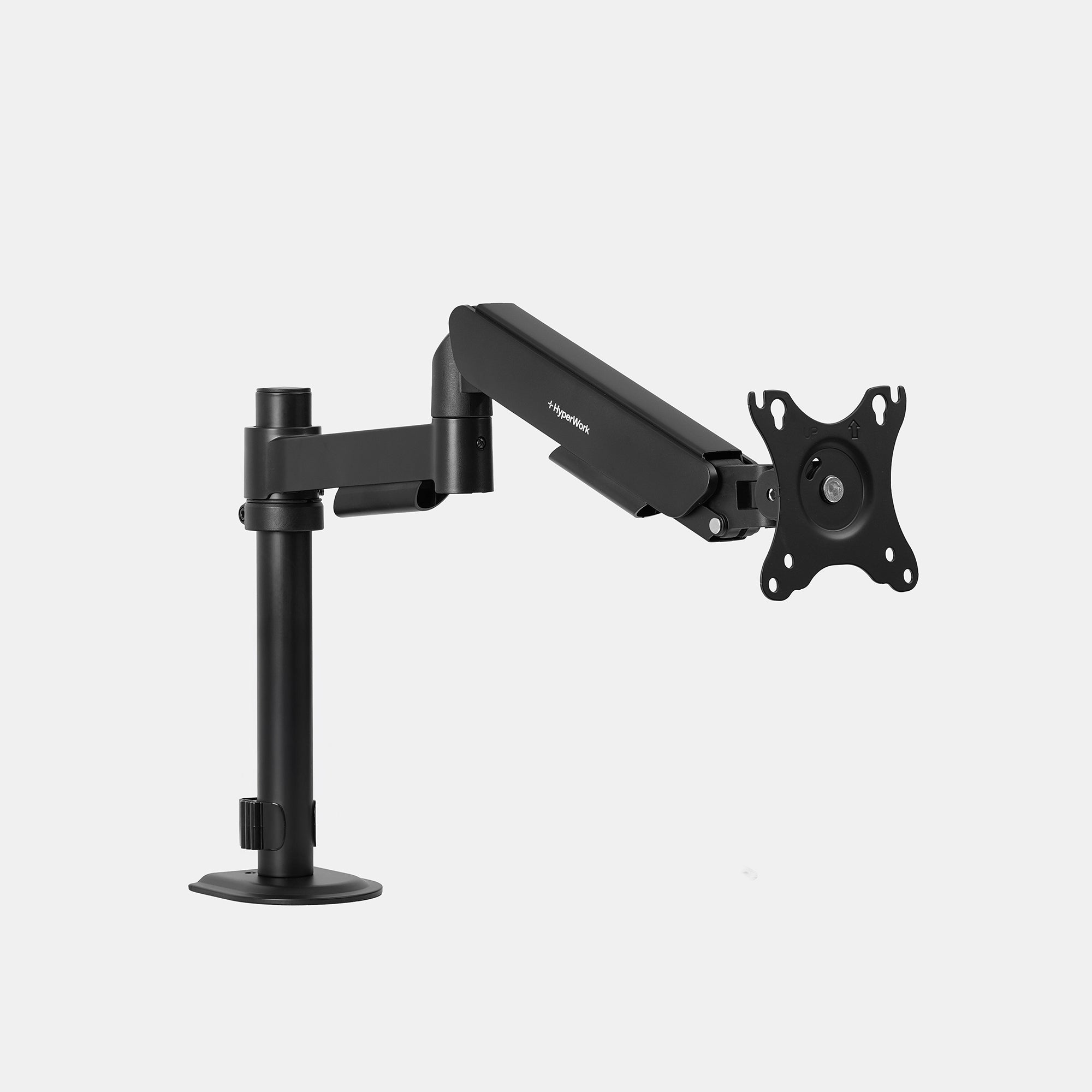
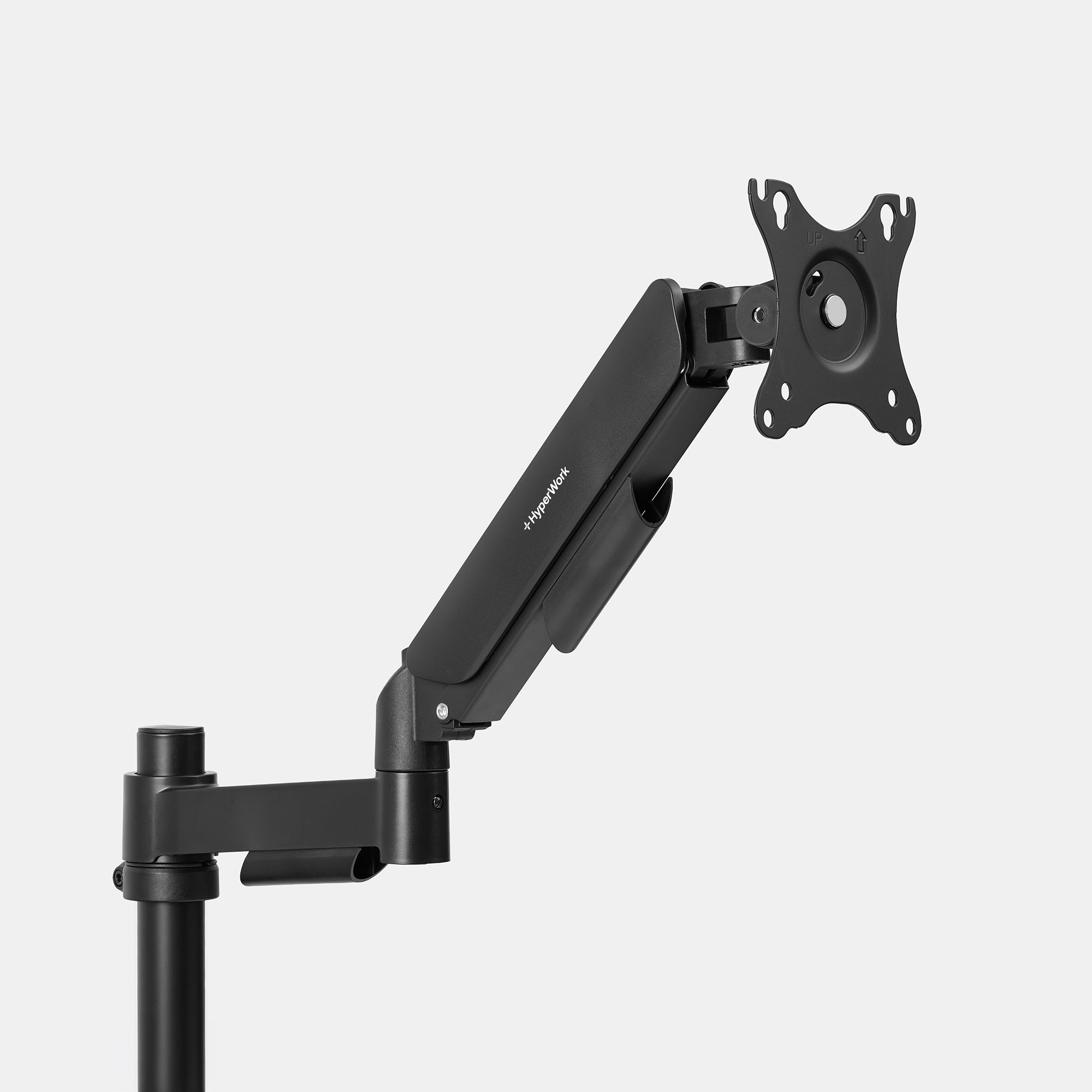
HyperWork Dual Monitor Arm
P1 Single
Sale price799.000
Original price829.000
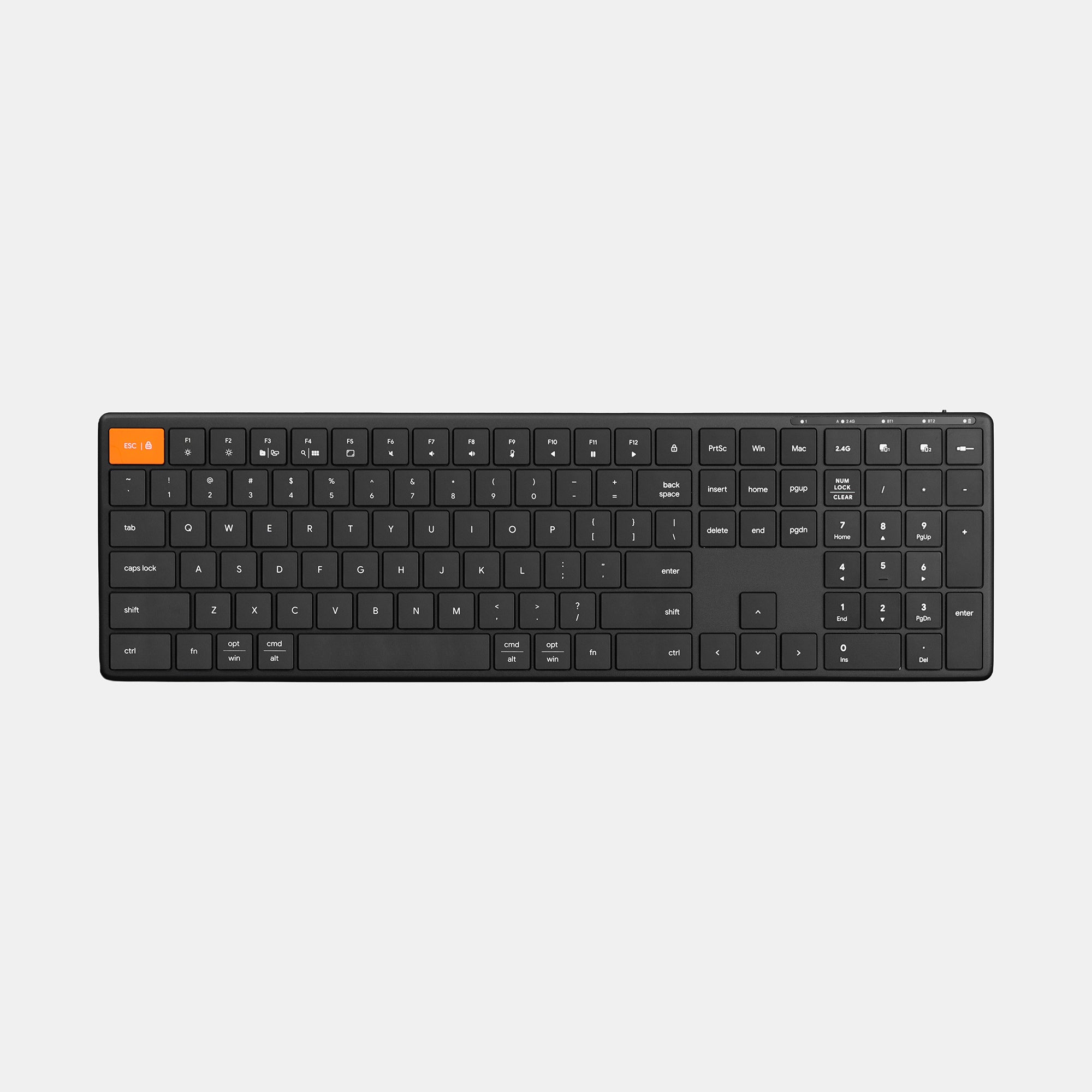
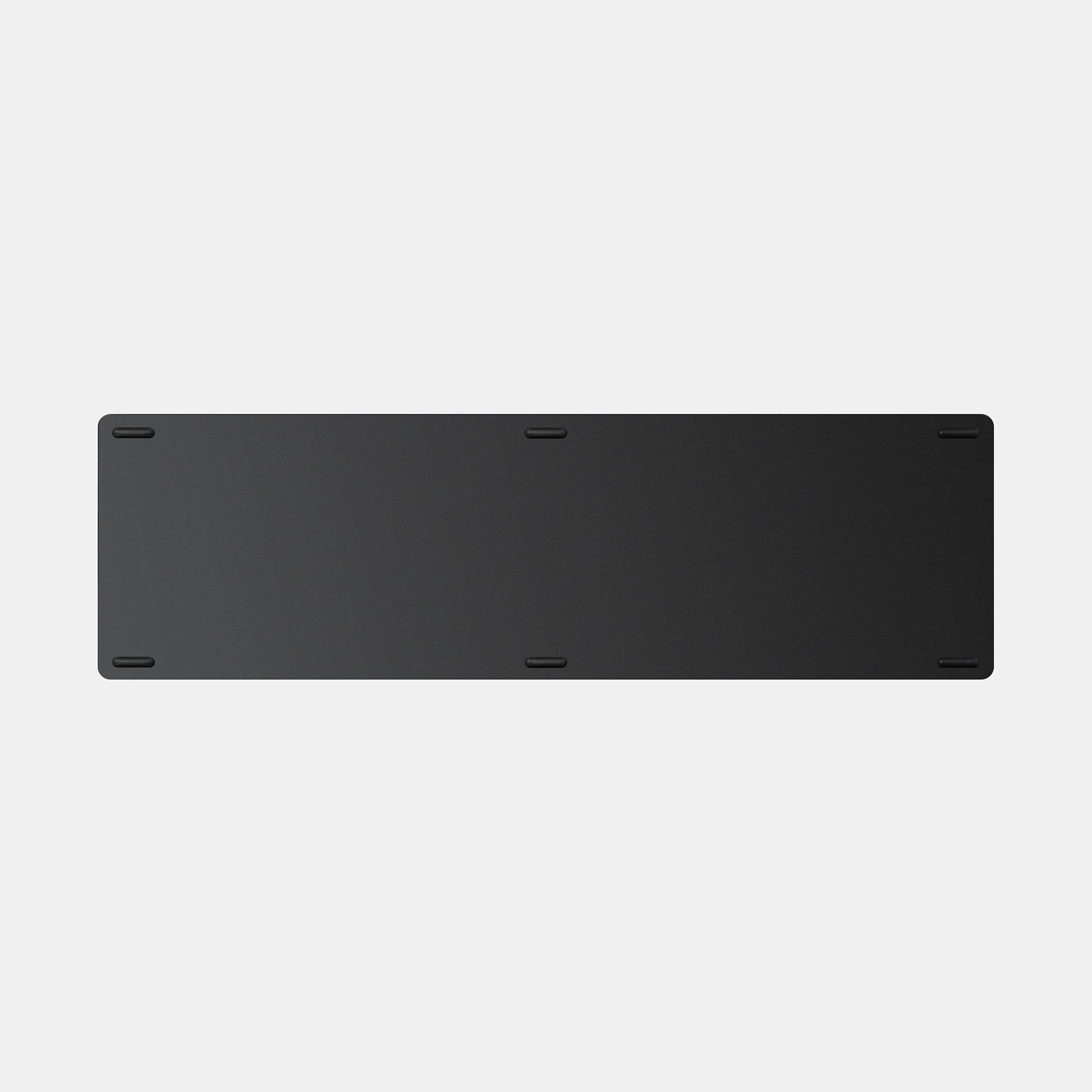
HyperWork Wireless Keyboard
HyperOne Gen 3 Plus
Sale price990.000
Original price1.099.000
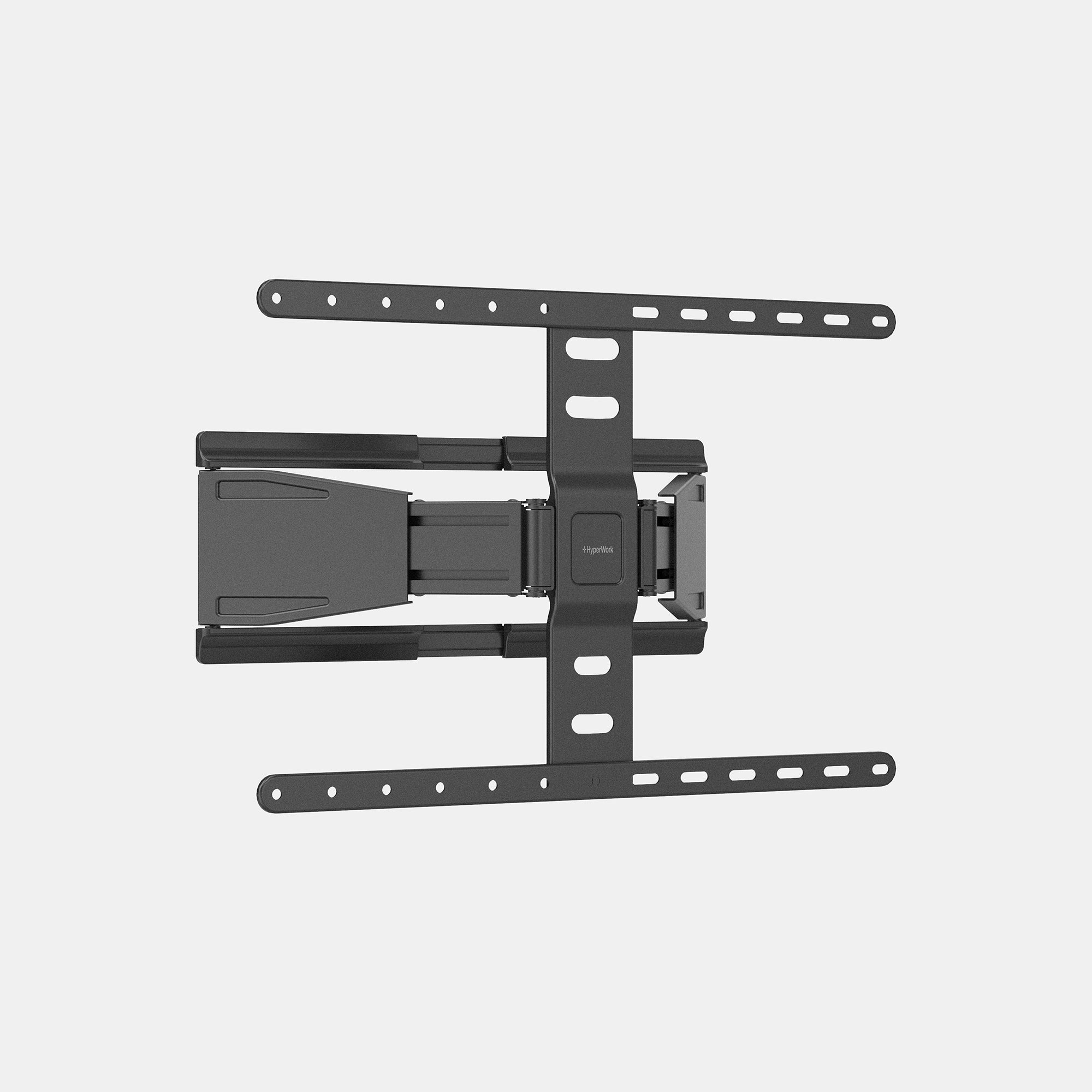
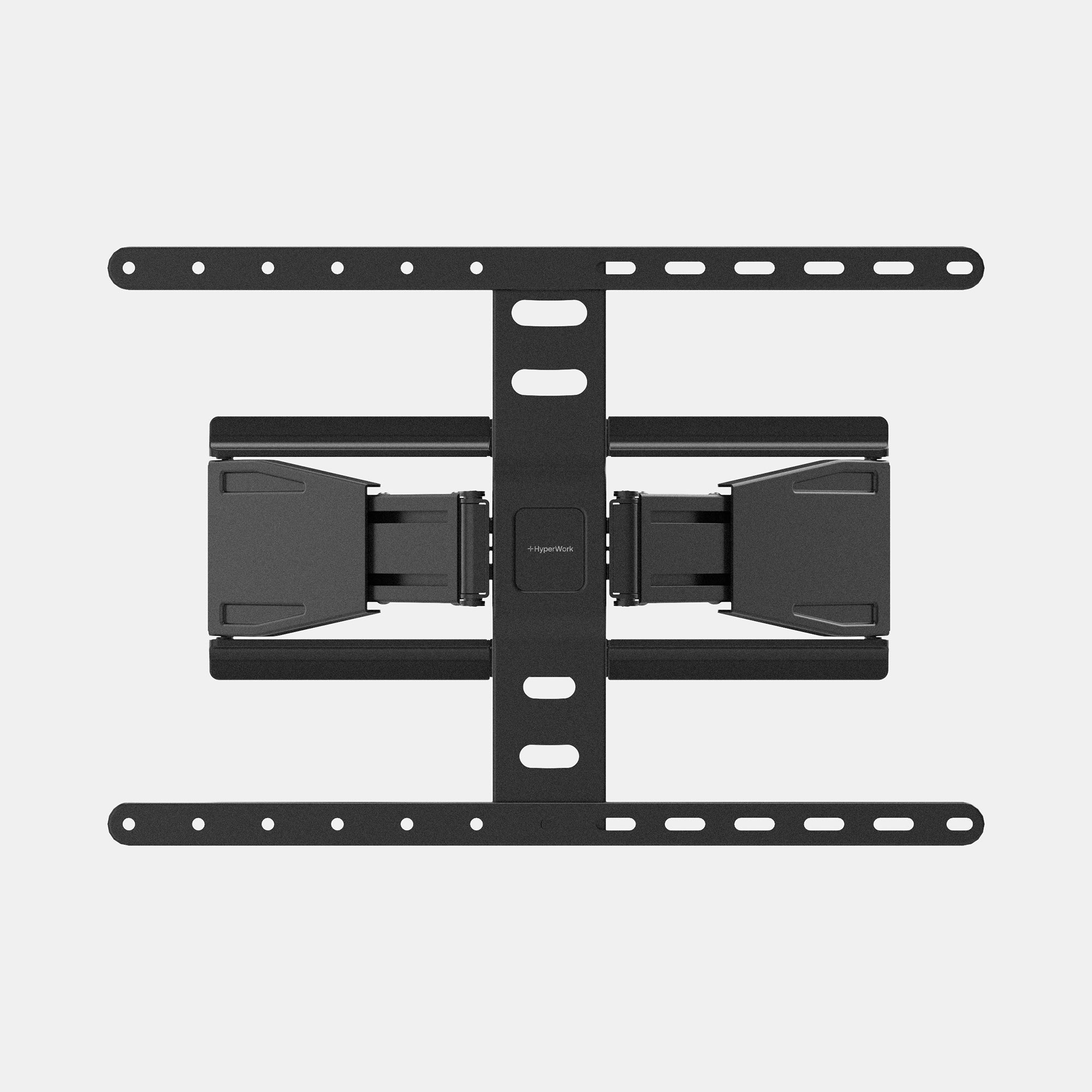
HyperWork Mobile TV Stand
TVF04
Sale price850.000
Original price880.000
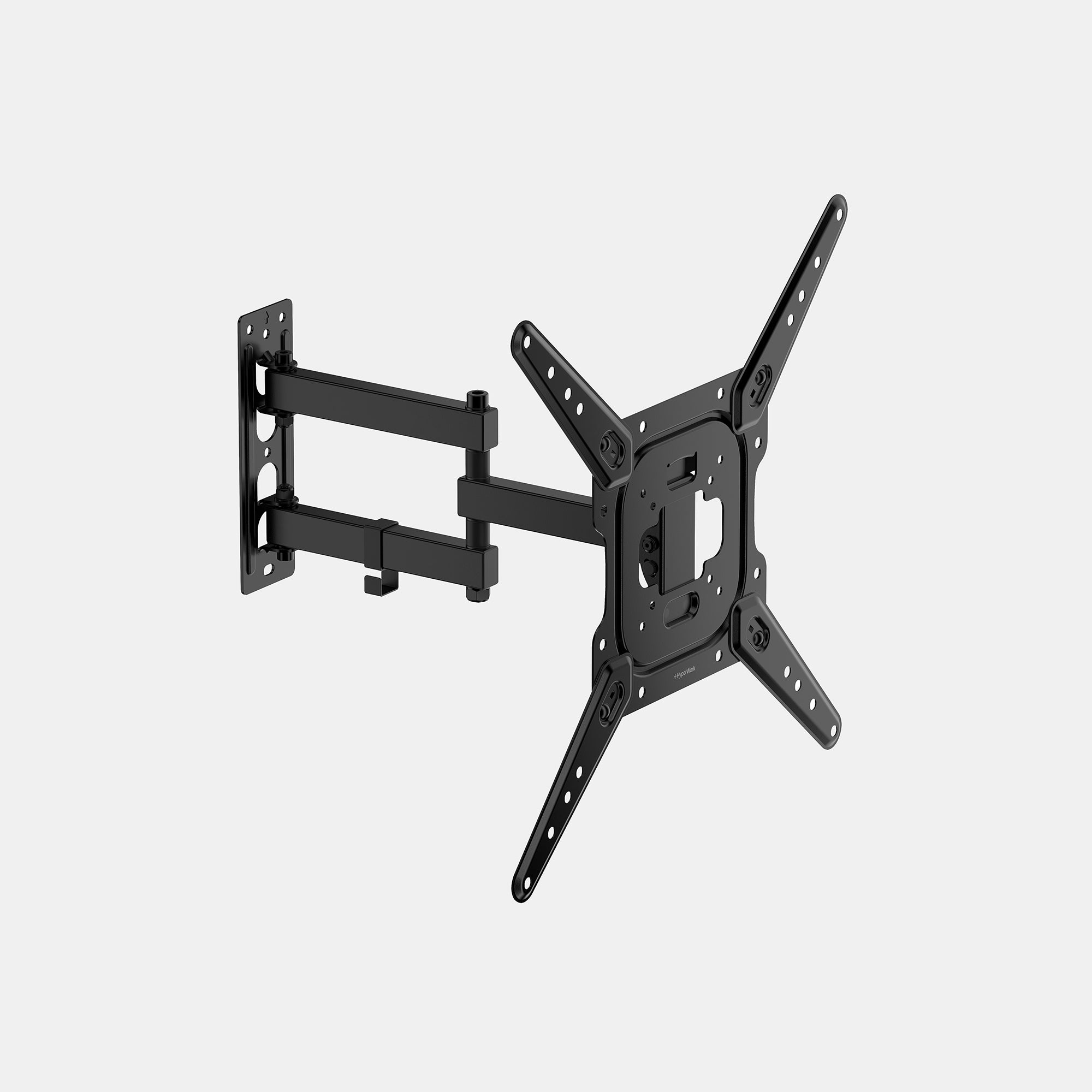
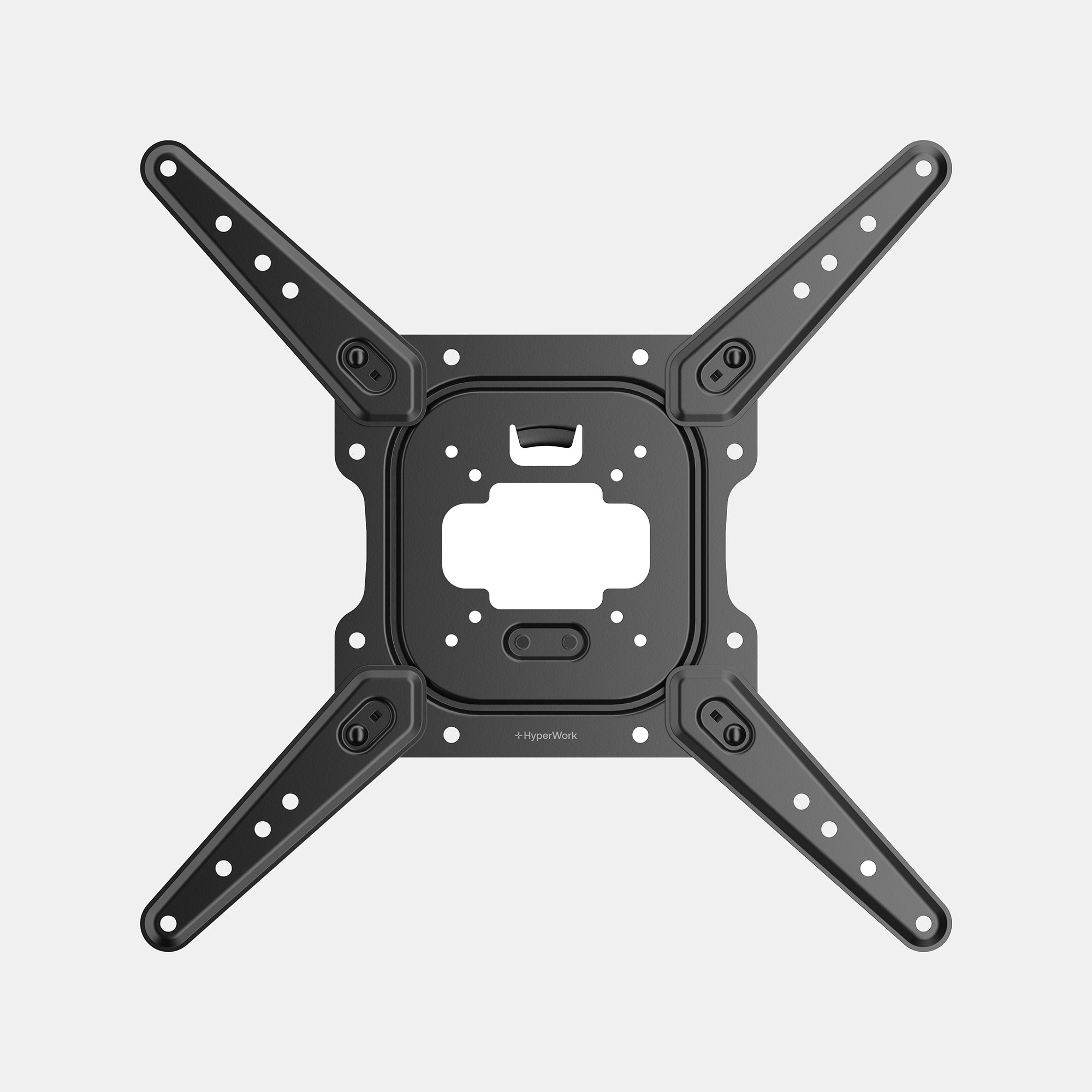
HyperWork Mobile TV Stand
TVF03
Sale price469.000
Original price499.000
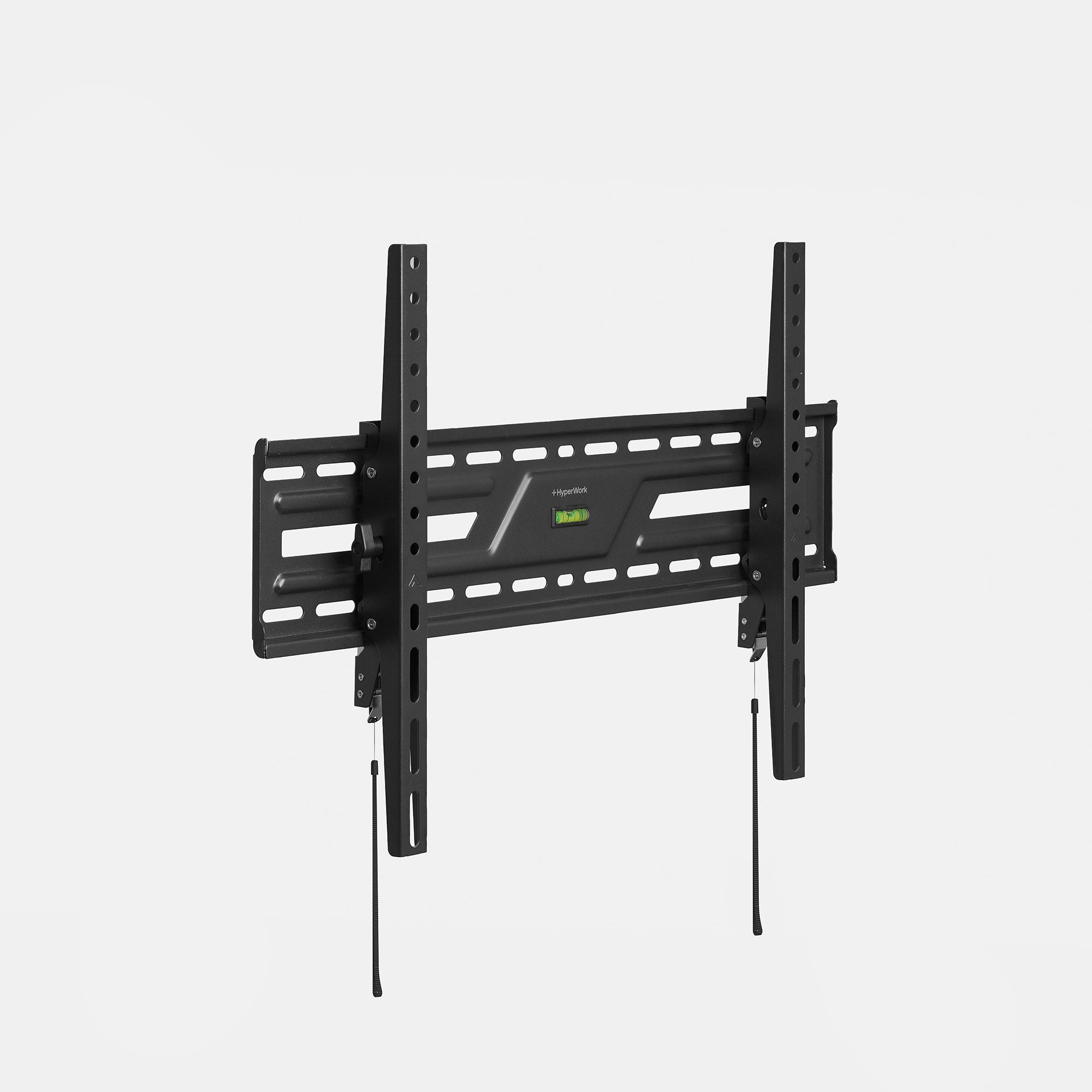
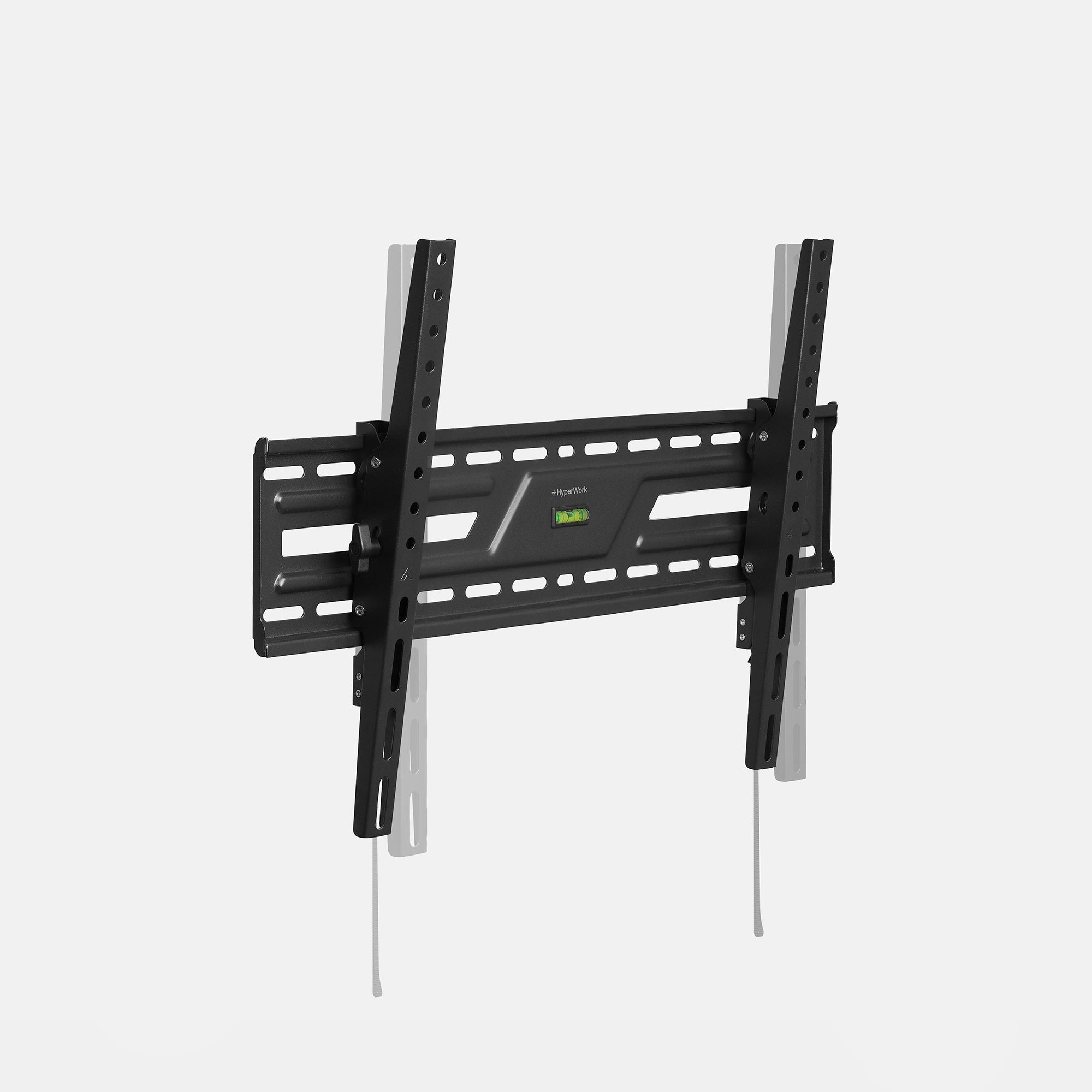
HyperWork Mobile TV Stand
TVF02
Sale price369.000
Original price399.000
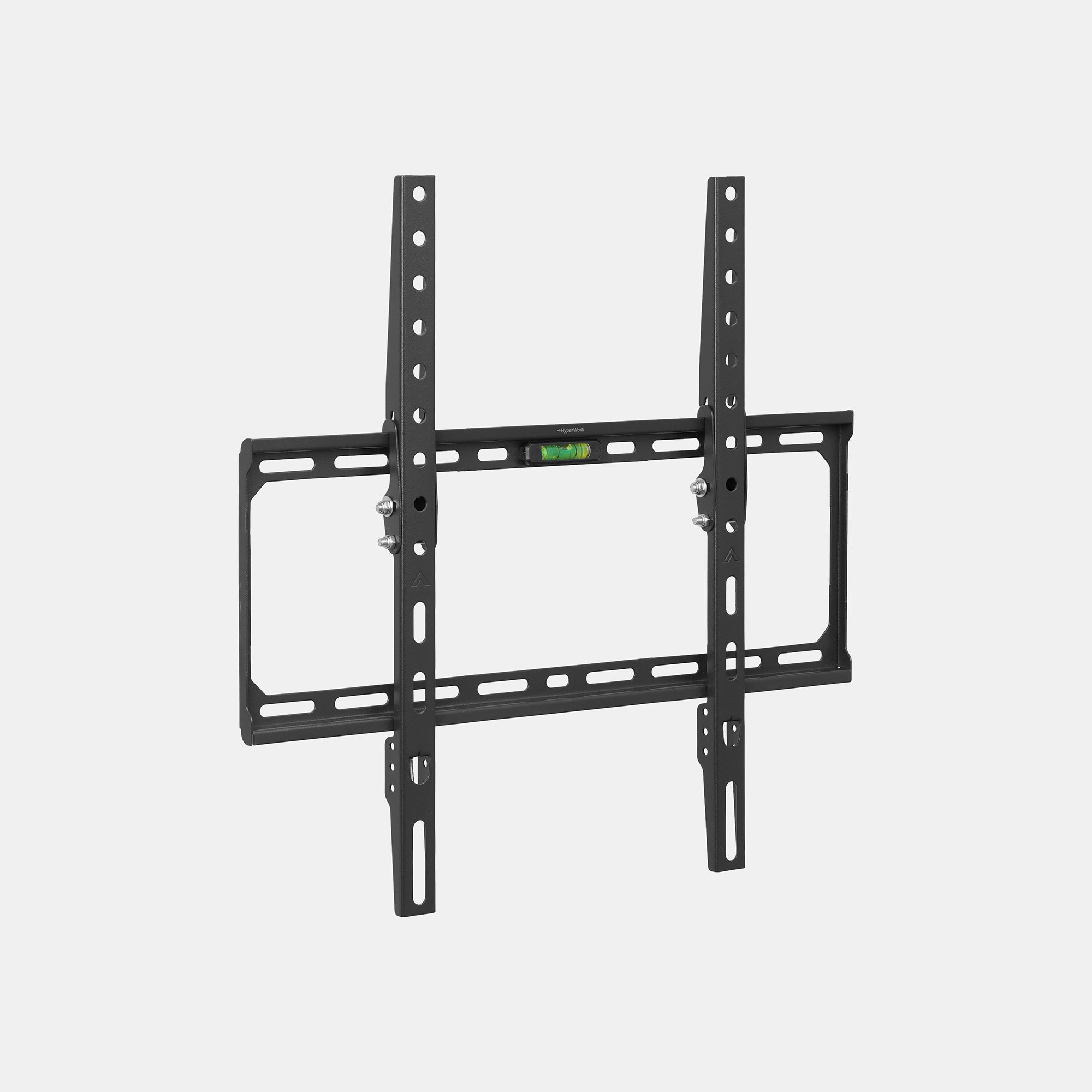
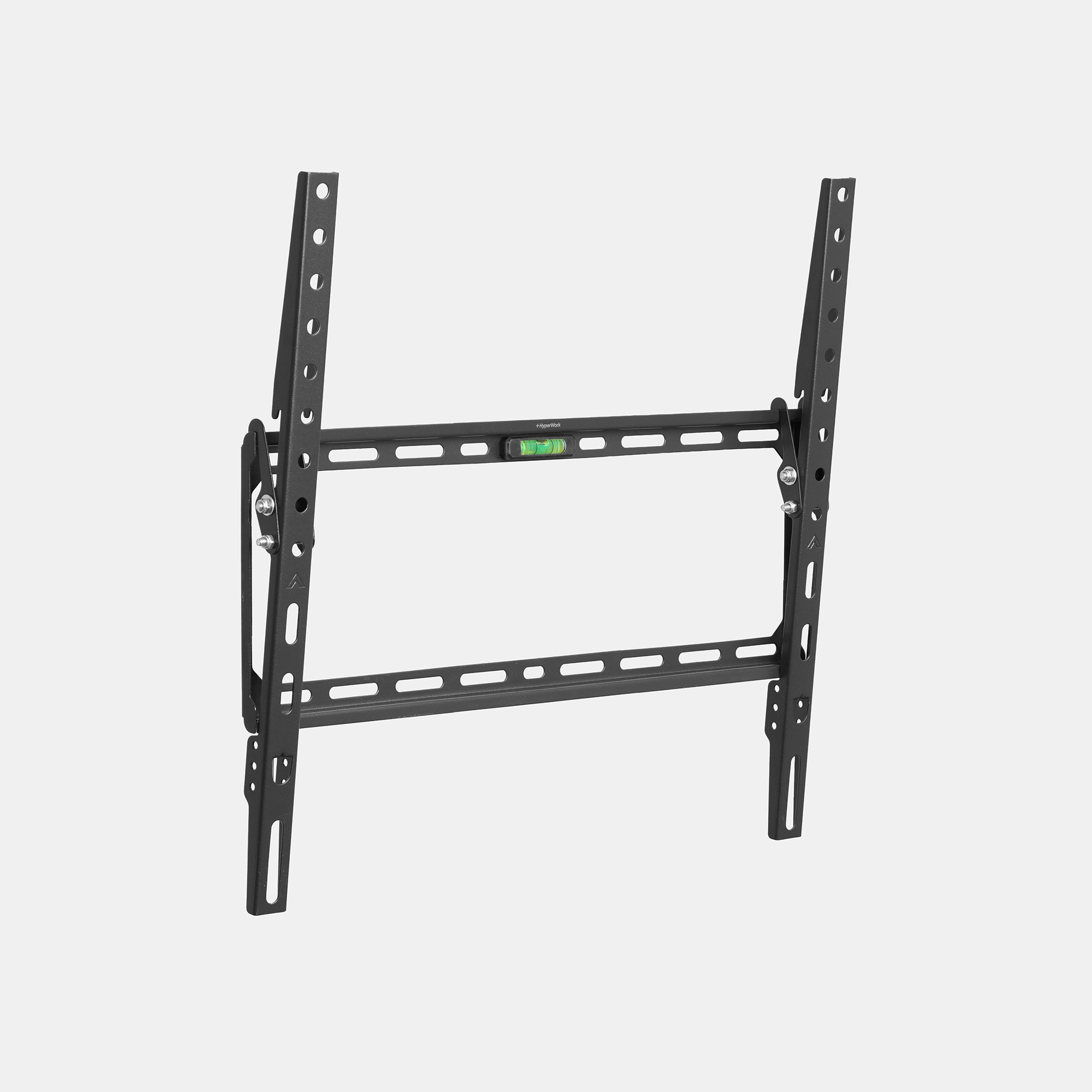
HyperWork Mobile TV Stand
TVF01
Sale price229.000
Original price259.000
Macro Wireless Mouse
Sale price699.000
Original price729.000
Macro Wireless Mouse
Sale price699.000
Original price729.000
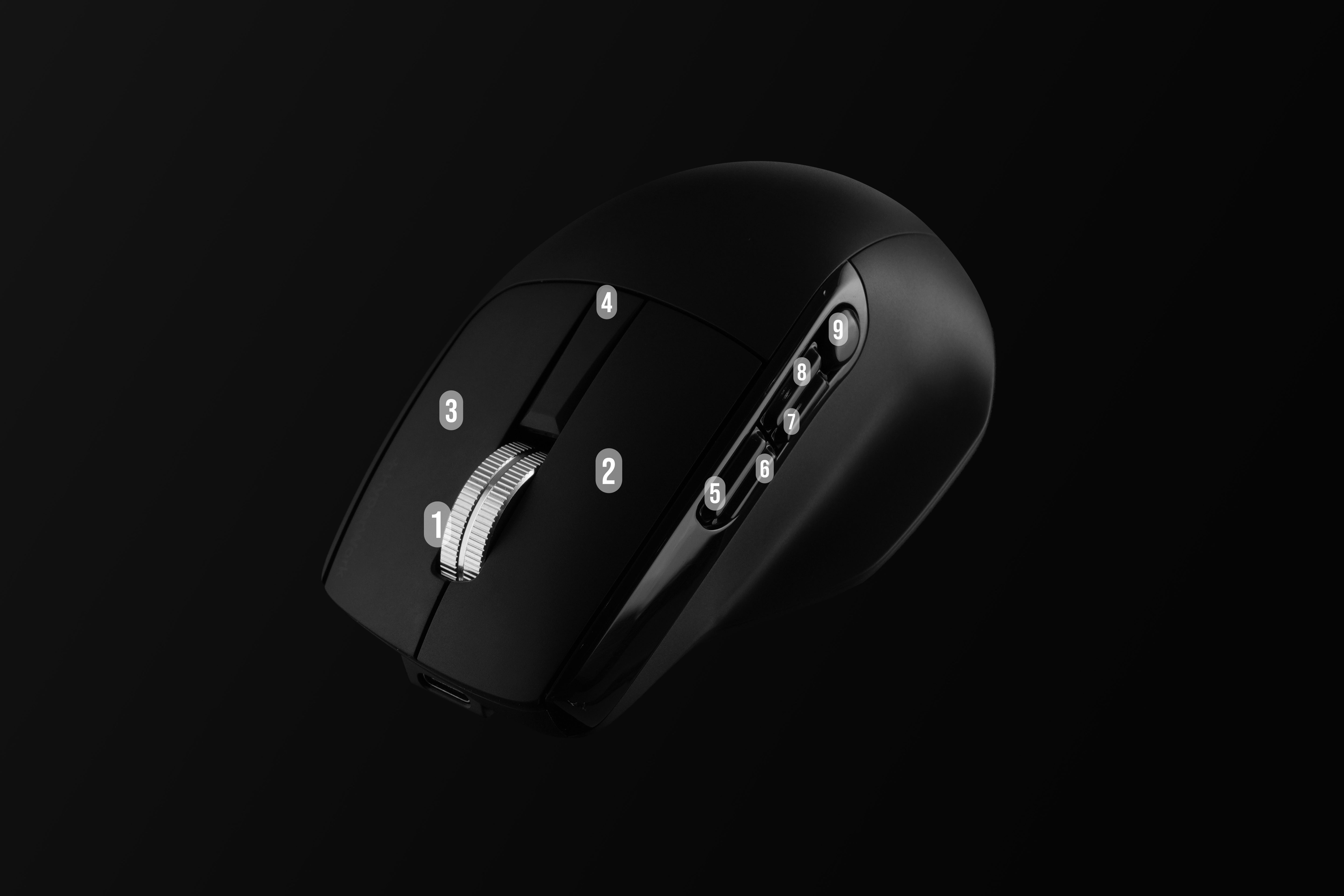
Customization Software
Assign Function Buttons
Macro is the first HyperWork product to feature customization software following the Helios gaming mouse. Users can install the app on Windows or macOS to assign keys or 1-click shortcuts to 9 function buttons.
Macro encourages users to personalize their workflow based on work habits, increasing processing speed and reducing repetitive tasks for multi-tasking professionals across various fields (gaming, web browsing, graphic design, data analysis...).
Download Software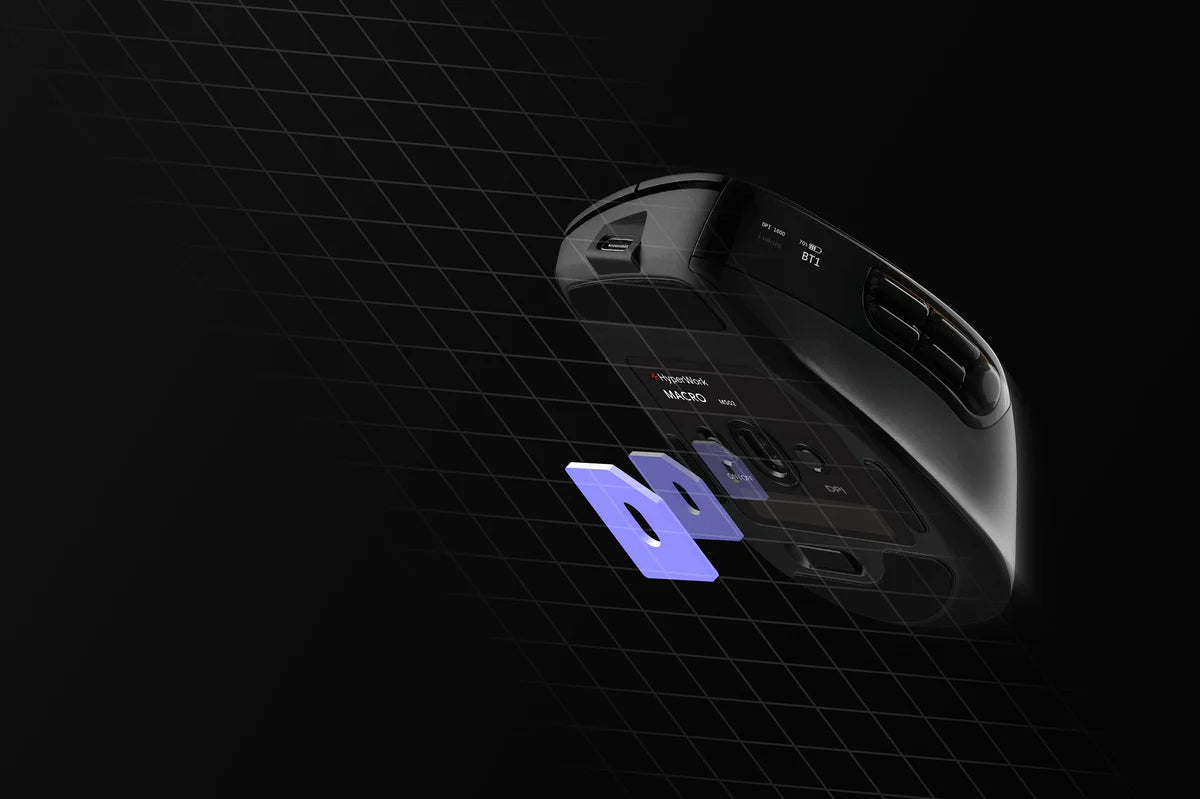
PixArt Sensor
Tracking on glass surfaces
PixArt is renowned for its advanced tracking algorithms, allowing the Macro mouse to operate stably even on glass surfaces - a surface where most office mice lose signal.
This is one of the most valuable features that helps the Macro maintain high precision and flexibility in any workspace, supporting fast response and accurate tracking at high DPI levels such as 3200-6000 (large resolution screens, multi-monitor setups, etc.)
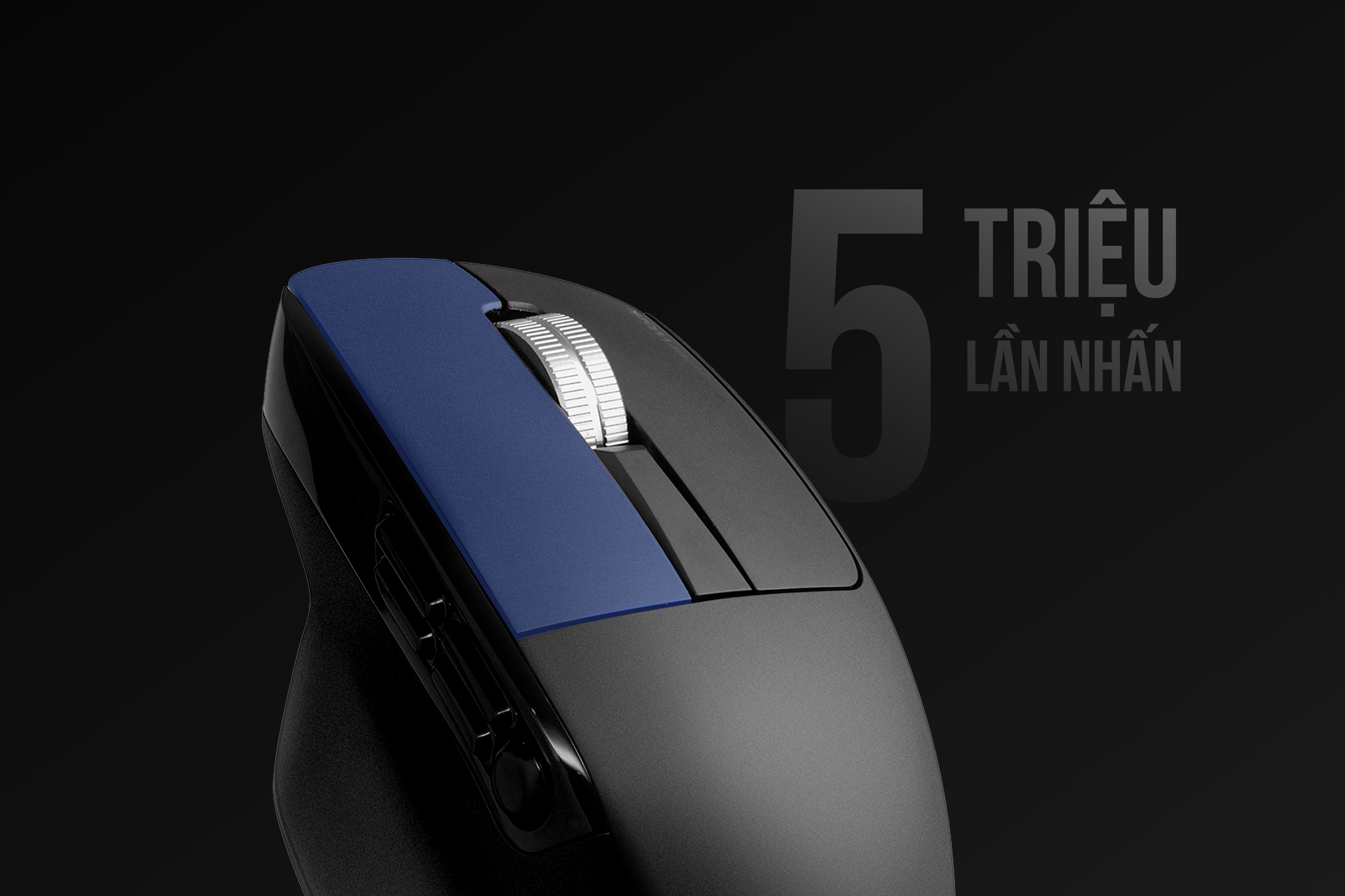
Quiet and durable Silent switches
The Macro mouse uses Huano Silent switches with a lifespan of 5 million clicks - quiet, noise-free, light actuation force, and short travel while still maintaining tactile bounce and precise feedback.

Wide DPI Range
Macro supports DPI customization from 800 to 6000, suitable for various tasks, from office work requiring stable precision to gaming needs demanding fast response speeds.
The wide DPI range allows users to flexibly switch between sensitivity levels with just one button, optimizing speed and accuracy for every situation. Notably, a DPI of up to 6000 is a specification appearing for the first time on a HyperWork mouse.
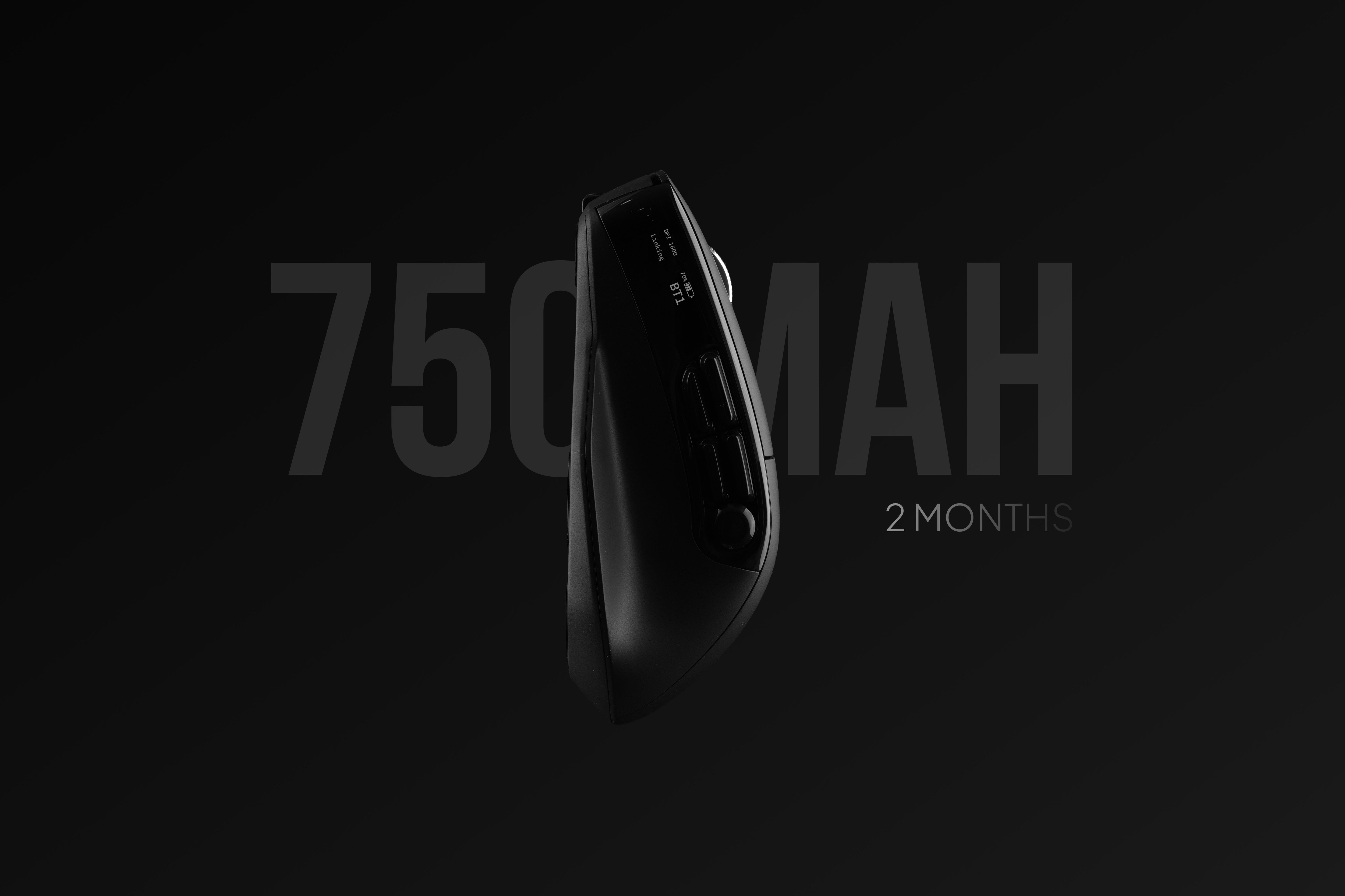
Battery Capacity
Double the standard office mouse
As a multi-tasking, high-performance mouse, Macro features a 750 mAh battery capacity with over 2 months of usage without recharging. Delivering extreme performance is the core strength of this hard-core mouse model.
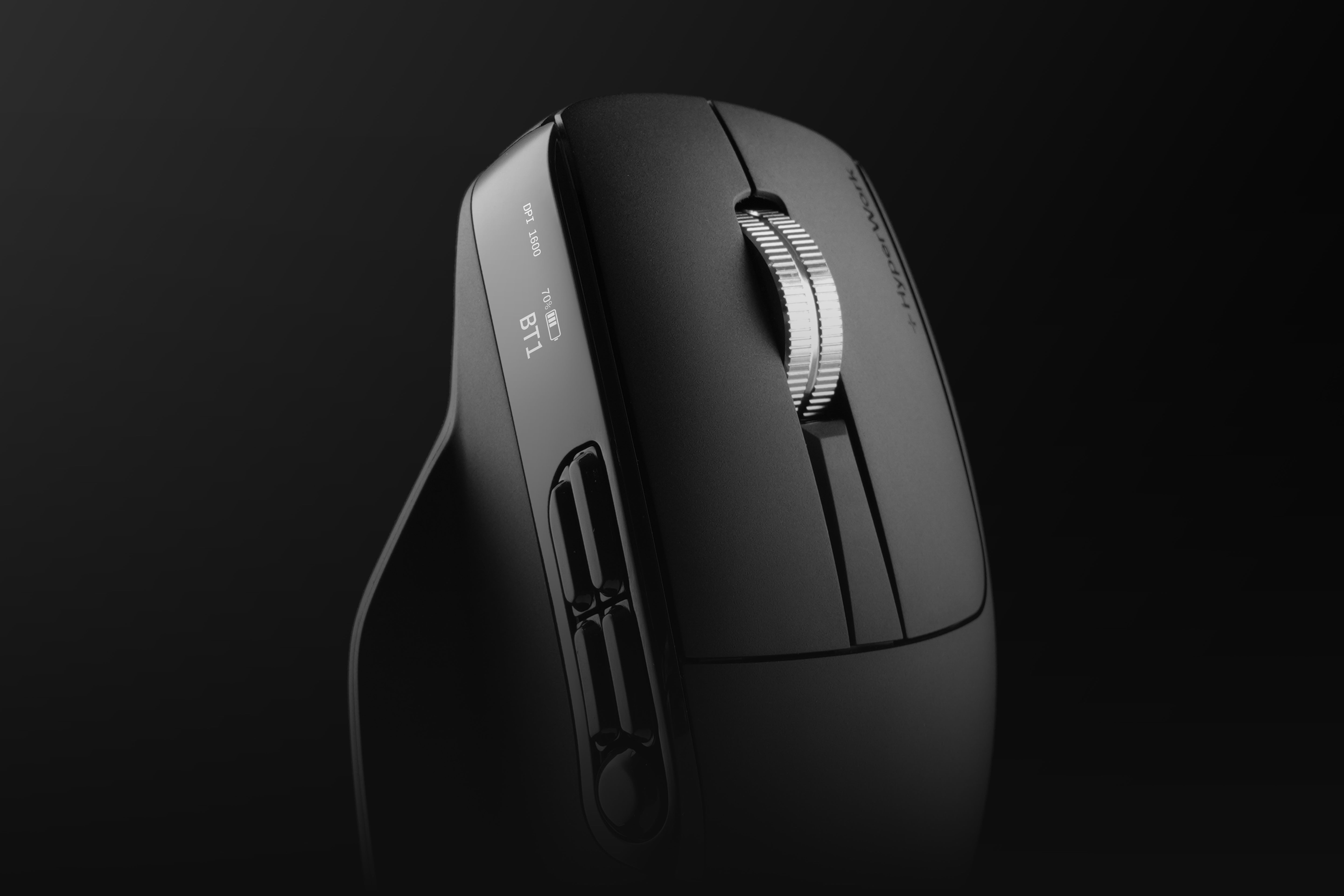
Intuitive Monitoring
With digital display
An integrated digital display on the side of the Macro provides information on battery percentage, status, connection mode, and DPI.
This significant departure from conventional mice makes the Macro a uniquely hi-tech design for both office users and gamers.

Multi-OS Compatibility
Multi-device Connectivity
Macro fully supports Windows and macOS via software, while offering flexible connectivity to multiple devices thanks to stable, low-latency wireless standards.
Users can quickly switch between laptop - PC - tablet, making it especially suitable for flexible work environments or simultaneous use for work and entertainment.
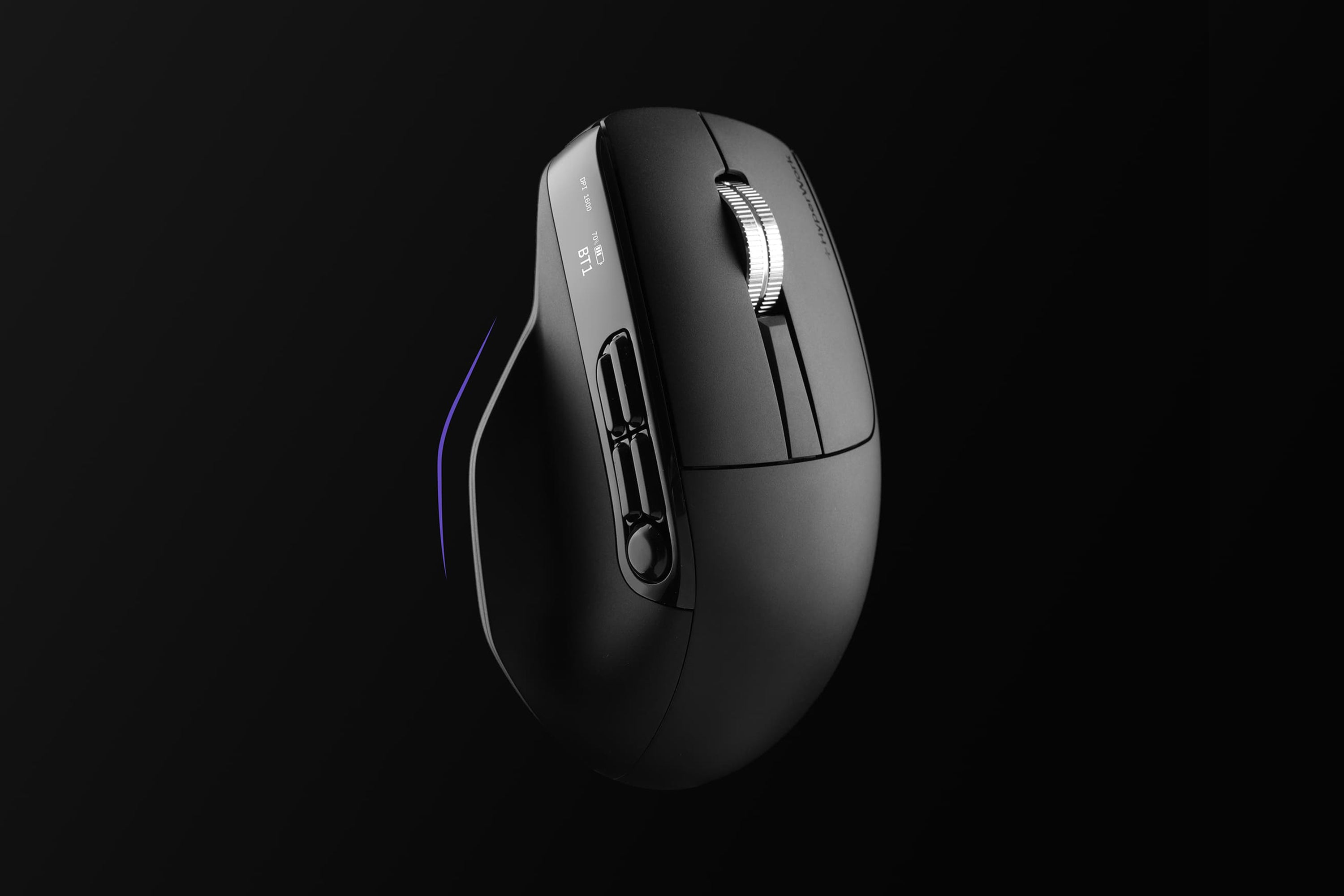
Ergonomic Design
Designed to fit the hand's natural movements with a side thumb rest to prevent fatigue during hours of continuous use, the Macro mouse is a worthy companion for both work and play.


Dimensions
11.7 x 7.4 x 4.3 cm
Design
Ergonomic
Sensor
PixArt (tracking on glass)
DPI
800-1200-1600-2400-3200-6000
Switch
Silent - 5 million clicks
Weight
97 grams
Power consumption
≤ 2 mA
Battery capacity
750 mAh
Battery life
Up to 60 days
Customization software
Yes
Programmable buttons
9
Color
Black
Connectivity modes
Bluetooth 5.0 | 2.4G Receiver | Cable
Number of connected devices
3
Transmission distance
< 10 m
Compatibility
Windows/macOS/Android/iPad
Charging port
Type C
KOL - KOC
Product reviews
3H VIETNAM SERVICE AND TRADING JOINT STOCK COMPANY
- Business Registration Certificate: 0109193046
- Issued by: Hanoi Department of Planning and Investment
- Date of issue: 21/05/2020
- Hanoi Headquarters: No. 48, Street 23, Thanh Pho Giao Luu Urban Area, Dong Ngac Ward, Hanoi
- HCMC Branch: 217/14D No Trang Long, Ward 12, Binh Thanh District, Ho Chi Minh City
3H VIETNAM SERVICE AND TRADING JOINT STOCK COMPANY
- Business Registration Certificate: 0109193046
- Issued by: Hanoi Department of Planning and Investment
- Date of issue: 21/05/2020
- Hanoi Headquarters: No. 48, Street 23, Thanh Pho Giao Luu Urban Area, Dong Ngac Ward, Hanoi
- HCMC Branch: 217/14D No Trang Long, Ward 12, Binh Thanh District, Ho Chi Minh City
Email & Customer Service Hotline



