
Many users today still assume that simply sitting in an ergonomic chair will automatically adjust their posture to the correct position. However, to understand it correctly, an ergonomic chair is merely a supportive product that provides users with a comfortable sitting posture that fits their body size. If you're sitting in an ergonomic chair but still feel uncomfortable, it's likely due to incorrect posture. So, what is the correct posture?

Why are you uncomfortable even when sitting in an ergonomic chair?
Not adjusting the chair to the desk height
Typically, adjusting the chair so that your feet are flat on the floor at a 90-degree angle is considered correct. However, based on actual experience, chair height adjustment depends on the desk height. If the chair is too high or too low relative to the desk, it can lead to aches, back hunching, and even contribute to common "office ailments."

Sitting in one position for too long
Even if you maintain a proper ergonomic posture, staying in one position for too long will make your body stiff and passive, thereby putting pressure on your muscles and causing discomfort. After a period of sitting and working, you should stand up, walk around, or do some light exercises.

Not leaning back completely against the chair backrest
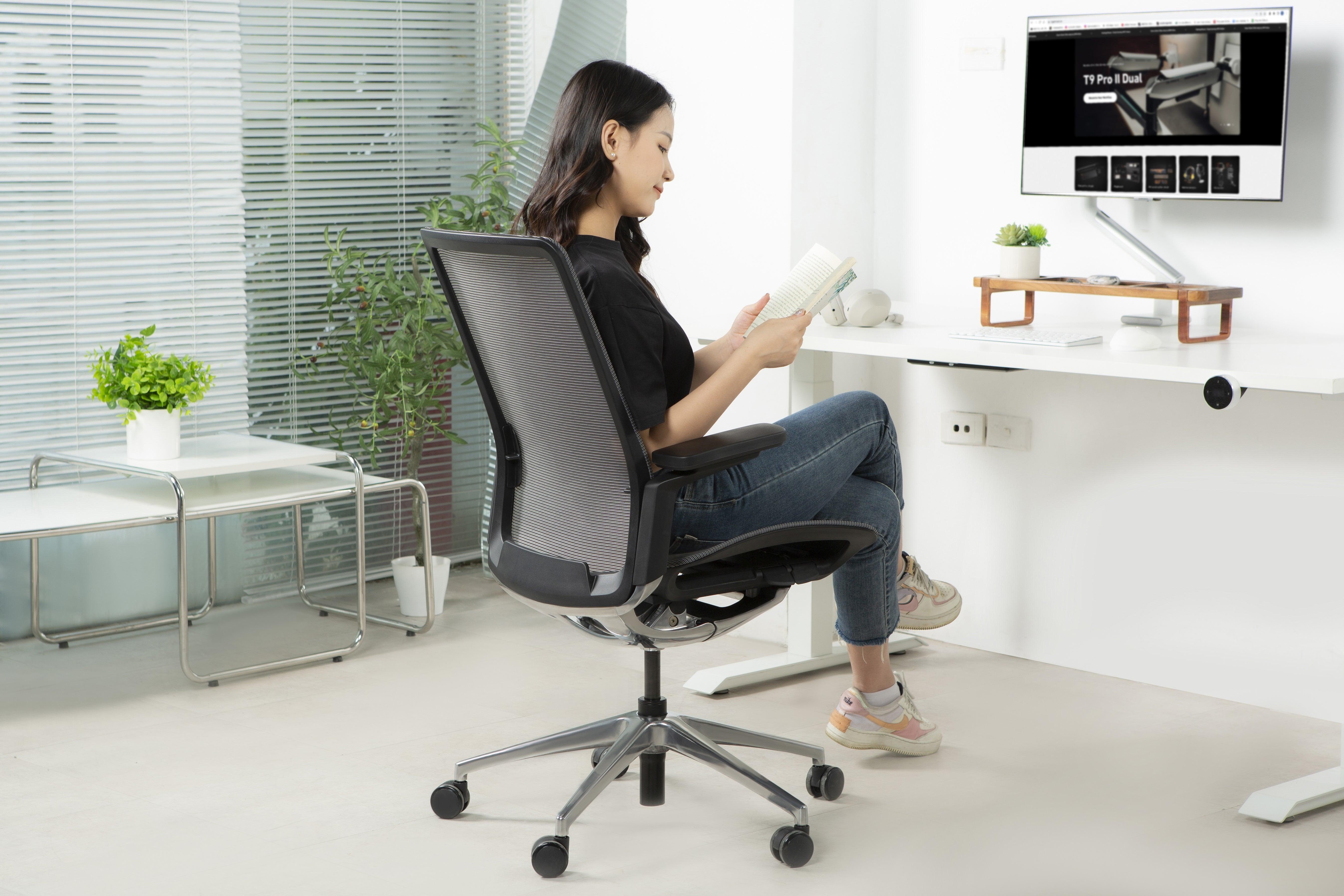
The first principle when sitting in an ergonomic chair is to lean your back completely against the backrest to keep your spine straight. A common mistake is instinctively leaning forward when concentrating, which has the opposite effect.

Scientifically correct sitting posture with an ergonomic chair
The most comfortable working posture is one that provides relaxation for your back, hips, and neck. To get the best experience from your ergonomic chair, you need to combine adjustments of the following chair components:
Adjusting the chair height
The most appropriate height is one where your feet are flat on the floor and your knees form a 90-degree angle. Simultaneously, you also need to adjust your desk to eye level, neither too high nor too low, to avoid bending or tilting your head while working.

Adjusting the lumbar support
Different ergonomic chairs today have varying lumbar support mechanisms. Adjusting the lumbar support to fit the natural curve of your body will help reduce pressure on the lower spine when sitting for many hours.

Adjusting the armrests
Common armrests today include 3D and 4D options with diverse multi-position rotation capabilities. To maximize the benefits of this component, the correct way is to raise the armrests so that your arms form a straight line parallel to the desk, helping to reduce pressure on your arms when typing for extended periods.

Adjusting the headrest
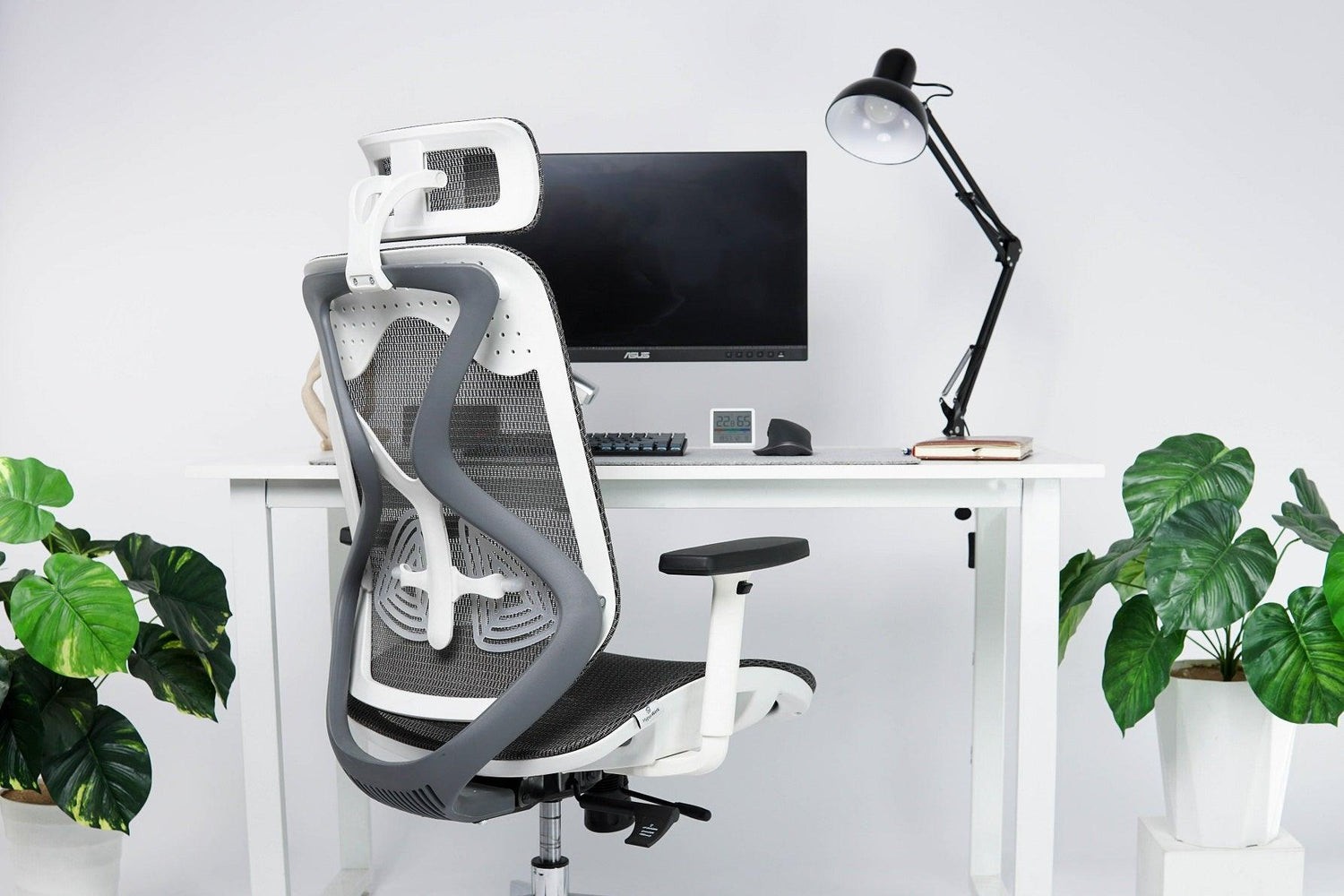
This is a component that users often pay little attention to while working. Most ergonomic chairs allow adjustment of this part in 3 directions: up/down, in/out, and comfortable tilt angle adjustment. To use the headrest effectively, you need to position it comfortably against your neck and adjust it to your preference for maximum comfort.

To increase work productivity, in addition to choosing quality peripherals like mice, keyboards, etc., selecting an ergonomic chair that suits your body is also an important factor.





Leave a comment
This site is protected by hCaptcha and the hCaptcha Privacy Policy and Terms of Service apply.