
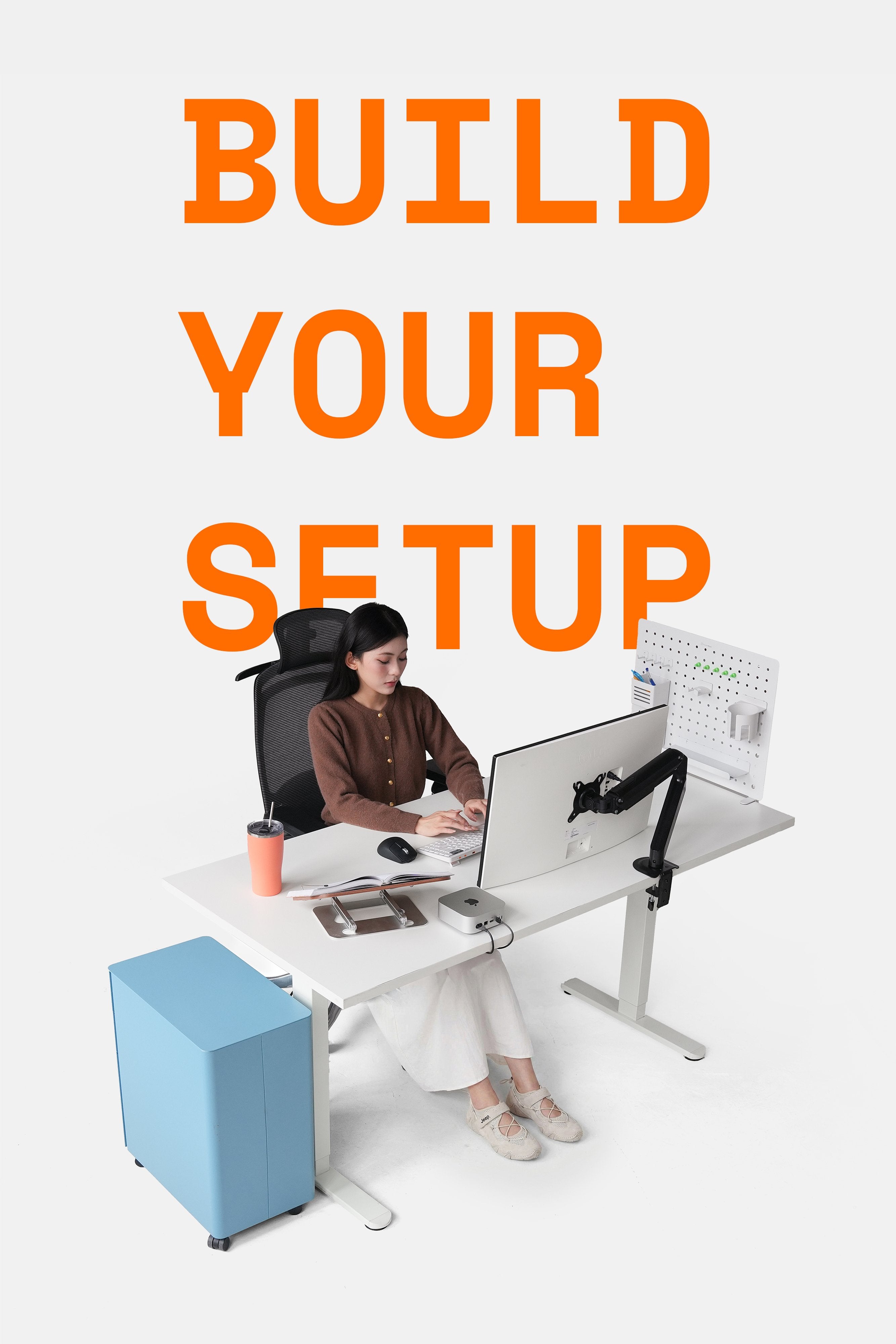
Starting as a startup with wooden wrist rests for mechanical keyboards, HyperWork has gradually developed and expanded its product range to enrich the workspaces and entertainment setups of Vietnamese users. Following the HyperONE KB1 and KB2 keyboard duo, HyperWork has now launched the Silentium mouse to create a "perfect pair" for office users.

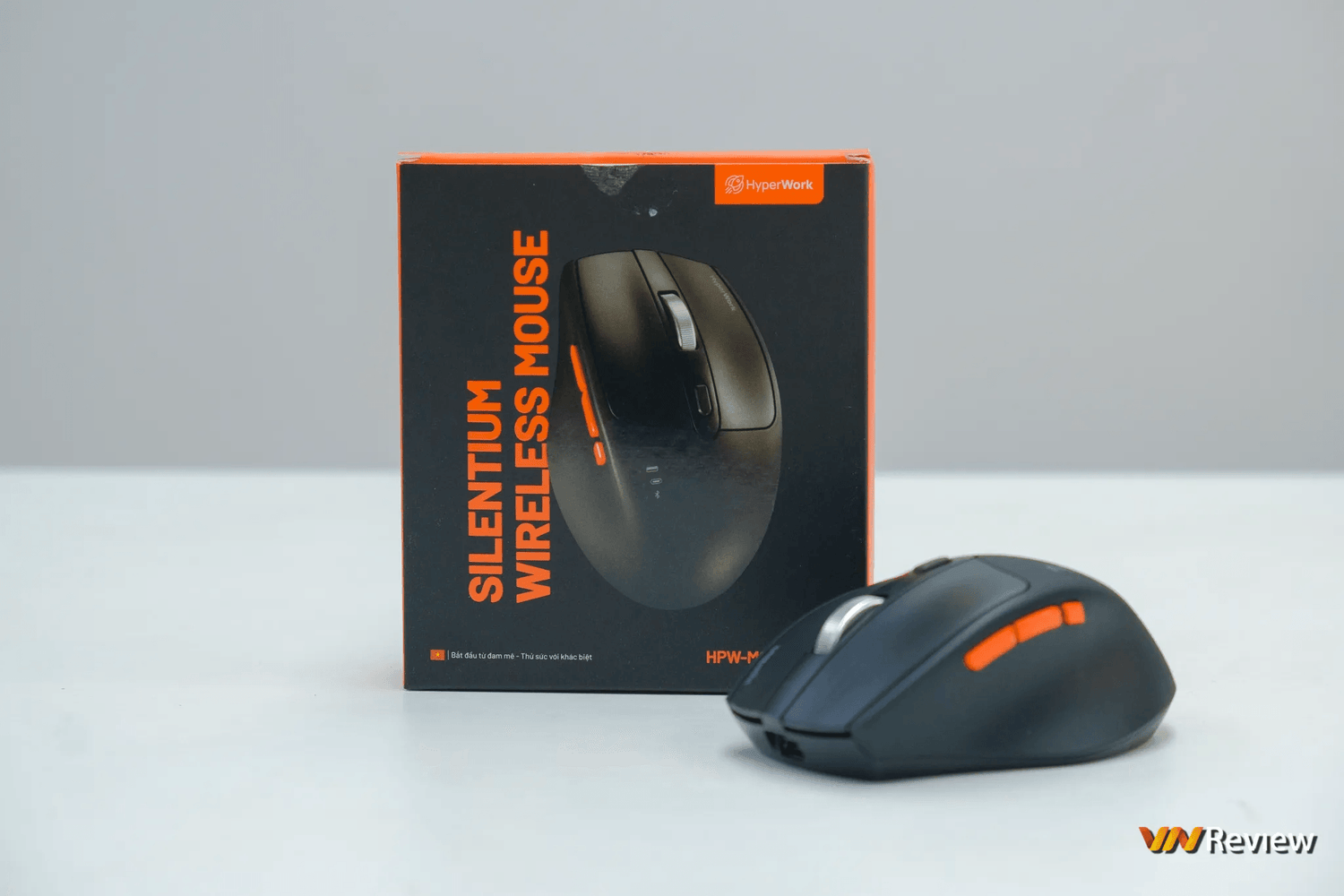
Regarding design, the HyperWork Silentium is a compact wireless mouse that emphasizes flexibility, allowing you to easily carry it anywhere. Overall, the mouse feels sturdy with good build quality, no unnecessary details, or a cheap feel. Its ergonomic form helps keep our wrists comfortable even during hours of work or gaming, but it is only suitable for right-handed users.


One thing I like about the HyperWork Silentium is its excellent sweat-resistant outer shell. I've experienced many different types of mice, from office to gaming, but only a few have satisfied me in this aspect, and they all cost several times more than the HyperWork Silentium. I'm not sure if HyperWork plans to add other colors, but currently, the Silentium is only available in black.
The HyperWork Silentium has a total of 7 buttons. Besides the basic and back/forward buttons, the mouse body also features a quick DPI switch button (with levels 800 – 1200 – 1600 – 2400) and a Quick Switching button to rapidly switch between 3 modes: Bluetooth, wireless USB-A, and wireless USB-C. The Silentium's scroll wheel is light and smooth, not producing a "rattling" sound like my current gaming mouse, but it's a bit of a shame that it lacks Infinite Scroll. Aimed at office users, the Silentium also doesn't have macro capabilities or customizable button functions.

The HyperWork Silentium comes with not just one, but two receivers: one USB-A and one USB-C, providing full support for platforms like Windows, macOS, Android, and iPadOS. It's important to note that the USB-C port on the mouse body is only for charging; the HyperWork Silentium does not support wired connection but allows for use while charging.

As a basic wireless mouse for office use, the HyperWork Silentium does not feature RGB lighting. This is a good thing, as I don't want distractions while working, and the absence of RGB also means longer battery life. However, I think HyperWork should add an indicator light for the current DPI level, perhaps integrated into the charging LED located right below the DPI switch button.

The HyperWork Silentium uses PTFE mouse feet, a material with a low coefficient of friction that provides a faster and smoother gliding experience.
In actual use, I really appreciate the HyperWork Silentium's multi-platform connectivity. Having two receivers allows me to switch between my desktop and laptop with just one click of the Quick Switching button.

Its lightweight and compact size allow me to use the mouse continuously for many hours without fatigue. The HyperWork Silentium's tracking and clicking feel are both excellent, and true to its name, this mouse is extremely quiet; you have to put your ear close to hear the click.


And the noise level of the office mouse I'm currently using
I used a sound level meter to check: the HyperWork Silentium emits 47.5 dB of noise when continuously clicking, while the office mouse I'm currently using emits up to 53.5 dB, with a much more noticeable click sound. HyperWork hasn't disclosed the Silentium's sensor type, but when I used it on a 50k VND deskmat bought on Shopee, I had no complaints.

The HyperWork Silentium is equipped with a 300 mAh battery, which, according to the manufacturer, can provide up to 300 hours of continuous use. The time since I received the mouse for testing until publishing this article is less than 300 hours, so I can't verify this yet, but for an office mouse without RGB, this figure is entirely plausible.
Conclusion
A compact, quiet, and long-lasting mouse, the HyperWork Silentium ticks all the necessary boxes to be a must-have item in any office. There are still areas I believe the company could improve and add to, but overall, with a price of just 590,000 VND, the HyperWork Silentium is a very worthwhile option in this segment.
Source: VNReview





Leave a comment
This site is protected by hCaptcha and the hCaptcha Privacy Policy and Terms of Service apply.