
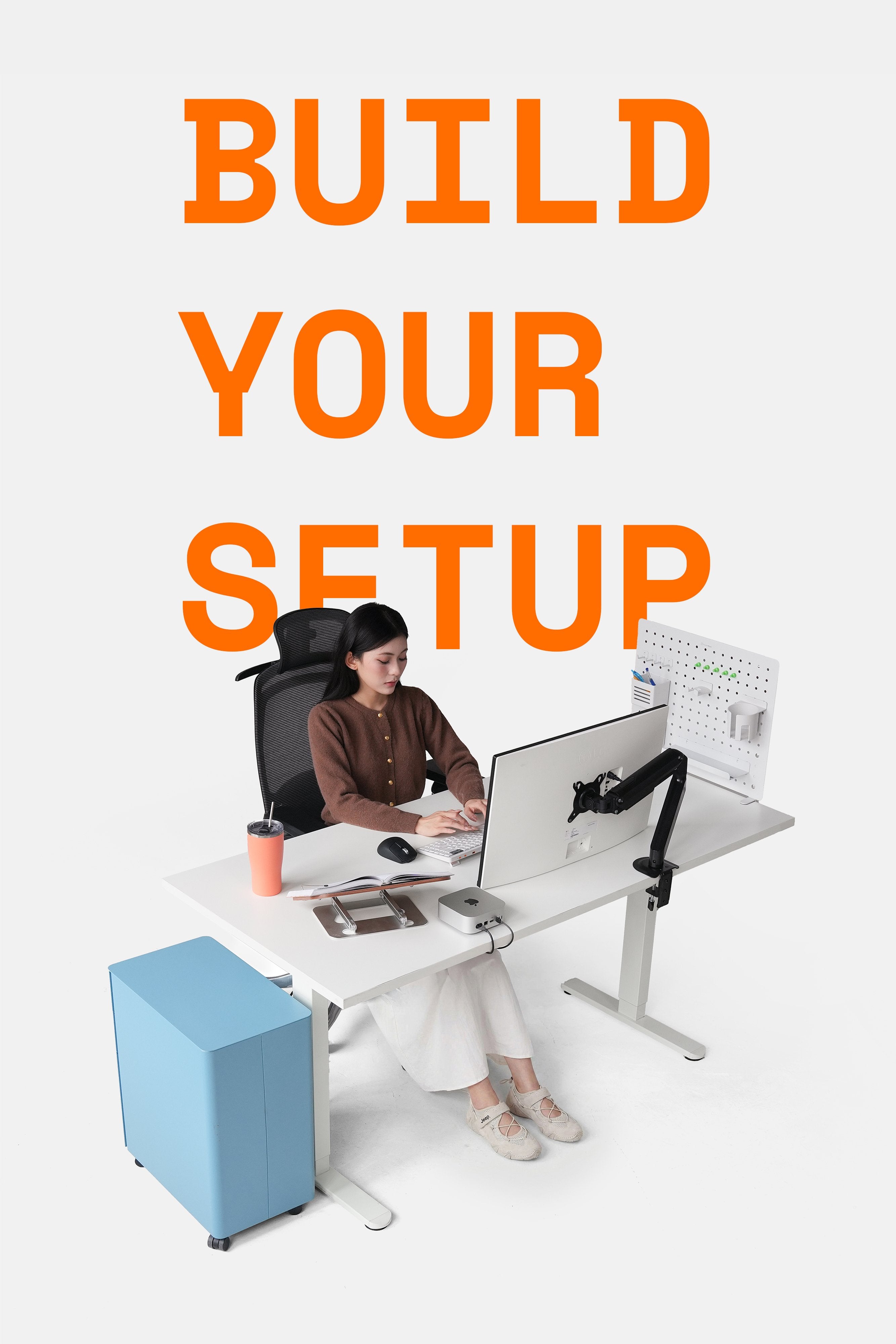
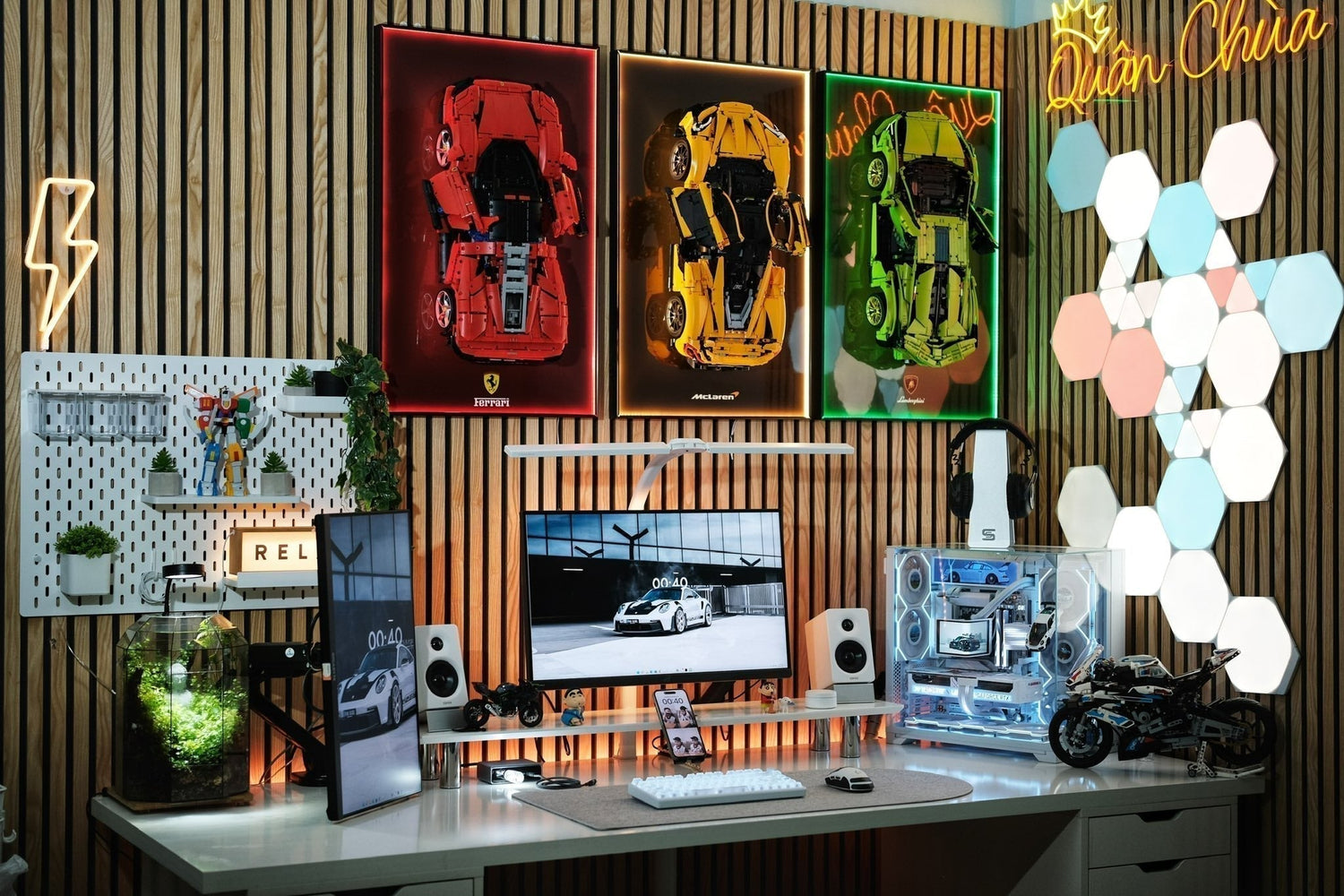
It's not just gamers who need a gaming workspace. The trend of building a combined gaming-study-work corner has become popular in many setup forums in Vietnam. This is because everyone wants to build a setup that is both beautiful and versatile, providing comfort for both work and entertainment.
As a brand specializing in standing desk solutions, monitor arms, and ergonomic accessories, HyperWork shares with you a guide to building your dream gaming corner - based on practical experience from thousands of customers who have trusted HyperWork products and services.
1. Start with a solid, hi-tech desk
In a gaming setup, the desk is not just for placing equipment; it also largely determines the daily user experience. Unlike traditional T-shaped or K-shaped gaming desks, HyperWork standing desks offer many clear advantages:
- Sitting to play games is normal, standing to play games is cool
When gaming, many people experience pressure on their neck, shoulders, and back due to sitting for too long. A standing desk helps you switch from sitting to standing in just 10 seconds, reducing stiffness and keeping you more alert during combat or ranking up. While sitting, players have a certain level of focus with eyes at monitor level. Meanwhile, standing helps reduce back fatigue and increases alertness.

Some models suitable for gaming spaces:
- Apex (2 motors, 3 stages, solid for large monitors)
- Active (2 motors, 2 stages, reasonable price but still sturdy)
- Wide tabletop, good load capacity for multi-monitors and multiple devices
Many gamers use 2-3 monitors for multitasking or ultra-wide monitors. HyperWork tabletops with good vibration resistance and load capacity will allow you to:
- Place 34-49 inch OLED/QD-OLED monitors
- Place PC + console + soundbar
- When using a 1.6m tabletop, there is still space for combat maneuvers
- Optimized cable management
HyperWork desks come with an ecosystem of cable management accessories:
- CM01, CM02, CM03 cable trays can be clamped to the desk, stuck to desk legs, or the tabletop...
- Velcro Tape to bundle cables, avoiding tangles and making maintenance easy
2. Flexible viewing angles with monitor arms
If the desk is the foundation, then the monitor arm is the device that elevates the gaming experience to a new level.
- Instantly increase desk space
When switching from a traditional monitor stand to an arm, the desk is freed of all space under the monitor, removing the base obstruction while adding wide space for mouse movement, placing the keyboard, speakers, etc.

- Perfect viewing angle, no neck fatigue, avoiding poor body posture
Monitor arms help raise the screen to eye level, adjust distance, left and right to closely match gaming needs, and can even rotate vertically for streaming, chatting, or reading comments. This advantage is particularly suitable for FPS, MOBA, racing gamers, and streamers.
- Choosing the right arm for your gaming style
HyperWork has arm lines with a true gaming vibe: T9 Pro II (RGB LED version with 20 strips), T9 Pro III with a bold appearance, and VisionX bringing superior strength for large monitors. Additionally, the upcoming MA03 mic arm also features a gaming style with an eye-catching design.

3. Create long-term comfort with an ergonomic chair
Unlike traditional gaming chairs, HyperWork believes that an ergonomic chair is the right choice for Vietnamese users - those who often setup a gaming corner for study and work purposes as well. An ergonomic chair combines both needs well, not being too aggressive in design but providing superior comfort. Specifically, besides avoiding stuffiness, especially in summer, HyperWork's full-mesh ergonomic chairs also feature:
- Adjustable backrest recline, mesh tension/slack support for the spine
- 4D-6D adjustable armrests
- Adjustable seat pan
- Comfortable recline for resting

4. Complete the experience with gaming accessories
Accessories are what transform an ordinary gaming corner into a much more beautiful and satisfying one. HyperWork has a rich and highly practical ecosystem of accessories.
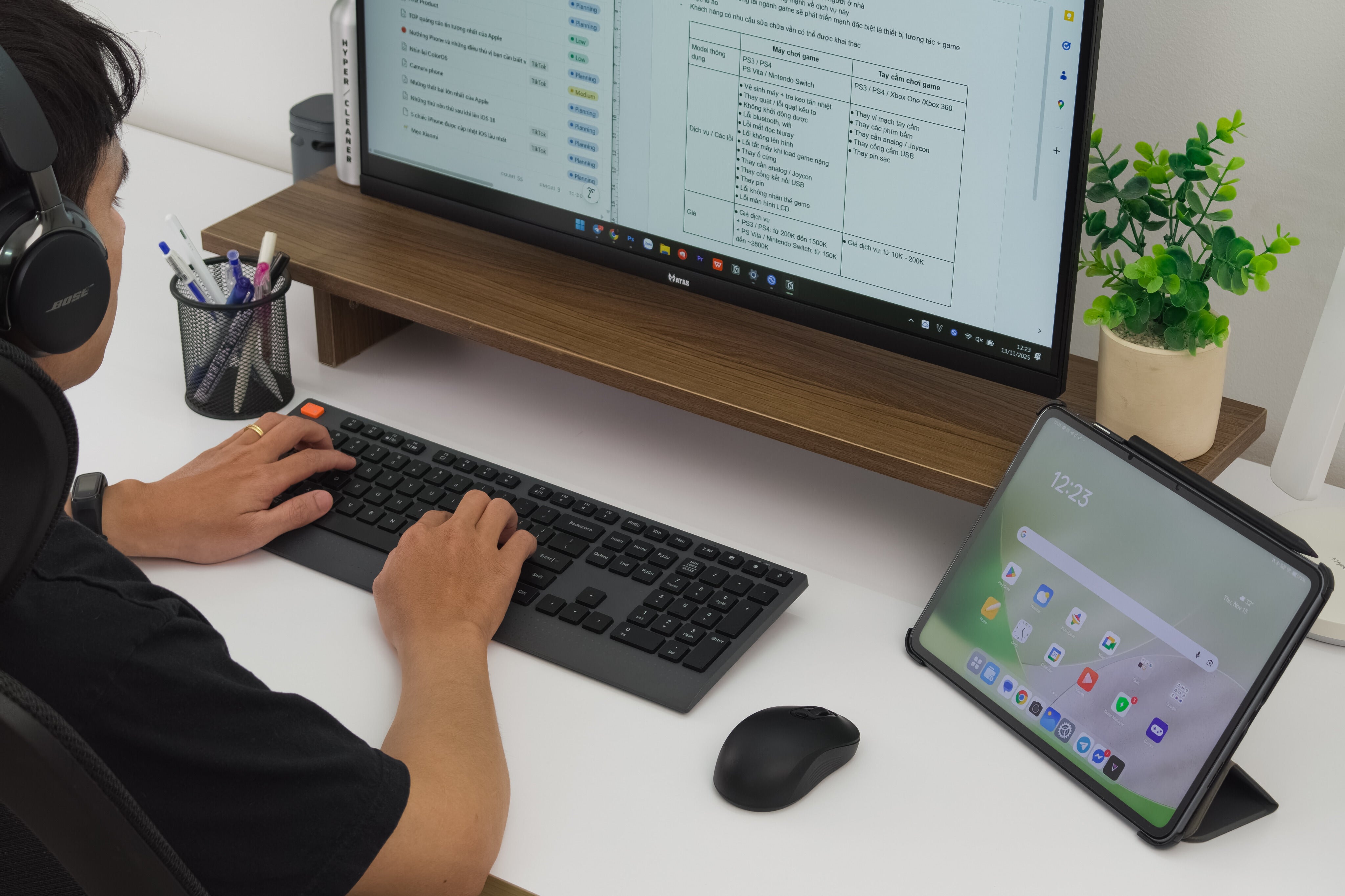
- Monitor riser to raise the screen, increase space, and hide accessories
The DS02 monitor riser is a top choice for raising the screen, placing soundbars, game controllers, and creating compartments for keyboards, notebooks, and pencil cases to keep the gaming desk tidy. With a 30 kg load capacity for the wooden surface, 5 kg for the lower shelf, and 5 kg for each drawer, users can comfortably use it for any gaming setup.

- Desk-clamp Pegboard: a place to display gear & accessories
An Aster pegboard will be perfect for displaying PS5 controllers, keycap collections, headphones, figurines, etc.
- Professional cable management system
Reduce visual clutter and increase aesthetics with cable management solutions like the CM03 tray with uniform holes and secure screw mounting, or the CM02 desk-clamp cable tray, CM02 adhesive cable tray, and Velcro straps to aim for a neat, clean desk that increases focus.
- Quality mouse, keyboard, and mouse pad
If you want a gaming style, we suggest the Fable mouse pad with a Speed surface that serves gaming needs well (including FPS titles).

- Noise reduction for small rooms
Additional suggestion for gamers living in apartments: acoustic panels, thick rugs, noise-canceling gaskets... This will keep you focused and avoid affecting others.
Frequently Asked Questions:
Question 1: How to choose the right products for your gaming room?
HyperWork suggests a simple approach, suitable even for beginners:
Step 1: Determine the room area
- Under 8 m²: prioritize small desks (120–140 cm) and monitor arms to save space
- From 8-12 m²: can balance with 140–160 cm desks
- From 12 m² and up: don't hesitate with a full setup including 160-200 cm desk + arm + pegboard + DS02 monitor riser
Step 2: Determine the number of monitors & game genres played
- FPS, MOBA: prioritize flexible arms
- Ultra-wide racing: choose VisionX or T9 Pro III to lift large monitors
- Streamers: prioritize mic arms + multi-monitors

Question 2: Benefits of setting up a gaming room with HyperWork
- On-site installation in Hanoi & Ho Chi Minh City, standard and safe setup, no need for self-assembly
- Free consultation based on actual floor plans; just send a photo of the room, and the team will advise on a suitable layout or support sending project information to the nearest authorized dealer in your area
- Clear warranty, easy to repair, easy to replace components
- Solutions suitable for the budget & needs of Vietnamese users



Leave a comment
This site is protected by hCaptcha and the hCaptcha Privacy Policy and Terms of Service apply.