

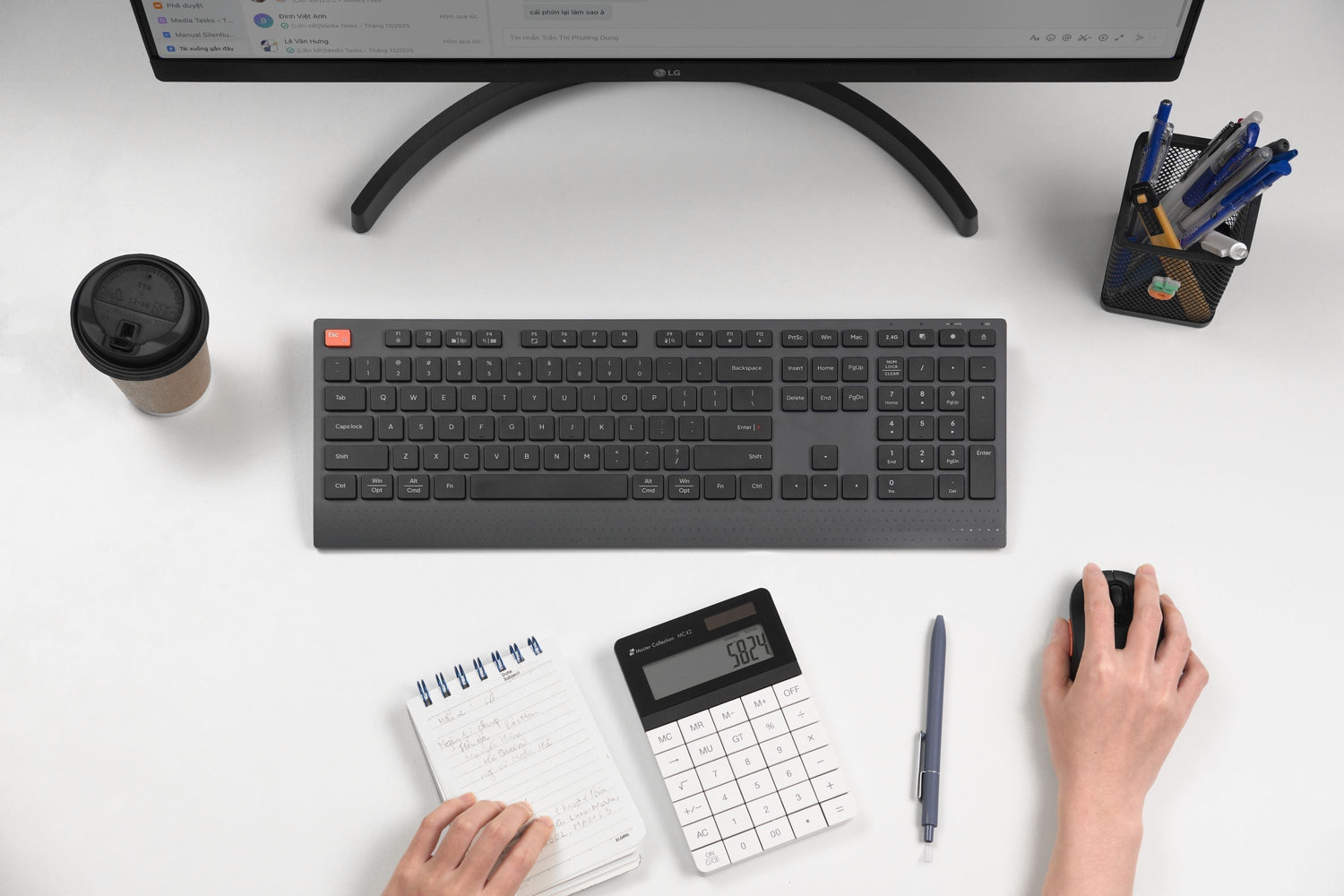
When choosing a wireless mouse or keyboard, most users look at battery capacity (mAh) as the deciding factor for usage time. A 500 mAh battery should surely last longer than a 300 mAh one, but is that actually true?
There are many mouse and keyboard models with only 280–300 mAh that still run for 35-45 days, while some 500 mAh models require recharging after 25-30 days. So why does a smaller battery last longer? And how can users choose the right product for their daily workload?
What is battery capacity?
Battery capacity is not power consumption. mAh only reflects the size of the power container. A larger container doesn't mean it's efficient; it might even consume more.
With wireless mice and keyboards, power consumption is the deciding factor for battery life. The actual formula: Battery Life = Battery Capacity / Power Consumption
You will see immediately:
- 300 mAh consuming 6 mA/h: ultra-long battery life
- 500 mAh consuming 14 mA/h: battery drains quickly
This is why a smaller battery can still last a long time.

What is power consumption?
Arguably, this is the most important factor determining device usage time. Power consumption represents the device's ability to "burn electricity": the lower the burn rate, the longer the device lasts without needing a charge.
Mice and keyboards with low power consumption and slow battery drain usually use modern controller chips, optimized for energy efficiency, and are capable of entering Deep Sleep Mode very quickly.
Factors affecting power consumption typically include:
- Processing Chip (MCU): New technology MCUs help save power, handle sleep mode intelligently, and maintain stable connections without wasting battery.
- Switch: Low profile switches on keyboards usually consume less power, while mechanical switches tend to drain the battery faster.
- High DPI, gaming sensors: Mice with high DPI levels from 2400-3200-6000 can consume more battery than office mice.
- Connection: Bluetooth is more power-efficient compared to a receiver (which has lower latency but higher consumption).
- LED lights: This is the most significant battery "burner," especially with RGB LEDs and breathing effects.
Real-world Examples
Scenario 1: Small battery capacity but with optimized chip technology + no LED
- Battery capacity: 300 mAh
- Power consumption: Low
- Connection: Bluetooth 5.0
- Battery life: 40-60 days
Scenario 2: Large battery capacity but with RGB LED + continuous 2.4GHz connection
- Battery capacity: 500 mAh
- Power consumption: High
- LED on at 20-40% brightness
- Battery life: 25-35 days
Scenario 3: Same capacity but different usage behavior
- Office user: Intermittent typing, longer battery life
- Gaming user: Continuous mouse movement, fast battery drain
What should users consider when choosing a wireless mouse or keyboard?
- Don't choose based on mAh, choose based on usage needs
- For office tasks, prioritize Bluetooth to optimize battery life
- For design, coding, or continuous data entry, prioritize keyboard stability and low latency, accepting average charging frequency
- For entertainment and gaming, prioritize low-latency 2.4GHz receiver connections, though you will need to charge more frequently

- Factors more important than battery capacity
- Power consumption (mA)
- Chip technology
- Primary connection type
- LED or non-LED
- Sleep mode
- Optimized software (firmware)

- Battery life also depends on user behavior
- Keeping LEDs on can reduce battery life by up to 60%
- Using 2.4GHz continuously consumes more battery than Bluetooth
- Intermittent work increases battery life due to Sleep Mode



Leave a comment
This site is protected by hCaptcha and the hCaptcha Privacy Policy and Terms of Service apply.