
If you spend 8-12 hours a day working in front of a computer, maintaining a proper sitting posture is crucial for long-term productivity and comprehensive health prevention.
However, it's common to see colleagues, or even ourselves, sitting incorrectly. Typical examples include dangling feet, which puts pressure on the thighs, lack of lumbar support for the natural curve of the spine, or a forward-leaning head causing neck strain, etc.
How can we improve these stubborn habits and sit with better posture every day? Let's explore the following tips from HyperWork.
Adjust your ergonomic chair for proper posture
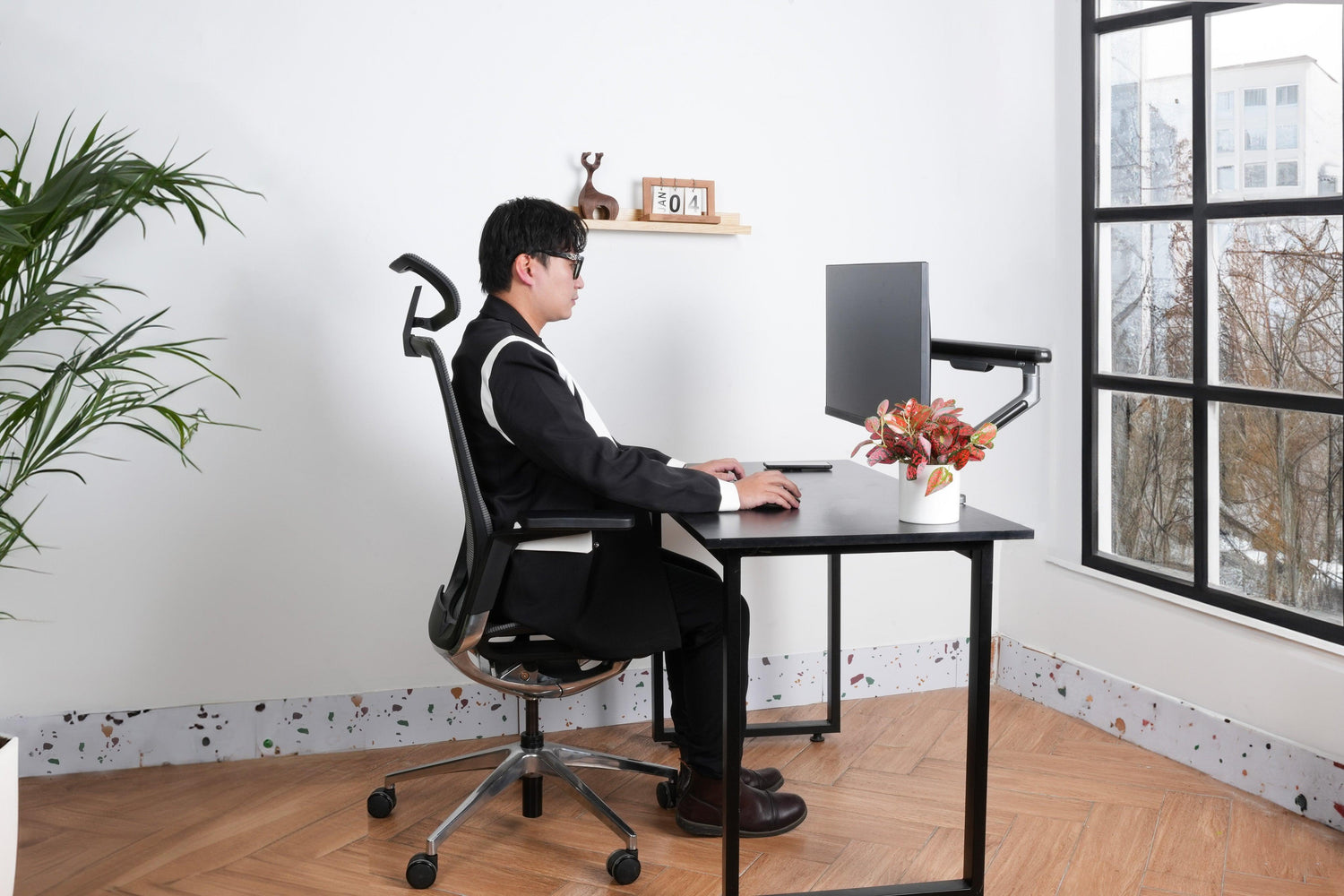
First, adjust the backrest, seat pan, headrest, armrests, and height of your chair to suit your body type.
The lumbar region should be your primary focus as it dictates your overall sitting posture. A 90-degree sitting angle isn't always ideal; you need to create a 25-30 degree angle between your lower back and thighs to ensure your lumbar spine is supported along its natural curve.
To achieve this, utilize the recline and tension adjustment features to allow the chair to perfectly support your lower back.
- If you are lightweight, increase the tension to allow the backrest to support your body weight at a 25-30 degree recline.
- If you are heavier, recline and lock the tilt mechanism to automatically fix the chair at a 25-30 degree recline.

Meanwhile, the chair height is considered correct when:
- Your feet are flat on the floor and your thighs are parallel to the ground, forming a 90-degree angle at your knees.
- Your hips are level with or slightly higher than your knees, and your arms rest comfortably on the desk.
If the chair is too high for the correct posture, your entire body will lean forward to work with the screen, leading to rounded shoulders and neck pain. Conversely, if the chair is too low, it will compress your legs, causing back pain and joint pain.
After adjusting these two factors, adjust the seat pan, headrest, and armrests for maximum comfort and suitability.

Adjust your desk for proper posture
Choosing the right desk for work isn't just about material and style; it also requires adjusting the desk height to suit the user's body, especially for custom-built desks at home.
To balance the desk height when buying or installing, you can perform the following check:
- Sit with your back against the chair and your feet parallel to the floor (or on a footrest).
- Extend your arms forward for comparison. The ideal height for your desk is when your forearms are parallel to the ground and form a 90-degree angle at your elbows.
- The desk height should allow your shoulders to be relaxed and your elbows to form a 90-degree angle.

A desk that is too high or too low can cause strain on the shoulders and neck. If the desk is too high, your shoulders will hunch, leading to shoulder and neck pain. If the desk is too low, your arms will be strained, causing wrist and elbow pain.
Additionally, make sure to position your desk an arm's length away from you for the best experience when interacting with your screen and keyboard.
Add accessories to help maintain correct sitting posture
Your desk and chair are designed to fit your body and physique. But don't forget to add some other accessories to help you easily adjust device positions or support proper posture.
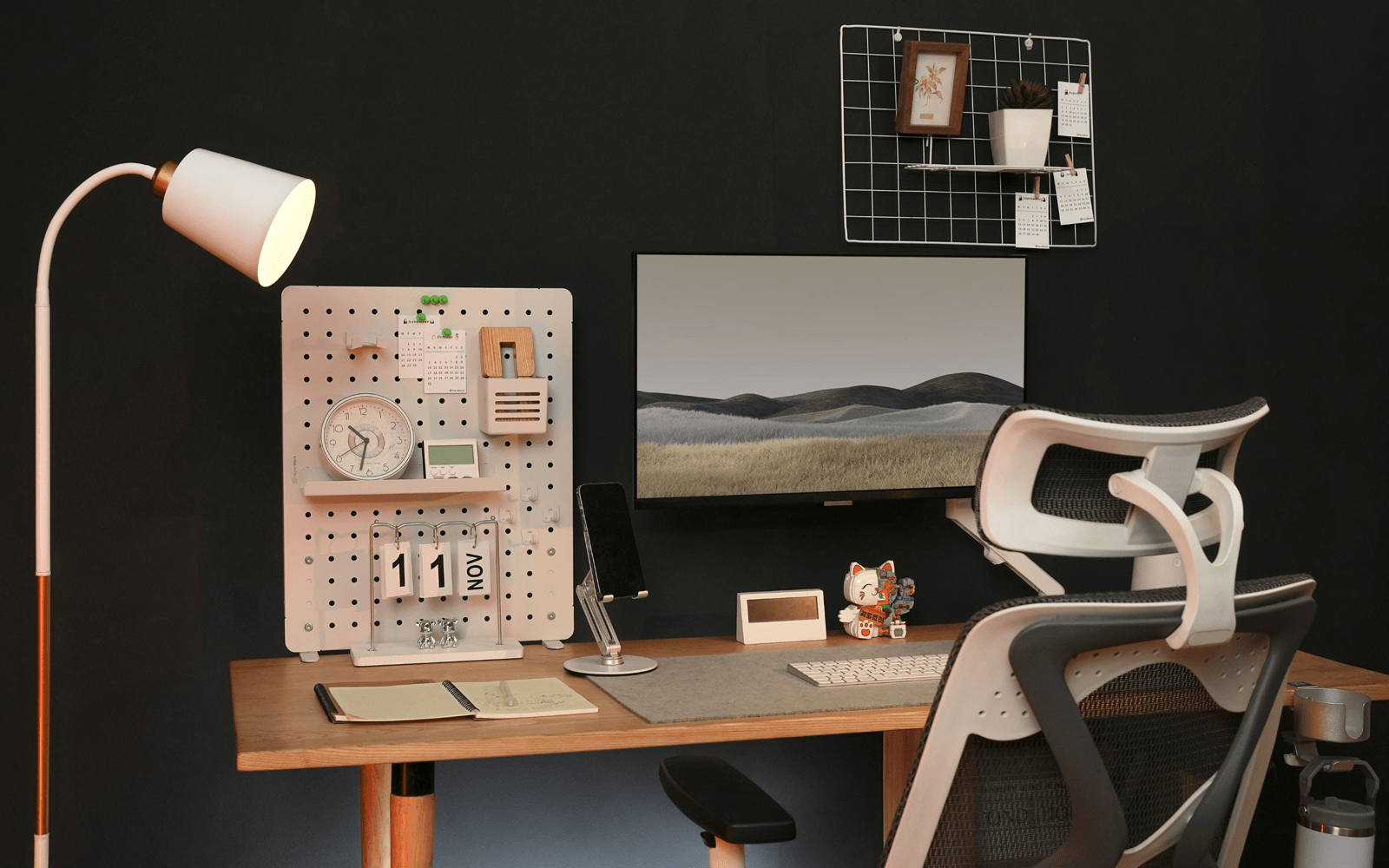
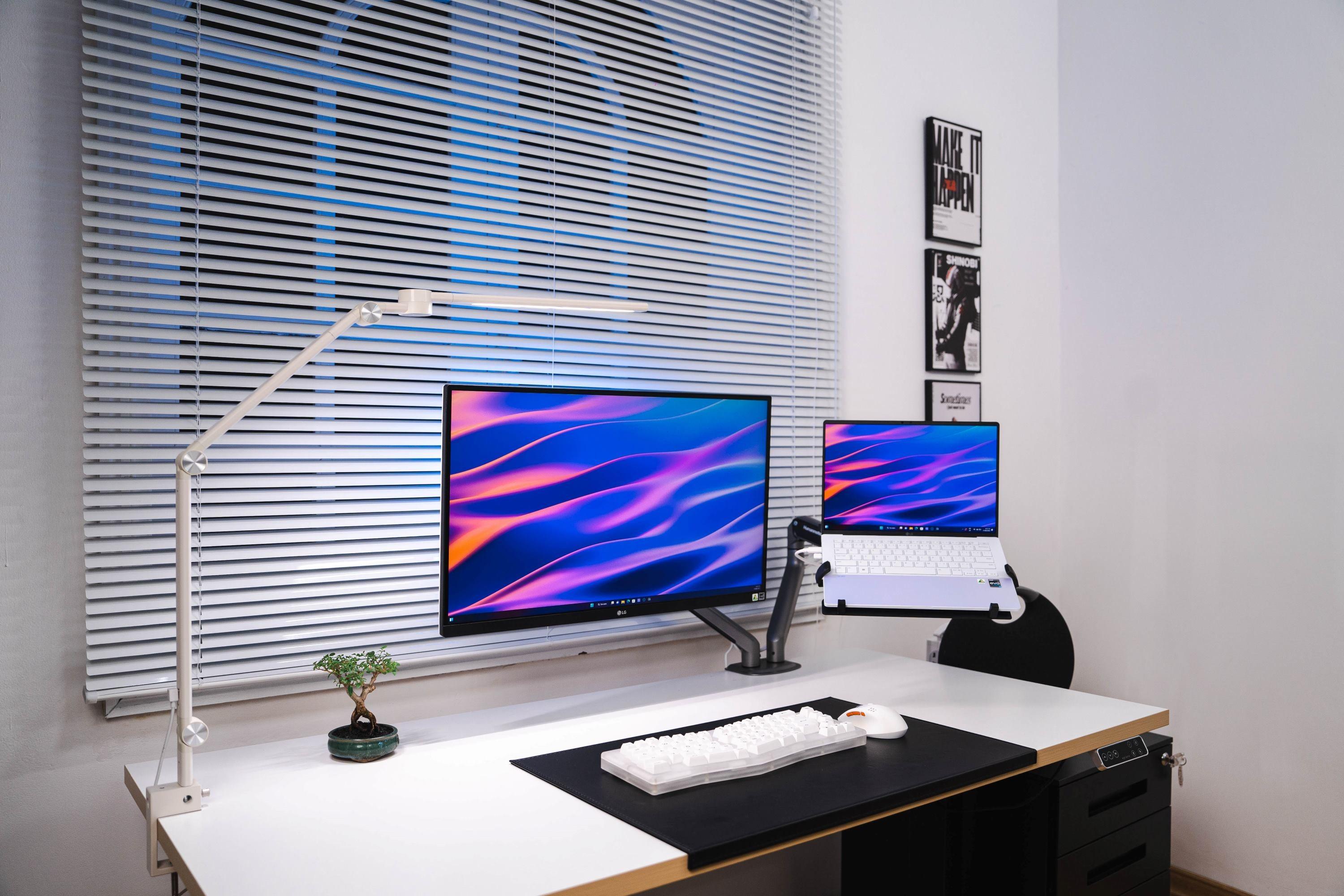
Stands such as monitor stands, laptop stands, phone stands, and microphone stands help you adjust devices up/down, left/right, push them further/pull them closer, or tilt/recline them. This helps you maintain a proper distance between your eyes and the screen or easily interact with those devices.


A footrest helps reduce pressure on your thighs and glutes, especially suitable for shorter individuals, providing maximum comfort while you work.

Alternate between sitting and standing work
Another tip for you is to alternate between movement and work. Avoid maintaining a continuous sitting posture for many hours; instead, stand up, stretch, roll your eyes, or simply chat with colleagues or snack every 30 minutes to 1 hour to ensure your body gets proper relaxation.
A growing trend in office environments is standing work, which helps free up the body, reduce back pain, muscle tension, and excess weight, improve muscle tone, and benefit mood and work productivity. Experts recommend alternating standing work with sitting work every 30 minutes.




Leave a comment
This site is protected by hCaptcha and the hCaptcha Privacy Policy and Terms of Service apply.