
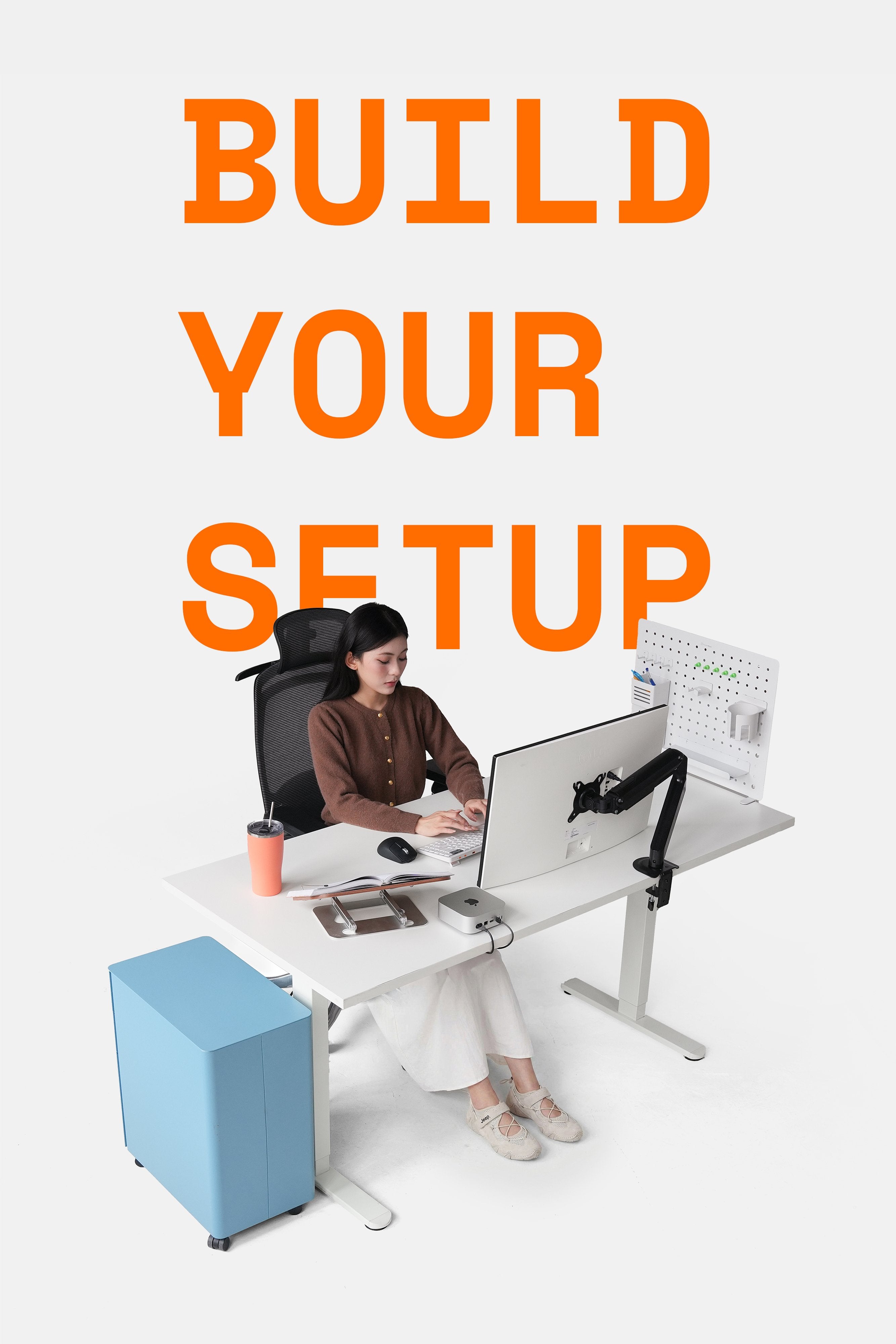
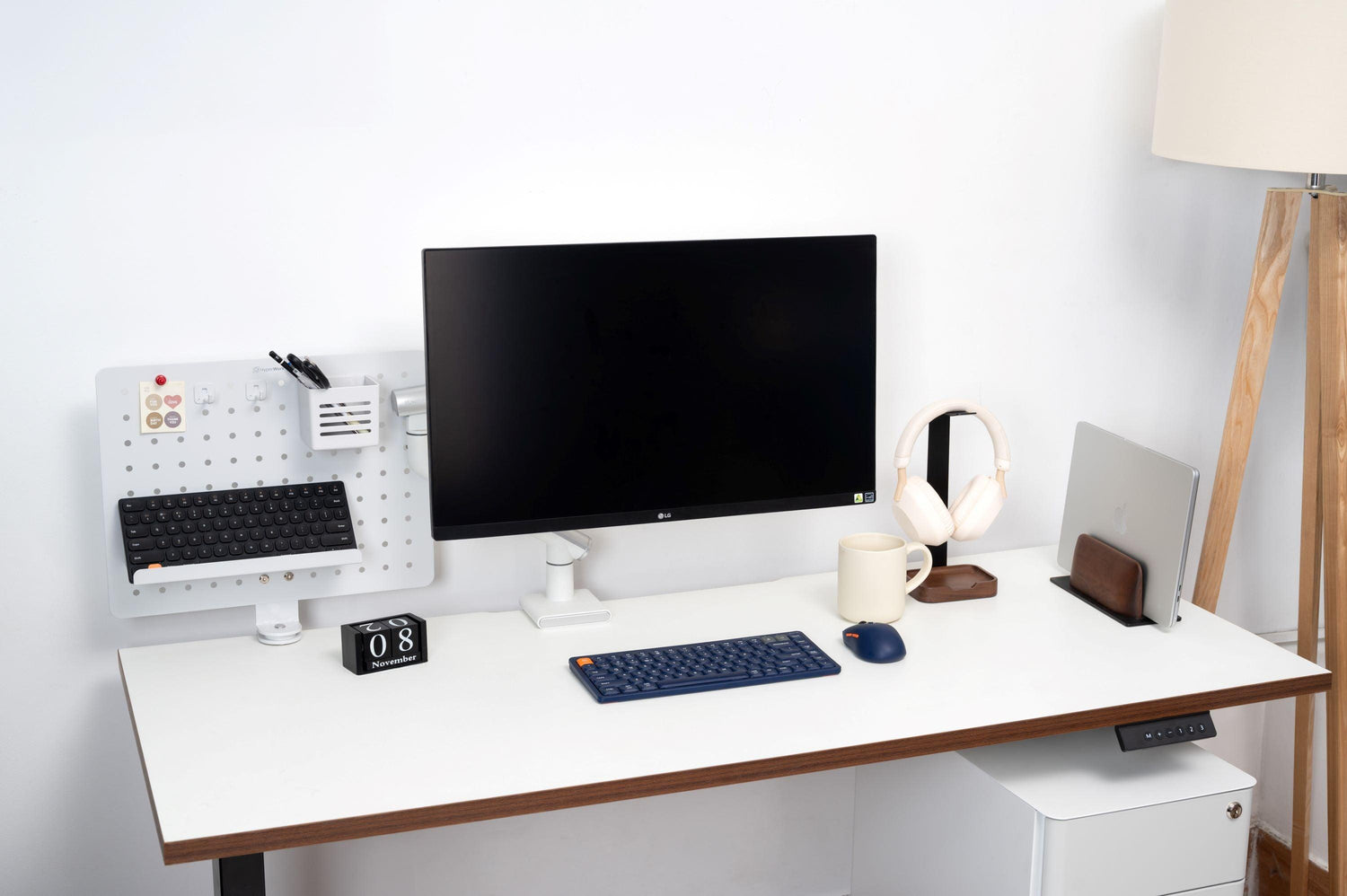
Setting up a workspace and entertainment area is truly a challenge. Because instead of just placing each accessory and device on the desk, we also need to consider whether the arrangement will help us feel comfortable when sitting for long periods. Here are 5 tips that might be useful for you.
\n1. Don't place your desk too close to the wall
\nPlacing a desk too close to the wall can help us utilize significant space, especially in small rooms that also integrate a bedroom. However, many real-world examples will show you that placing a desk too close to the wall causes significant inconveniences.
\n- For tall individuals with longer legs than torsos: a desk against the wall means their legs also touch the wall, leading to discomfort over long periods.
\n- Difficulty attaching accessories: monitor stands, microphones, laptop stands, tablet stands, LED lights, etc., require a certain amount of space behind the desk when clamped. Additionally, electronic devices can easily hit the wall and get damaged if not adjusted flexibly.
\n
- Creates marks on the wall: a desk placed too close to the wall can chip paint, creating long unsightly streaks.
\n- Screen glare from reflections: when a desk is placed against the wall, natural light from a window or a light fixture directly on the wall often shines onto or down onto the screen, causing shadows and glare. This can make users feel uncomfortable, especially for tasks involving color accuracy or intricate details that are easily mistaken.
\n
2. Considerations when installing drawers, shelves, or racks under the desk surface
\nThe area under the desk is where you rest your feet when working or relaxing for many hours. Many people have a habit of sitting cross-legged on their chair, but that's not truly a good habit. When your feet have enough space and are properly supported, it reduces pressure on your thighs and glutes, preventing numbness, tension, and aches.
\n\n

Therefore, if you're trying to utilize the area under the desk to install additional cabinets, shelves, or drawers, it's something you should definitely reconsider. Because then, these furniture items will inadvertently take up legroom, causing obstruction, and even leg pain or pressure on your thighs when sitting for long periods. If you still want to integrate cabinets, shelves, or drawers, these accessories need to meet the following criteria:
\n- The desk has a large length, and the cabinet occupies less than half of the desk's length.
\n- The desk has a large width, and the shelf is installed as far from the legs as possible, occupying less than half of the desk's width.
\n- Drawers need to be thin enough not to touch the thighs, especially when users sit for extended periods and tend to pull their legs up. Drawers should also be of moderate length, not occupying the entire desk length.
\n
3. Don't buy too many decor or setup items
\nThis is certainly a tip that any architect or space designer would \"remind\" you of. If large projects like a house or office have such considerations, then a workspace setup definitely needs to avoid this mistake.
\nSome accessories and items might suit others or different setups but are not entirely necessary for you. Or, over time using your setup, you'll tend to figure out which items are truly essential, avoiding FOMO that leads to waste.
\n4. Pay attention when adding bookshelf speakers
\nIn many trending setups on social media recently, we often see users incorporating bookshelf speakers on their desks. These are moderately sized speakers that still offer relatively good sound quality, suitable for limited spaces. However, we need a few considerations when setting them up:
\n- Speaker size relative to the desk: If the desk isn't wide enough, two bookshelf speakers might take up too much space, making it feel cramped. A desk measuring around 1.6m x 2m would be more ideal than basic 1.2m or 1.4m models.
\n
- Sound quality: Some types of wooden or glass desks – sound-reflective materials – can affect the sound quality produced by the speakers. A cluttered space with too many items can also prevent bookshelf speakers from performing at their best. Therefore, pay attention to placing the speakers where their sound isn't blocked by walls or obstacles (personal items, decor, etc.), and the placement should be slightly above eye level for good dispersion.
\nAdditionally, an unstable desk can cause the speakers to vibrate and hum during operation, especially with bass-heavy sounds. Consider using anti-vibration pads or speaker stands to mitigate this.
\n5. Arrange lighting according to your needs
\nLighting needs vary for each person and specific job. However, within the scope of this article, we will only address two needs: working extensively with computers and working with traditional books and papers.
\n- For those who work extensively with computers
\nWhen working with computers for long periods, we often experience dry, tired eyes. Lighting needs to ensure this condition is reduced while also avoiding \"blurring\" or \"glare.\"
\nSpecifically: Light intensity should be evenly distributed to prevent eye strain. When setting up, you can focus on minimizing light reflections from windows or direct light sources onto the computer screen. If overhead lighting is primary, prioritize supplementing it with desk lamps that offer flexible light angles to illuminate without causing glare. According to experts, the light intensity in a computer workspace should range from 300-500 lux.
\nNatural light is ideal, but if it cannot be utilized, artificial light needs to be bright enough to maintain comfort. Regarding color temperature, white light or neutral light (around 4000K-6500K) is a good choice for computer work. This light helps reduce eye strain and does not cause shadows or glare. Light that is too yellow can reduce contrast and make it difficult to see the screen clearly.
\n
- For those who work extensively with books and papers
\nFor reading or writing, lighting is also a critically important criterion to protect your eyes and maintain comfort over long periods.
\nSpecifically, light needs to be focused on the reading area without causing shadows or glare. Soft, focused light and a desk lamp with adjustable height and beam angle are suitable for your needs.
\nFor reading, warm light (around 2700K-3000K) will help soothe your eyes and create a comfortable space, especially when reading for extended periods. Warm light also helps you avoid feeling stressed or experiencing eye strain when continuously working with books and papers.
" } ```



Leave a comment
This site is protected by hCaptcha and the hCaptcha Privacy Policy and Terms of Service apply.