
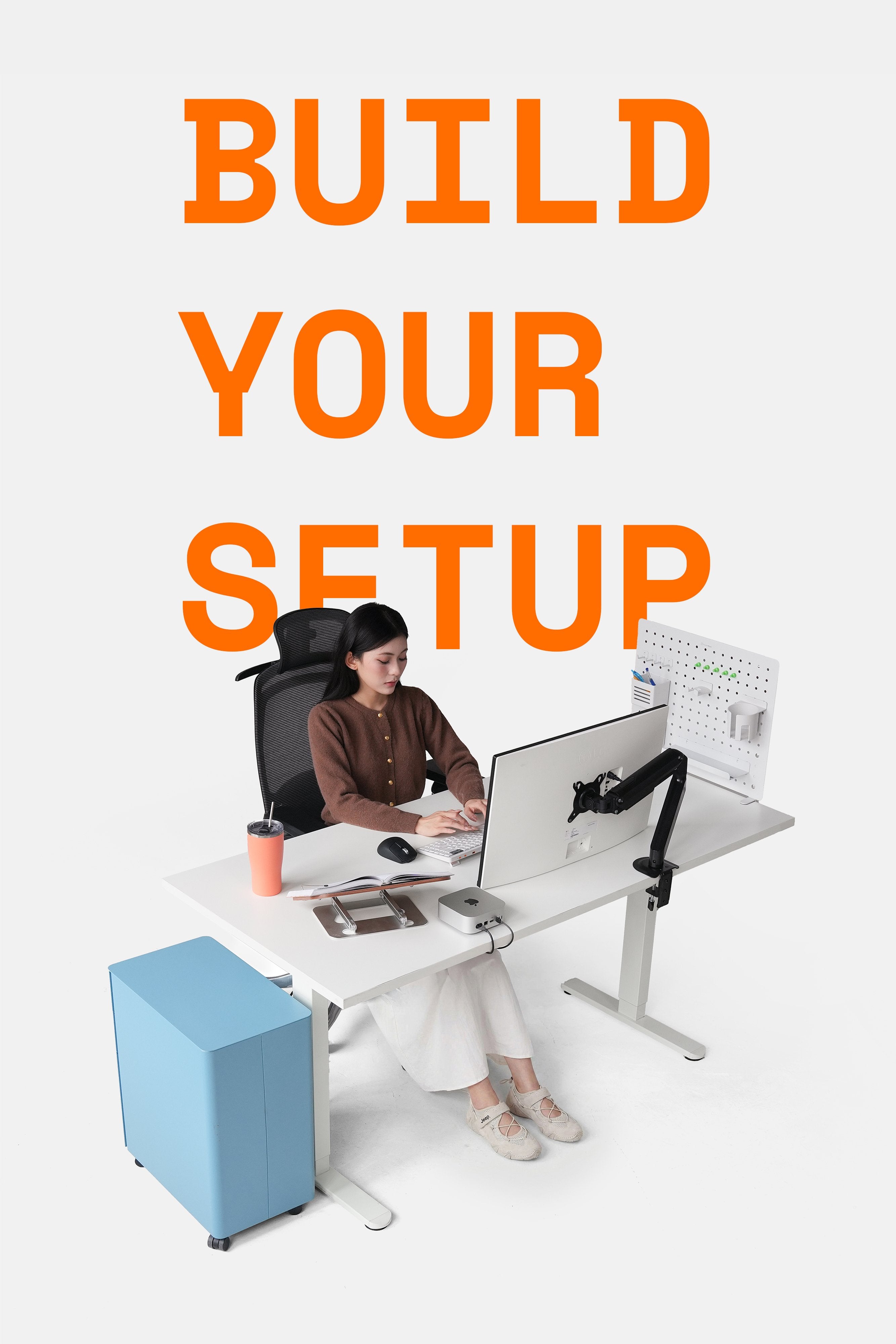
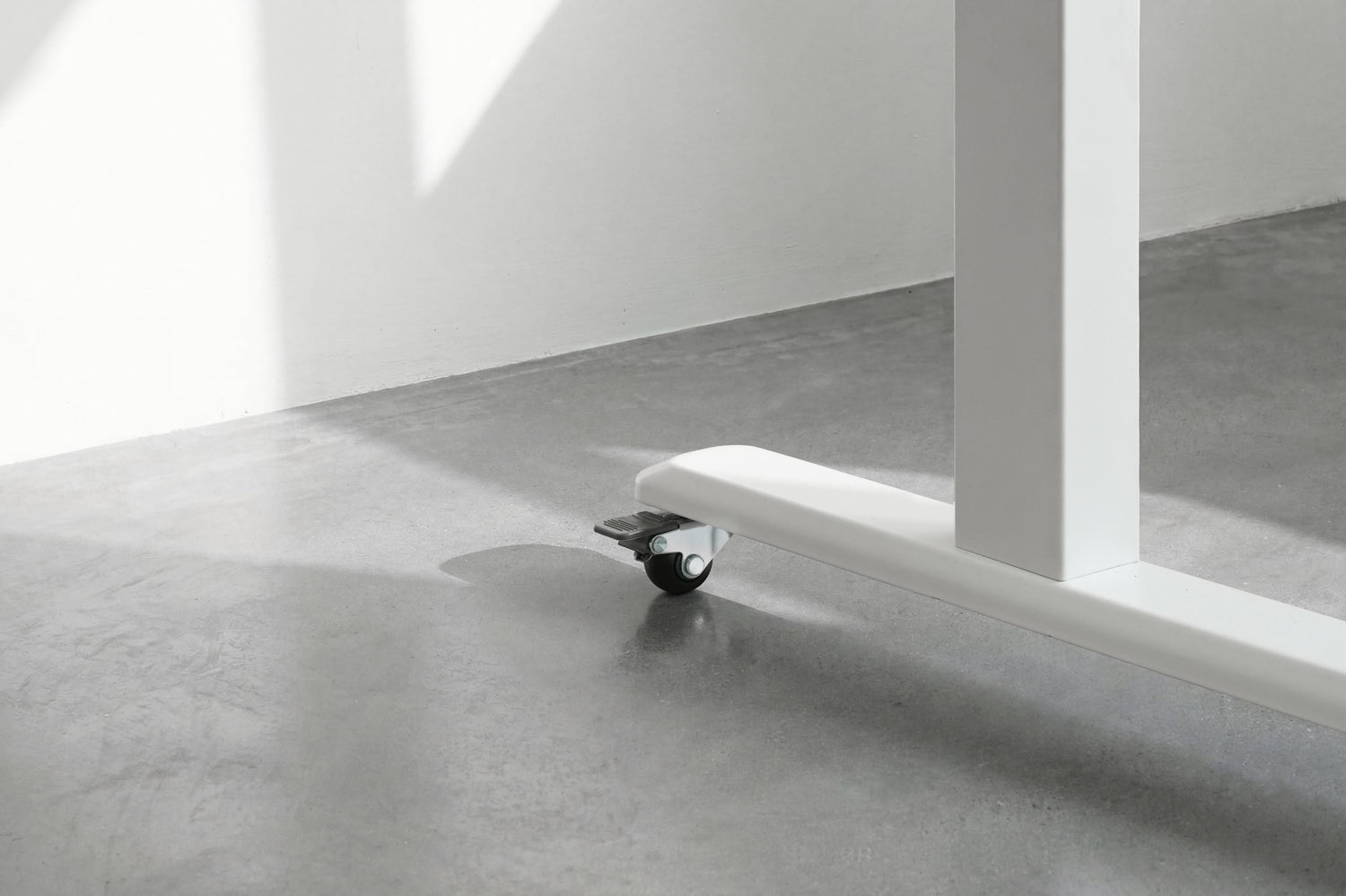
A desk that stays in one place? That's a thing of the past. From hybrid offices and creative studios to home workspaces, the need for mobility, layout changes, and quick cleaning has led many to consider installing casters for their desks.
However, installing casters is more than just adding an accessory. Choosing the wrong type, incorrect thread size, or insufficient load capacity can cause the desk to shake, tilt, or even become unsafe during use.
This article provides a complete checklist applicable to both electric standing desks and fixed office desks, helping you install casters correctly for long-term peace of mind.
Should You Install Casters on Your Desk?
When should you install casters?
- The workspace requires frequent layout changes
- Hybrid offices, training rooms, or collaborative areas
- Need to move the desk for easier cleaning and maintenance
- The desk is used as a secondary or flexible workstation

Casters provide flexible mobility for desks in modern spaces
When should you reconsider?
- The desk has a very heavy load (multiple monitors, heavy PC)
- The desk is frequently used at its maximum height
- The floor surface is uneven, causing potential instability
Distinguishing Between Two Desk Groups for Caster Installation
Standing Desks
Standing desks are unique because they constantly change height, creating dynamic loads during adjustment.
- If unsuitable casters are installed:
- The desk may vibrate noticeably when raised high
- Imbalance between the legs
- Reduced overall stability of the lifting frame
Therefore, casters for standing desks must have the correct thread, sufficient load capacity, and secure locks.
Fixed Office Desks
Even without height adjustment, fixed office desks (bench desks, modules) are often fitted with casters to:
- Easily move entire desk clusters
- Optimize space when reconfiguration is needed
- Suit flexible offices and co-working spaces
For this group, the main issue isn't height adjustment, but rather:
- Uniformity between casters
- Ability to maintain the setup layout during movement
Checklist for Installing Casters on Your Desk
This is the most important part. Whether it's a standing desk or a fixed desk, you should thoroughly check the following factors.
Check Thread Size and Desk Legs
The symbols M8 and M10 refer to the thread diameter of the caster (in mm).
- M8: 8 mm thread diameter
- M10: 10 mm thread diameter
These two types are not interchangeable. Choosing the wrong thread may prevent installation or result in a loose fit, causing wobbling or thread failure.
The most accurate way to check is to use a caliper to measure the largest outer diameter of the thread.

Accurately measuring caster thread size
Calculating Load Capacity by Desk Type
Don't just look at the desk's weight. You need to calculate the actual total load, which usually includes the desk frame, tabletop, monitors, monitor arms, PC, accessories, and items permanently placed on the desk.
Formula: Total Load / Number of Casters = Minimum Load per Caster
For standing desks, prioritize casters with a higher load capacity than calculated, as the load is not static.
Why Are Locking Casters Mandatory?
For standing desks, locking the casters prevents the desk from drifting when raised while reducing vibration and increasing stability. Meanwhile, for fixed office desks, locking casters help maintain a stable layout after arrangement and prevent the desk from sliding during work.
Therefore, it is best to choose casters with secure locks that are easy to operate and provide good control.
Notes on Installing Casters for HyperWork Desk Series
For Standing Desks
For standing desks like HyperWork Atlas/Apex/Active
When installing casters for standing desks, prioritize:
- Correct thread standard for the desk legs
- High load-bearing casters (capable of meeting the desk's dynamic load capacity)
- Safety locks
For Office Desks
For modular desks like the Core Desk
- Check for uniform caster height
- Lock casters to maintain desk position
- After installation, place the desk on a flat surface for final leveling
Common Mistakes When Installing Casters for Desks
- Choosing the wrong M8 or M10 thread
- Insufficient load capacity leading to desk wobbling
- Over-tightening causing thread stripping
- Not locking the casters during use
- Uneven installation leading to a shaky desk
Most of these errors do not stem from poor-quality casters, but from incorrect selection or careless handling from the start.

Technical factors must be carefully checked before and after installing casters for office desks and standing desks
Conclusion
Installing casters for your desk offers many benefits: flexibility, convenience, and space optimization. However, for safe and long-term use, you must choose casters that match the desk type, correct thread size, load capacity, and locking mechanism. Only then will casters truly be a worthwhile upgrade rather than a potential risk during use.




Leave a comment
This site is protected by hCaptcha and the hCaptcha Privacy Policy and Terms of Service apply.