

A gaming mouse can be considered the most crucial tool for gamers, helping them optimize performance and experience while gaming.
There are many different gaming mouse shapes, and choosing the right mouse shape will depend on how you use the mouse and your personal grip style.
Popular Mouse Grip Styles
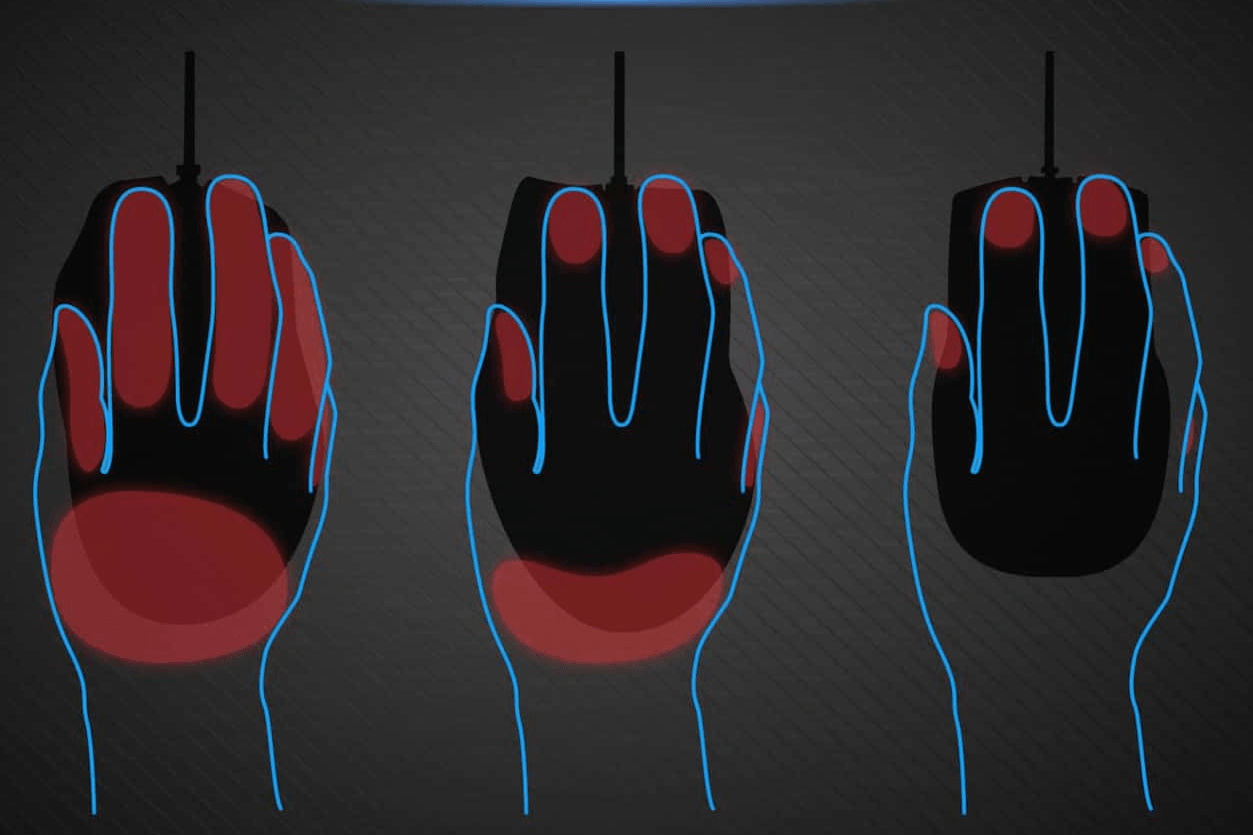
Palm Grip: This grip involves holding the mouse with your entire palm, with fingers curved downwards, creating a comfortable feel. This mouse style is suitable for those who prefer a heavier feel and prioritize comfort during long periods of use.

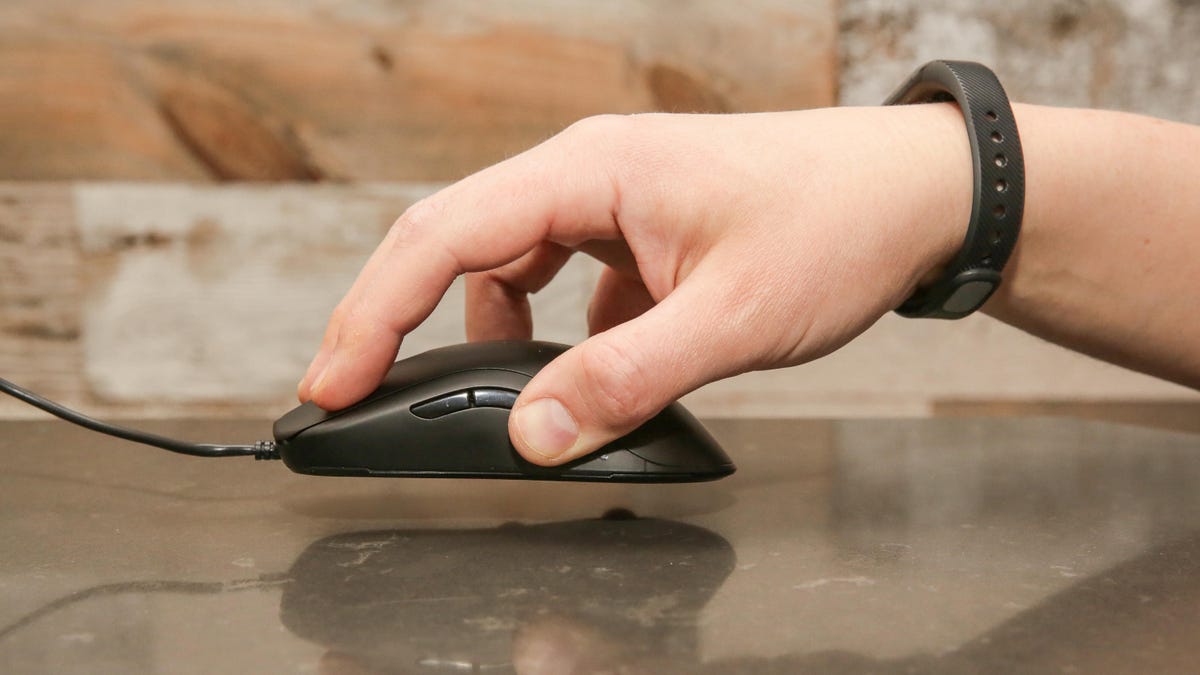
Claw Grip: With this grip style, fingers are slightly arched and placed on the buttons, allowing for better control. It's a combination of comfort and precision, suitable for players who need precise control but don't want an overly heavy mouse.
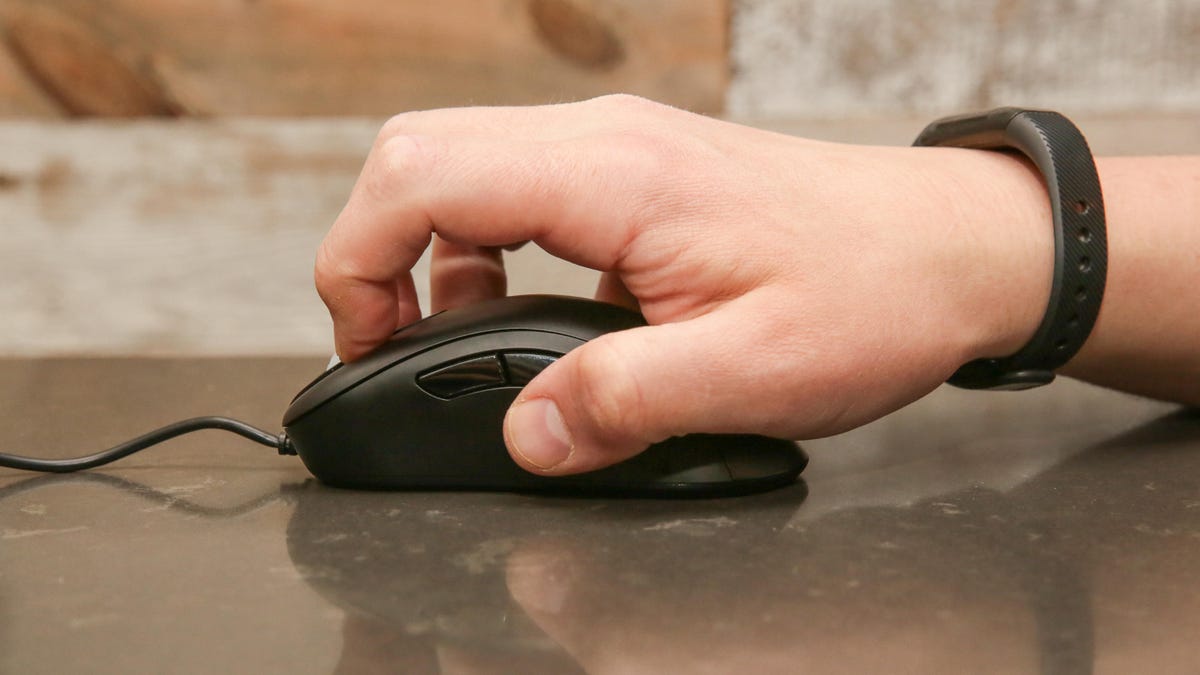
Fingertip Grip: This grip uses only the fingertips, allowing for minimal contact with the mouse body. This style is suitable for fast and flexible movements, often favored by FPS gamers.
Factors to Consider When Choosing a Mouse Shape
- Hand Size: Choose a mouse that matches your hand size for comfortable grip and use.
- Game Genre: FPS players often prefer lightweight mice with fast movement capabilities, while MOBA players typically prioritize control and a larger number of buttons.
- Mouse Weight: Some mice offer adjustable weights, allowing for personalization according to individual preferences. Currently, most gamers are switching to ultra-lightweight mice to minimize wrist strain during long gaming sessions.
Recommended Mice by Grip Style
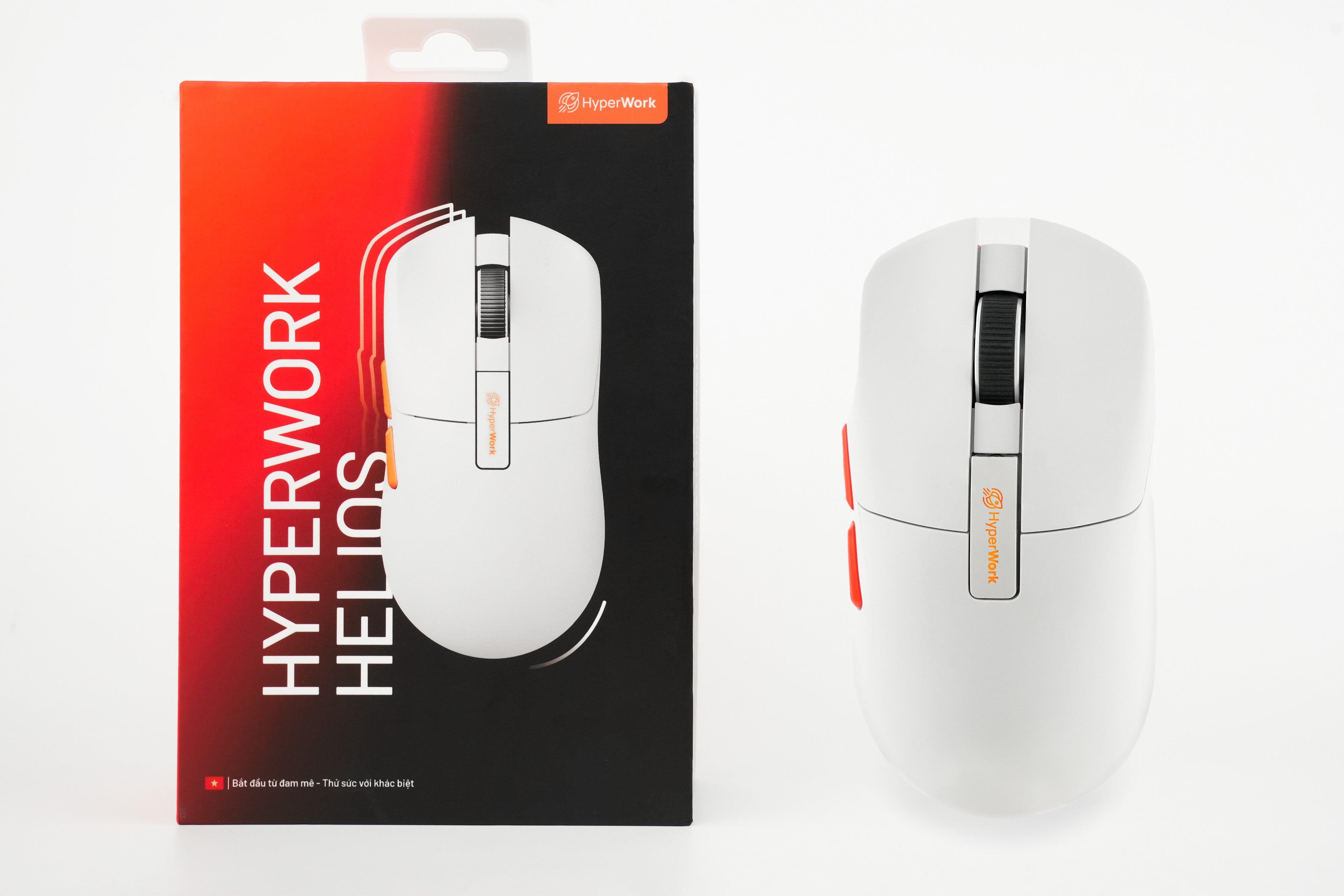
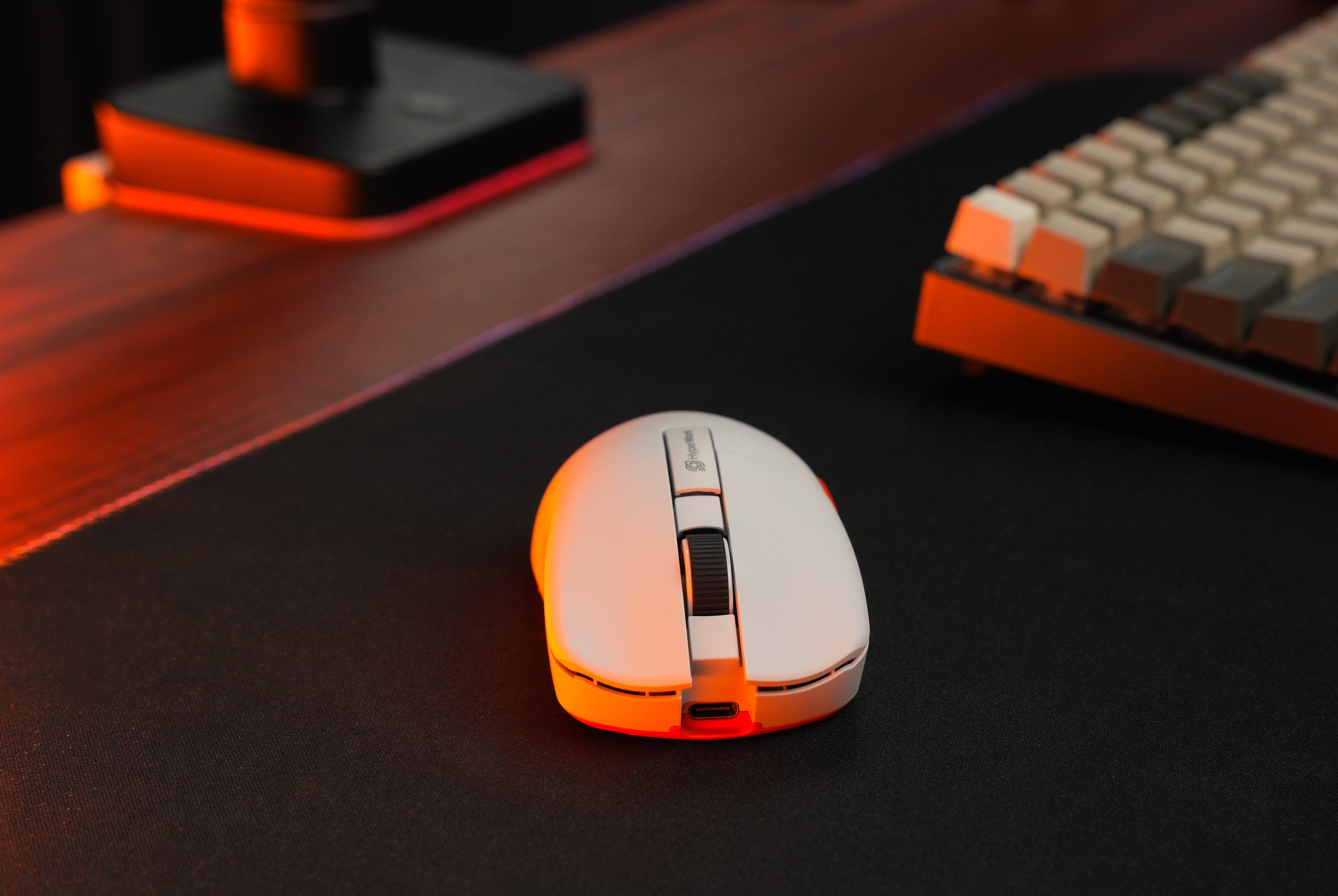
HyperWork Helios: Symmetrical, full-bodied, medium-sized design, suitable for both Palm Grip and Claw Grip styles.
Pulsar X2: Symmetrical design with a raised hump at the back, best suited for Claw Grip.
Razer Death Adder V3 Pro: Ergonomic design, large size, optimized for Palm Grip.
Logitech GPro X Superlight: Similar to HyperWork Helios with a symmetrical, medium-sized design. Suitable for both Palm and Claw Grip styles.



Leave a comment
This site is protected by hCaptcha and the hCaptcha Privacy Policy and Terms of Service apply.