
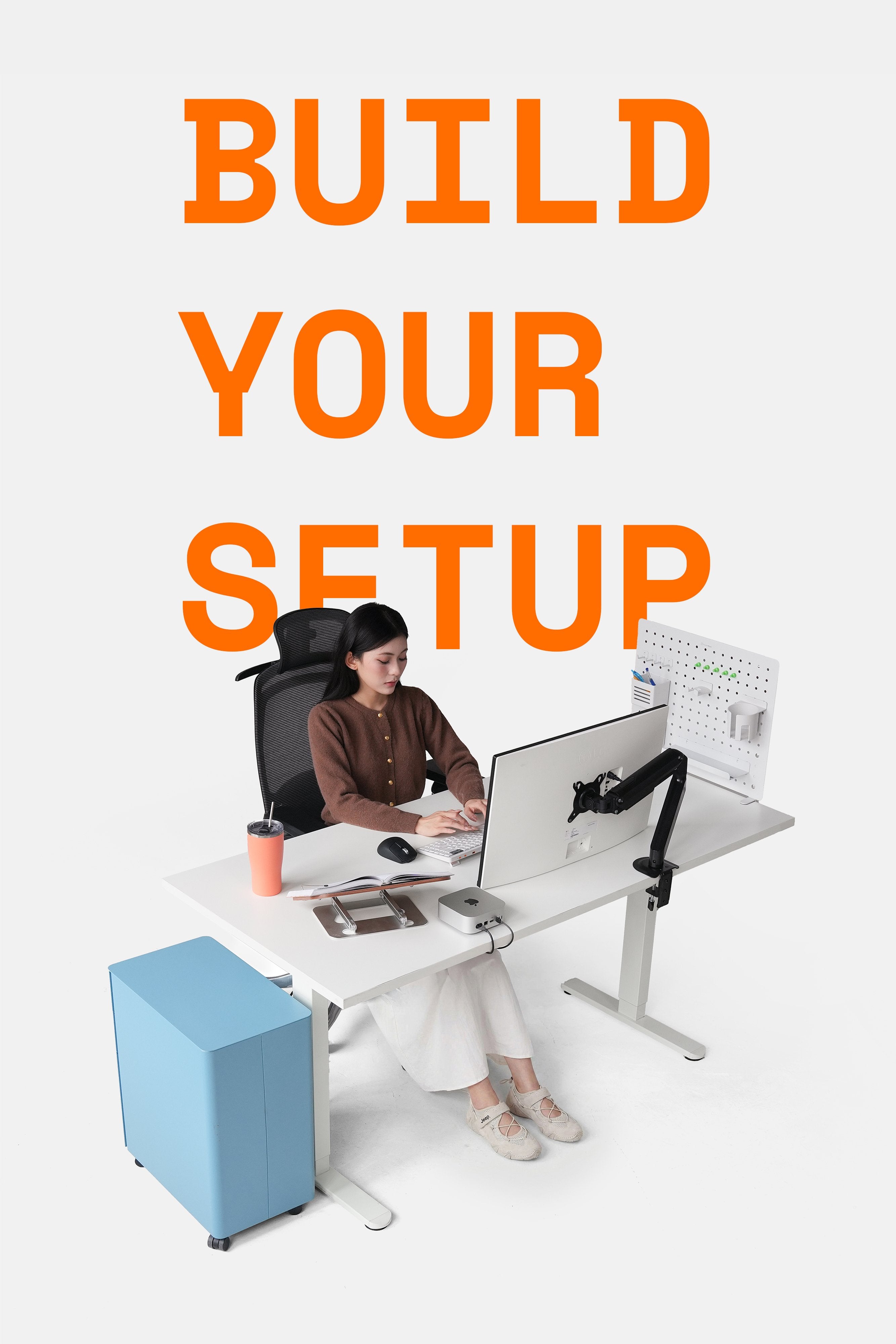
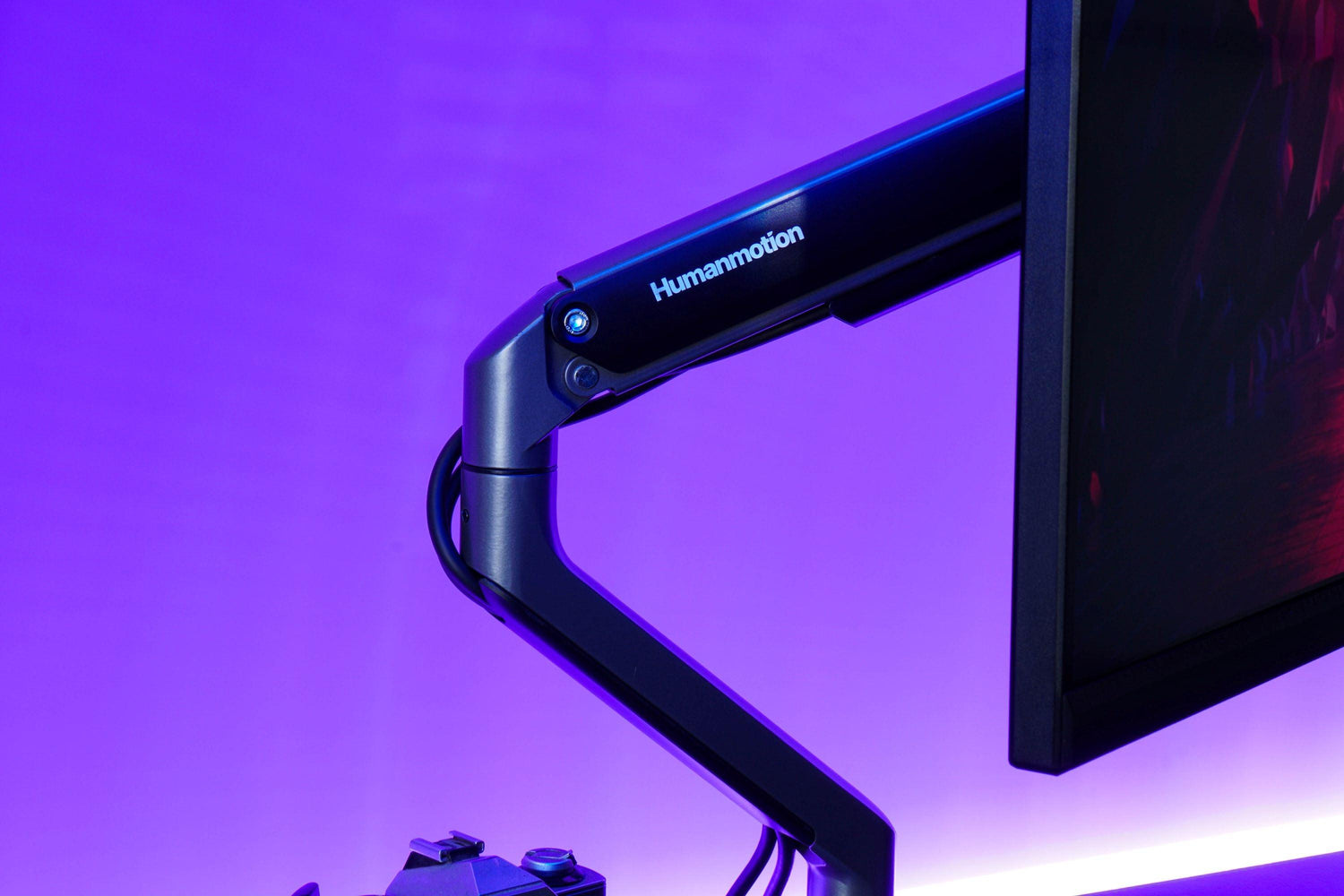
A monitor arm not only saves space but also helps users maintain proper posture, reducing strain on the head, neck, shoulders, and eyes by allowing suitable screen adjustments. To ensure the monitor arm operates effectively for a long time, regular maintenance should be considered to guarantee its performance and lifespan.
1. Why is maintenance necessary?
Monitor arms can wear out and break down with prolonged use. Factors such as dust, sweat from users' hands, and physical impacts will more or less affect the arm's performance and durability. Regular maintenance not only extends the arm's lifespan but also ensures optimal screen adjustability.

2. Detailed steps
HyperWork recommends the following cleaning steps to be performed regularly:
- Surface cleaning: Dust can accumulate on the monitor arm, making its operation less smooth and flexible. You should keep a soft, pre-moistened cloth at your desk and regularly wipe down the arm's surface. Typically, for indoor or office use, strong chemical cleaners are not necessary.
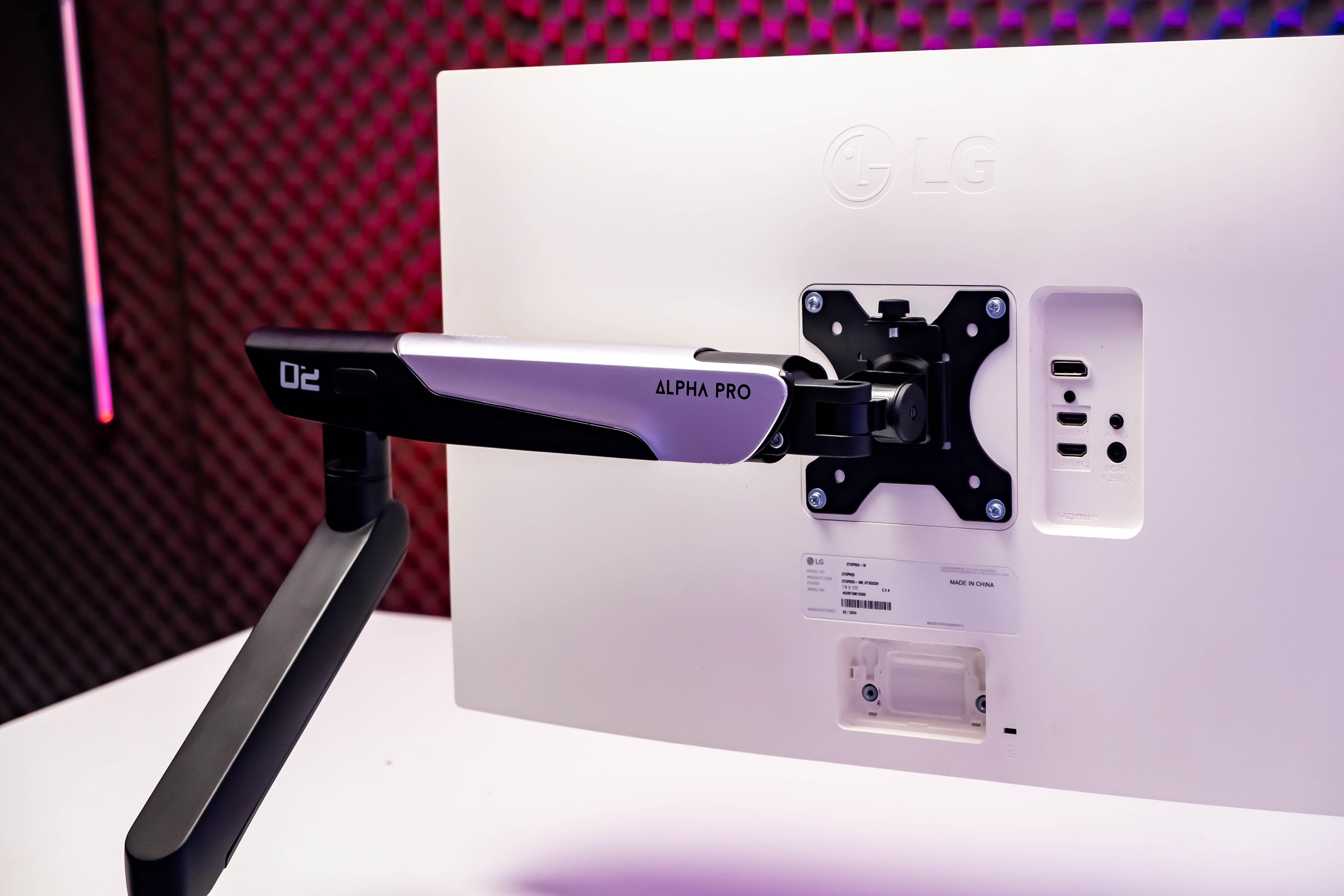
- Check durability and stability: Periodically inspect the screws and joints of the arm. If you find any signs of looseness, tighten them. This not only ensures the arm remains stable but also prevents unexpected accidents.
- Lubricate the joints: The joints of the monitor arm need to be lubricated regularly to ensure smooth operation. You can consider using specialized lubricants for mechanical devices.
- Check connection cables: If the monitor arm's cable management compartment holds cables connecting the monitor to power sources, check their condition to ensure the wiring is not tangled, causing breaks, exposed wires, or damage.

- Ensure proper posture and positioning: Re-adjust the monitor arm's position because, over time, a shifted or misplaced desk can cause the arm to be too close to a wall or other objects, leading to collisions or obstructing the screen's movement when adjusting the arm.
3. Benefits of monitor arm maintenance
Maintaining a monitor arm brings numerous technical benefits and ensures safety for users and surrounding objects.
- Reduces risk of injury: A well-maintained monitor arm helps keep the screen in the correct position, reducing pressure on the neck and back, thereby lowering the risk of injuries from improper working posture.

- Increases productivity: When the arm operates smoothly, you can easily adjust the screen to your needs, thereby increasing work efficiency.
- Saves costs: Regular maintenance helps detect potential issues early, avoiding warranty costs or the need to purchase new equipment.
4. When to maintain a monitor arm?
Some operations, as mentioned in part 2 of the article, can be performed regularly, but there will be some signs indicating that the monitor arm needs servicing or deeper intervention from specialized technicians:
- If you feel the screen shaking or unstable. Of course, some monitor arms will have a certain degree of play when installed (which is completely normal).
- When there are strange noises from the joints.
- If the arm is too difficult to adjust flexibly as it was originally.

By performing these simple and regular maintenance steps, you not only extend the lifespan of your monitor arm but also protect yourself and those around you during work. A comfortable and safe workspace will lead to higher productivity and greater job satisfaction in your daily work.



Leave a comment
This site is protected by hCaptcha and the hCaptcha Privacy Policy and Terms of Service apply.