

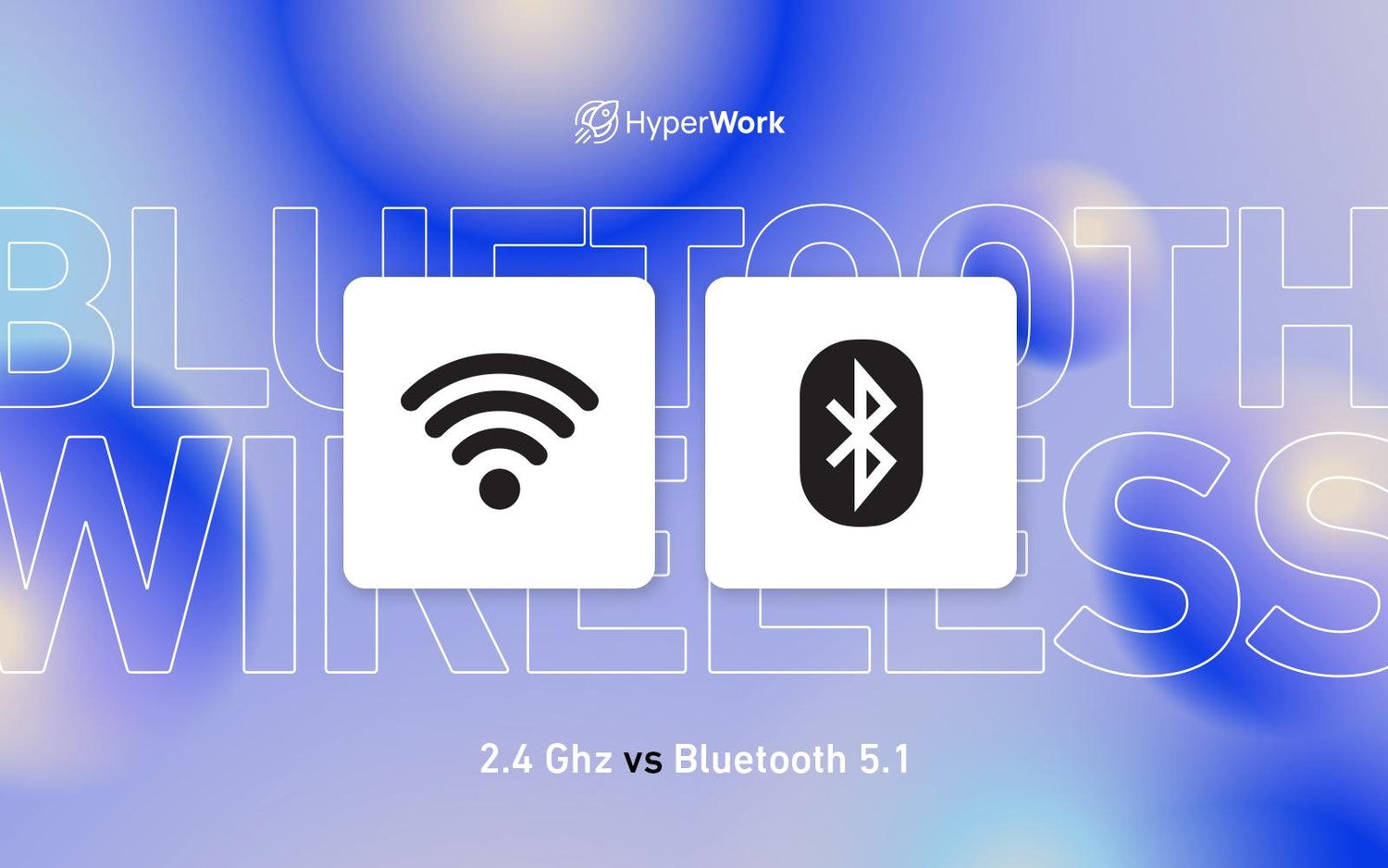
HyperWork's wireless devices simultaneously use both 2.4 GHz and Bluetooth 5.1, offering users diverse options for connecting to various devices interchangeably. Let's compare these two connection modes to help you make the most of your wireless devices.

2.4GHz
2.4 GHz WiFi transmits signals over a frequency band with a long operating range when connecting two devices. This connection standard offers speeds up to 450-600 Mbps, a transmission range of tens of meters, and a standard operating frequency of 802.11b. A distinctive feature of 2.4 GHz WiFi is the requirement for an attached receiver plugged into a USB port.
Operating with wide bandwidth, 2.4 GHz WiFi is an ideal choice when you need to connect devices over long distances. The addition of a hardware component like a USB port also helps 2.4 GHz WiFi connect more stably and transmit information and signals more quickly and easily.
Bluetooth 5.1
Bluetooth technology allows electronic devices to connect over short distances. With the rapid development of information technology and the increasing demand for faster connections, Bluetooth versions have been continuously upgraded, from 1.2, 2.1, 3.0, 4.0, 4.1, 4.2, 5.0, and 5.1. Bluetooth 5.2 is now also available but is not yet widely adopted across all electronic devices.
Comparing Bluetooth versions, each subsequent version always features upgrades and improvements in the speed of signal, information, and data exchange; an increased operating range; and better reduction of connection latency.
Bluetooth 5.1 is known for improvements such as precise direction-finding capabilities (AoA - Angle of Arrival and AoD - Angle of Departure) and automatic notifications when two devices are ready to connect.
Comparing the two connection modes
- 2.4 GHz: Provides fast speeds and stable, continuous connection signals thanks to the receiver. The connection distance is also more impressive than Bluetooth. Notably, instead of connecting via software on the device, users simply plug in the receiver for direct use.

- Bluetooth 5.1: The advantage comes from not needing a bulky receiver, which can also be easily lost due to its small size. Many modern devices or specific devices like phones and tablets do not use USB ports, requiring an intermediate cable for connection, which can be cumbersome and complicated.

HyperWork's wireless devices, such as the HyperOne Gen 2 wireless mechanical keyboard, Helios gaming wireless mouse, and Silentium mouse, all use these two connection standards to connect to multiple devices interchangeably during work.


However, for wireless devices that operate on batteries, HyperWork recommends using Bluetooth connection mode to prevent rapid battery drain. While Bluetooth connection does have some latency, it is negligible compared to 2.4 GHz, and typical office tasks do not demand extremely high sensitivity from device connections. This allows you to take advantage of the long battery life of HyperWork wireless keyboards and mice for work and entertainment without interruption.




Leave a comment
This site is protected by hCaptcha and the hCaptcha Privacy Policy and Terms of Service apply.